
Every year Microsoft Build drops a firehose of announcements aimed at developers, wrapped in words like Foundry, IQ, and agentic. Most of it sounds like a different language, and most of it does not matter to you.
But buried inside Microsoft Build 2026 are a handful of things that genuinely will. Think new AI models in your everyday apps, a personal work agent for your busywork, and a quantum chip with a wild 2029 promise. Here is the plain English version, ranked by what touches your life.
How to Read This: Microsoft made dozens of announcements at Build 2026, most of them for enterprise developers. We pulled out the seven that affect everyday users, creators, and curious tech fans, then explained each in simple terms. Skim the headers, stop where it gets interesting.
1. New AI Models Land Inside PowerPoint and More
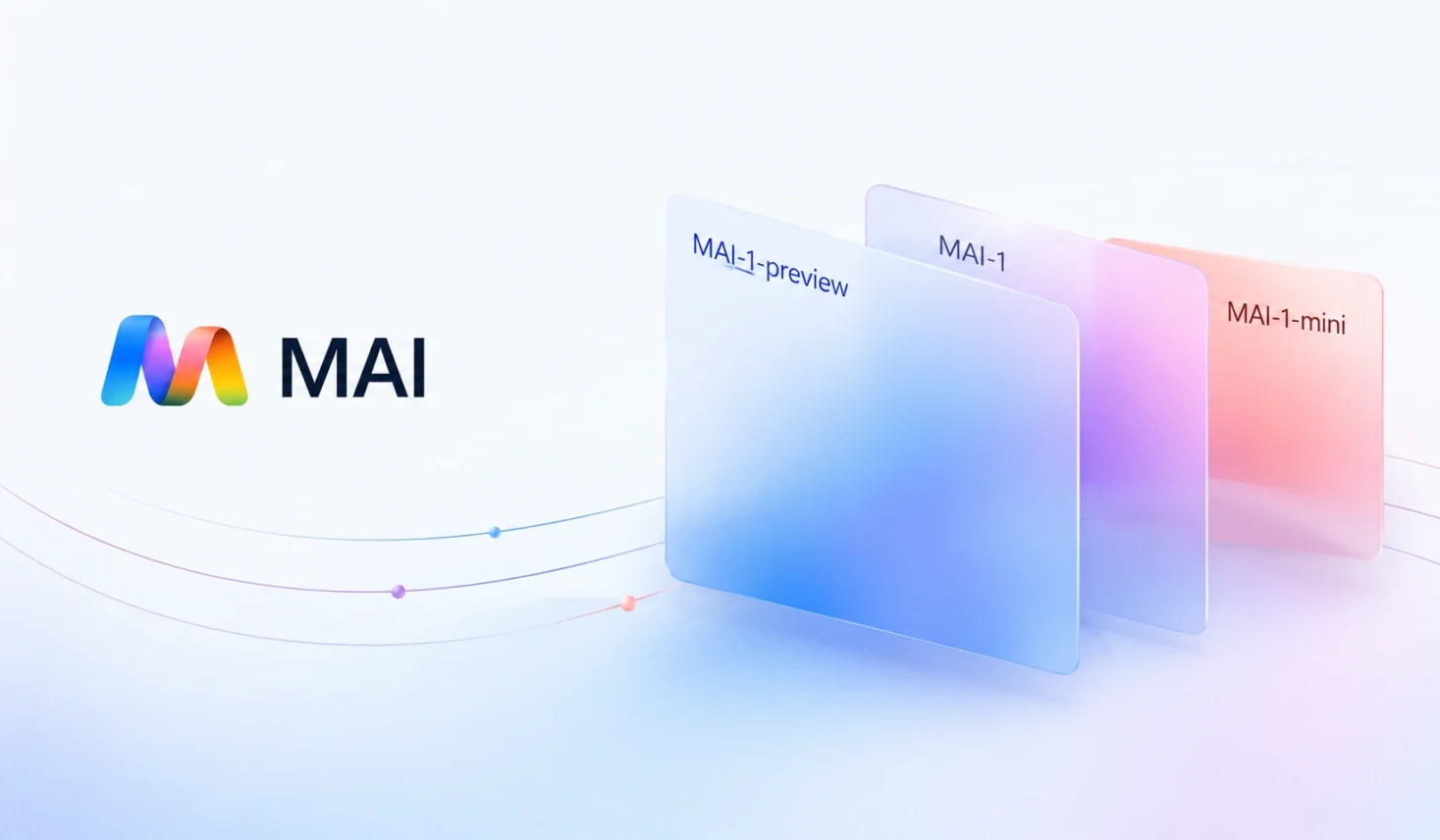
This is the one most people will touch first. Microsoft’s AI team released a family of new in house models, and some are already showing up in apps you use.
The image models, called MAI Image 2.5, are live in PowerPoint and rolling out on OneDrive. They handle text to image, where you describe a picture and it makes one. They also do image to image, where you tweak an existing image. Microsoft says the image to image version ranks number two on a popular AI quality leaderboard.
Why This Matters: If you build slides, you may soon generate or polish images without leaving PowerPoint or paying for a separate tool. That is a real, everyday time saver, not a far off promise.
2. Microsoft Scout: A Personal Agent for Your Workday
Microsoft announced Microsoft Scout, an always on personal agent for work. Per the official Microsoft blog, it understands how you work, lives in tools you already use like Teams and Outlook, and handles things on its own.
The idea is that Scout quietly takes care of routine tasks, such as meeting prep and scheduling conflicts, without you asking each time. For now it is going to a limited set of customers, with a wider rollout promised later.
The Honest Caveat: Scout is launching to a small group first, so most people cannot use it yet. Treat it as a preview of where work assistants are heading, not a tool you can switch on this week.
3. A New Reasoning Model That Punches Above Its Weight
Microsoft’s AI team also shipped its first home grown reasoning model, called MAI Thinking 1. In plain terms, a reasoning model is built to work through multi step problems, like coding or logic, rather than just chatting.
What stands out is the claim behind it. Microsoft says independent raters preferred it to a leading rival model in a blind test. It also matches another top model on a coding benchmark, while running at a lower cost. It is early though, available only in a private preview for developers right now.
4. Better Voice and Transcription, in More Languages
Two quieter updates will matter to a lot of people. MAI Transcribe 1.5 promises strong accuracy across 43 languages, with live streaming coming soon. MAI Voice 2 adds more than 15 new languages and fresh voice options.
Worth Knowing: Better transcription and natural voices feed into captions, meeting notes, and accessibility tools. If you rely on transcripts or text to speech, wider language support is a genuine win.
5. The Surface RTX Spark Dev Box, a Tiny AI Powerhouse
Microsoft revealed the Surface RTX Spark Dev Box, a small machine built for heavy AI work. It uses Nvidia RTX Spark and offers up to one petaflop of AI compute with 128 GB of unified memory. That lets it run very large AI models on your desk, without renting cloud power.
It is aimed at developers, not casual buyers, and lands later this year in the US. Still, it signals a trend worth watching, since serious AI is moving from giant data centers onto machines you can own.
6. Windows Is Becoming a Home for AI Agents
Microsoft made a clear statement that Windows should be a place where AI agents run safely. A new feature called Microsoft Execution Containers, now in preview, lets developers box agents into secure sandboxes that Windows itself enforces.
In plain terms, this is a safety fence. As AI agents start doing more on your PC, this keeps them inside walls you control, which is the right order to build things in.
Quick Tip: You will not see Execution Containers as a button, since it is a developer tool. But it is the groundwork that lets future agent features reach you safely, so it is worth knowing the name when you hear it again.
7. The Majorana 2 Quantum Chip and a 2029 Promise
The most futuristic announcement is a new quantum computing chip called Majorana 2. Microsoft says it is a thousand times more reliable than its last generation and fits in the palm of your hand.
The headline claim is the timeline. Microsoft says that with the help of AI, it expects to reach a scalable quantum machine by 2029. Quantum computing could one day crack problems normal computers cannot, from new medicines to new materials, though this remains a long term bet.
The Honest Caveat: Quantum timelines have slipped before across the whole industry. The 2029 date is a goal, not a guarantee, so read it with healthy optimism rather than as a fixed calendar entry.
How to Try the Parts You Can Use Today
Most of Build is for developers, but a few pieces are within reach right now. Here is a simple path.
- Open PowerPoint and look for the AI image tools to try generating or editing a slide image.
- Keep an eye on OneDrive, where the new image features are rolling out next.
- If you are a developer, check the free Microsoft Discovery local app, which only needs a GitHub Copilot account.
- For everything else, like Scout, watch for the wider rollout that Microsoft promised over the coming months.
Frequently Asked Questions
What Was Announced at Microsoft Build 2026
Microsoft announced new AI models, a personal work agent called Microsoft Scout, and AI image tools in PowerPoint. It also revealed the Surface RTX Spark Dev Box, secure agent sandboxes in Windows, and the Majorana 2 quantum chip, with a goal of a scalable quantum machine by 2029.
What Is Microsoft Scout
Microsoft Scout is an always on personal agent for work. It learns how you work and lives in tools like Teams and Outlook. Scout handles routine tasks such as meeting prep and scheduling conflicts on its own. For now it is rolling out to a limited set of customers first.
Which New Features Can I Use Right Now
The new AI image models are live in PowerPoint and rolling out on OneDrive. A free Microsoft Discovery local app is in preview for anyone with a GitHub Copilot account. Most other Build announcements are for developers or in limited preview.
What Is the Majorana 2 Quantum Chip
Majorana 2 is Microsoft’s next generation quantum computing chip. Microsoft says it is a thousand times more reliable than the previous version and fits in your palm. The company aims for a scalable quantum machine by 2029, which is a goal rather than a promise.
What Is MAI Thinking 1
MAI Thinking 1 is Microsoft’s first in house reasoning model, built for multi step problems like coding and logic. Microsoft says raters preferred it to a leading rival in a blind test and that it runs at a lower cost. It is in private preview for developers.
Is Build 2026 Only for Developers
Mostly yes, since Build is a developer conference. But several announcements reach everyday users through apps like PowerPoint and OneDrive. Others arrive through future features in Windows. So it is worth knowing what is coming, even if you do not code.

