
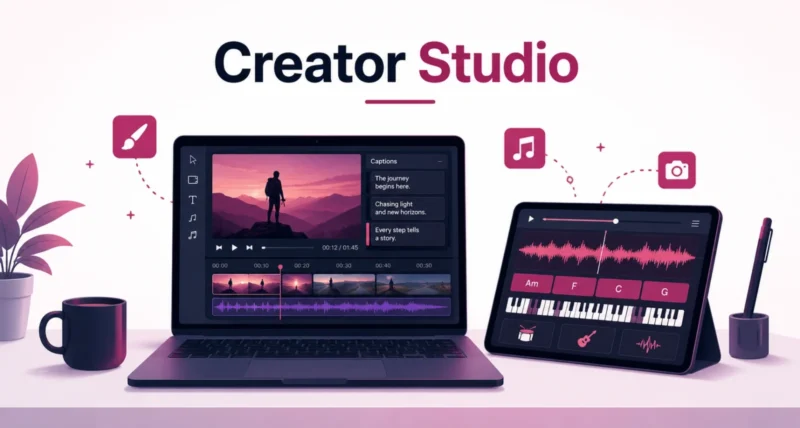
If you edit video, mix music, or design graphics on a Mac or iPad, Apple just handed you a stack of new tools worth knowing about. On June 30, 2026, Apple rolled out a major update to Apple Creator Studio, its bundle of professional creative apps. It adds smarter AI editing in Final Cut Pro, a Pixelmator Pro engine now built into your everyday apps, and a deeper toolkit in Logic Pro. This guide walks through every update step by step, in plain language, so you know exactly what changed.
| Quick Answer Apple Creator Studio, Apple’s subscription bundle of creative apps, received a major update on June 30, 2026. Final Cut Pro gains AI tools like Generate Captions, Edit Detection, and Auto Mask. Pixelmator Pro’s editing tools are now built directly into Final Cut Pro, Keynote, Pages, and Numbers, including shape generation and natural-language image editing. Logic Pro adds a rebuilt Chord ID, a new Producer Project, and a granular sync mode in Alchemy. The subscription costs $12.99 a month or $129 a year, with a $2.99 a month education plan, and existing subscribers get all the new features as a free update. |
Key Takeaways
- Apple Creator Studio gained AI-powered video, image, and music tools in its June 30, 2026 update.
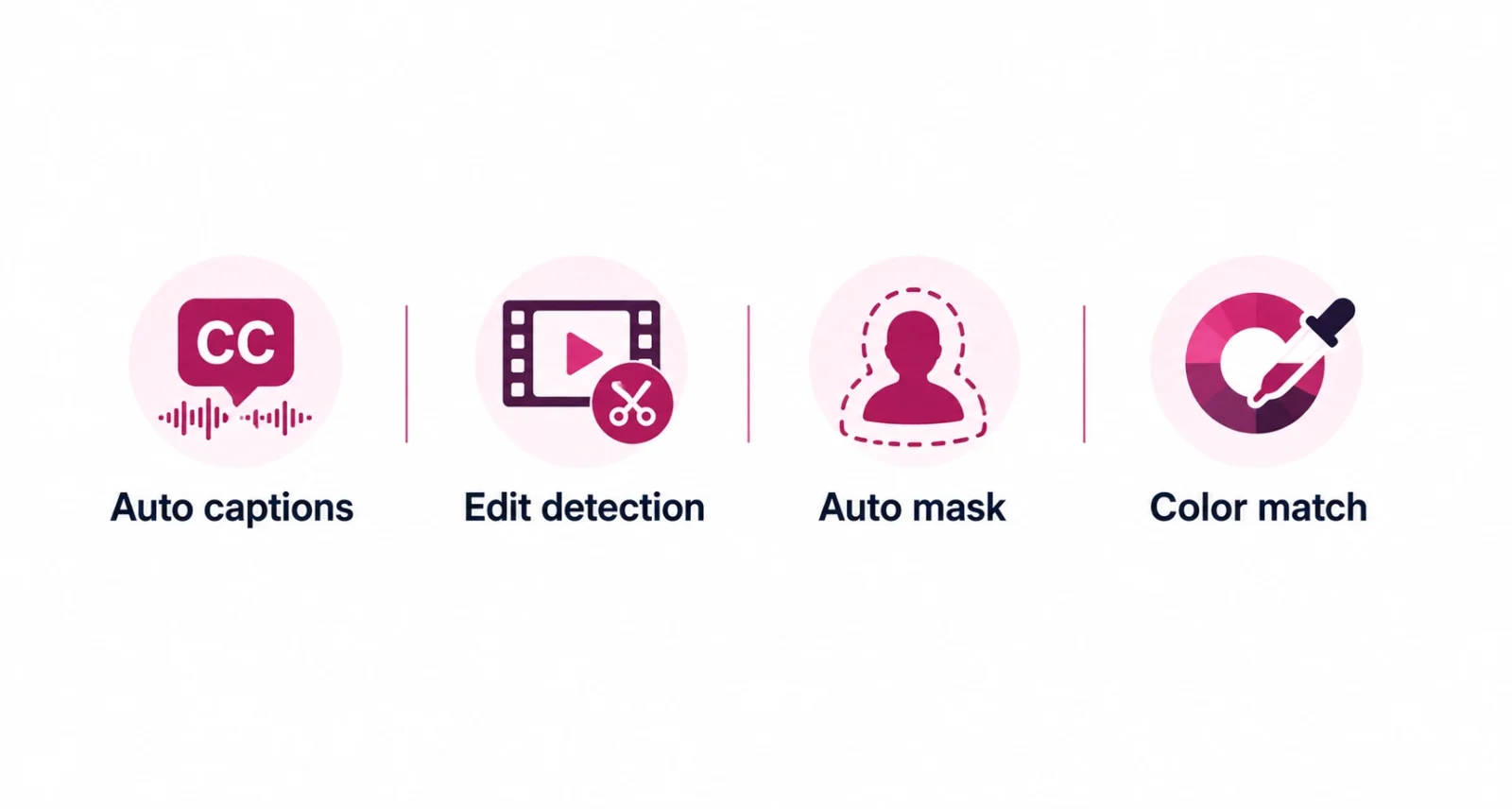
- Final Cut Pro adds Generate Captions, Edit Detection, and Auto Mask, all powered by on-device AI.
- Pixelmator Pro is now built into Final Cut Pro, Keynote, Pages, and Numbers, with new shape generation.
- Logic Pro gets a rebuilt Chord ID, a real Grammy-winning Producer Project, and new Alchemy sound design.
- The update is free for existing subscribers; new subscribers pay $12.99 a month or $129 a year.
What Is Apple Creator Studio?
Apple Creator Studio is Apple’s subscription bundle for creative work. It packages together Final Cut Pro, Logic Pro, Pixelmator Pro, Motion, Compressor, and MainStage, plus extra AI features inside the free apps Keynote, Pages, Numbers, and Freeform. Instead of buying each professional app separately, one subscription unlocks the whole toolkit, along with subscriber-only intelligence features not available in the standalone one-time-purchase versions.
As Apple announced in its newsroom post, this update brings new integrations across the bundle. It adds deeper AI tools in Final Cut Pro and a completely new Logic Pro session to explore. It is a free update for existing subscribers, so if you already pay for Apple Creator Studio, everything below simply appears in your apps.
| Worth Knowing If you already own one-time-purchase versions of these apps, they still work and still get regular updates. Apple Creator Studio’s exclusive AI features, like Generate Captions and Auto Mask, are reserved for active subscribers. |
Step One: Smarter Editing in Final Cut Pro
Final Cut Pro gets the biggest set of upgrades in this release, aimed squarely at speeding up everyday editing work.
Generate Captions
One of the most requested features finally arrives. Generate Captions uses on-device AI to automatically transcribe audio and place subtitles directly into the timeline. Editors can animate the caption style and customize the font, color, and position to match their brand or project. It works on Mac and iPad, though currently only in U.S. English.
Edit Detection
Edit Detection analyzes a rendered video and automatically splits it back into its original clips on the timeline. That means editors can jump back into an old export to make changes. Or they can quickly build a highlight reel for social media, without manually hunting for the original cut points.
Auto Mask and Match Color
On Mac, Auto Mask uses on-device AI to recognize elements like skin, hair, sky, foliage, and clothing, with no manual tracking required. Hover over a clip to see a live preview of what it detects. Then pair the mask with a color correction or effect. It works alongside the existing Magnetic Mask for full manual control. A reimagined Match Color also produces more natural, accurate color matching across different shots and lighting. Advanced Trimming lets editors fine-tune incoming and outgoing frames one at a time.
| Final Cut Pro Feature | What It Does |
| Generate Captions | Auto-transcribes audio into styled, timeline-ready subtitles |
| Edit Detection | Splits a finished video back into its original clips |
| Auto Mask | AI-detects skin, hair, sky, and more for instant masking |
| Match Color | Matches color and lighting across different shots |
| Advanced Trimming | Fine-tunes clip edges one frame at a time |
Final Cut Pro also adds Creator Themes with support for multiple aspect ratios, dynamic titles, and customizable backgrounds. These help editors publishing across platforms with different video shapes. On the capture side, the free Final Cut Camera app for iPhone and iPad now supports Clean HDMI Out for external monitors. It also adds expanded ProRes support including ProRes LT, and the option to disable digital zoom for full optical resolution.
Step Two: Pixelmator Pro Is Now Everywhere
The second big shift is how far Pixelmator Pro now reaches. Instead of living in its own app, its editing engine is now built directly into the apps people already use daily.
- From Final Cut Pro. Send a frame from your video timeline straight to Pixelmator Pro, and build a custom thumbnail or social graphic. Then drop it back into your project without breaking your editing flow.
- From Keynote, Pages, or Numbers. Select any image in a document, open it directly in Pixelmator Pro, and edit it with the full toolset. Changes save automatically back into the document.
- Generate shapes. Create vector shapes to fit any project directly inside Pixelmator Pro, Keynote, Pages, or Numbers. Refine them and save them to a shape collection for later use.
- Generate images with text. Advanced image generation now extends into Pixelmator Pro itself, letting users create and edit images using natural language prompts.
A new Content Hub also rolls out across Pixelmator Pro. It gives users a curated library of premium photos, graphics, shapes, and illustrations to pull from without leaving the app.
| Good to Know Opening an image in Pixelmator Pro from Keynote, Pages, or Numbers needs a Pixelmator Pro license, either through an active Apple Creator Studio subscription or the one-time-purchase standalone app. It is not a separate free feature. |
Step Three: Deeper Music Creation in Logic Pro
Logic Pro users get a mix of smarter AI tools and a genuinely rare behind-the-scenes extra.
A rebuilt Chord ID
Chord ID has been rebuilt for far more accurate harmonic analysis. It correctly reads extended chords and inversions even from a distorted guitar or a slightly out-of-tune piano. That accuracy feeds directly into Session Players, which now respond and perform chord changes more smoothly.
A real Producer Project
A new Producer Project opens the complete Logic Pro session behind the track “Shoulda Never,” produced by Grammy Award-winning producer Khris Riddick-Tynes. Every multitrack recording, MIDI performance, and vocal take is preserved exactly as it was built. It gives aspiring producers a rare, honest look inside a professional session.
Granular Alchemy and Beat Breaker
For Logic Pro and MainStage, a new granular sync mode in Alchemy, Logic Pro’s flagship sample-manipulation synthesizer, opens up new territory in sound design. A companion Granular Alchemy Sound Pack offers loops and presets built specifically for the new mode. Beat Breaker also expands to Mac and iPad with new filter and pan modes and simple randomization controls. That makes it easier to stumble onto interesting fills and rhythmic variations.
Step Four: Everyday Wins in Keynote, Pages, Numbers, and Freeform
The free productivity apps did not get left behind. Several smaller but genuinely useful upgrades landed across the board.
- Gains stunning new transitions and builds for more polished presentations.
- On iPhone and iPad, adds Auto-Hyphenate and Show Invisibles for more precise text editing.
- Makes navigating complex spreadsheets easier with the ability to hide or color-code individual sheets.
- Coming with iOS 27, iPadOS 27, and macOS 27, Freeform will add shape generation and the ability to open images in Pixelmator Pro. It will also add Dark Mode, folders to organize boards, and drawing support on Mac.
| Please Note The Freeform updates are tied to iOS 27, iPadOS 27, and macOS 27, which had not yet released as of this update. Those features are confirmed but not yet available. |
Pricing and Availability
All of these updates are live now. Existing Apple Creator Studio subscribers get everything as a free update, no extra cost involved. For anyone considering signing up, here is what it costs.
| Plan | Price |
| Apple Creator Studio, monthly | $12.99 a month |
| Apple Creator Studio, yearly | $129 a year |
| Education plan, monthly | $2.99 a month |
| Education plan, yearly | $29.99 a year |
| New Mac or qualifying iPad purchase | 3 months free |
New subscribers get a one-month free trial, and buying a new Mac or a qualifying iPad unlocks three months of Apple Creator Studio at no cost. Up to six family members can share the full bundle through Family Sharing. Pricing is confirmed for the United States. Apple’s India newsroom lists the local plan at INR 399 a month or INR 3,999 a year, with education pricing at INR 199 a month or INR 1,999 a year. Exact pricing varies by region. For more on Apple’s recent pricing shifts, see our look at the Apple Mac and iPad price increase.
If you would rather buy individual apps outright instead of subscribing, one-time-purchase versions remain available on the Mac App Store.
| App | One-Time Price |
| Final Cut Pro | $299.99 |
| Logic Pro | $199.99 |
| Pixelmator Pro | $49.99 |
| Motion | $49.99 |
| Compressor | $49.99 |
| MainStage | $29.99 |
Keynote, Pages, Numbers, and Freeform stay free for everyone and come included with every new iPhone, Mac, and iPad, subscription or not.
Should You Upgrade to Apple Creator Studio?
Whether Apple Creator Studio is worth it depends on how you work. If you already edit video, mix music, or design graphics regularly and use more than one of these apps, the bundle is likely cheaper than buying everything separately. The six pro apps alone add up to roughly $680 at one-time prices. If you only need one app occasionally, the one-time purchase may still make more sense.
Device requirements also matter here, since several of the new AI features are locked to specific hardware.
| Feature | Minimum Requirement |
| Final Cut Pro on Mac | macOS 15.6 or later |
| Final Cut Pro on iPad | iPadOS 18.6 or later, M1 chip or later, iPad (A16), or iPad mini (A17 Pro) |
| Generate Captions | Apple silicon Mac or compatible iPad, U.S. English only |
| Pixelmator Pro | macOS 26 or later, or iPadOS 26 or later on compatible iPads |
| Image and Shape Generation | iPhone 15 Pro or later, or an Apple Intelligence-capable Mac or iPad |
| Logic Pro | macOS 15.6 or later on Mac; iPadOS 26 or later with A12 Bionic chip or later |
The core apps run on a range of devices. But the newest AI tools, like Generate Captions and Pixelmator Pro’s AI tools, need Apple silicon and recent software. Check your device against these requirements before subscribing.
This update pushes Apple Creator Studio further past a simple app bundle and closer to a genuinely connected creative system. Final Cut Pro edits itself intelligently. Pixelmator Pro now shows up wherever you need it. Logic Pro offers both smarter tools and a rare look inside a real professional session.
If you already subscribe, open your apps and the new tools are simply there. If you are on the fence, weigh how many of these apps you would actually use against the $12.99 monthly price, and check your device meets the requirements for the AI features that matter most to you.
Frequently Asked Questions
What is Apple Creator Studio?
It is Apple’s subscription bundle of professional creative apps, including Final Cut Pro, Logic Pro, Pixelmator Pro, Motion, Compressor, and MainStage, plus AI features inside the free apps Keynote, Pages, Numbers, and Freeform.
What is new in the June 2026 Apple Creator Studio update?
Final Cut Pro gains Generate Captions, Edit Detection, Auto Mask, and improved Match Color. Pixelmator Pro is now built into Keynote, Pages, Numbers, and Final Cut Pro. Logic Pro adds a rebuilt Chord ID and a Grammy-winning Producer Project.
How much does Apple Creator Studio cost?
It costs $12.99 a month or $129 a year in the United States. Students and educators pay $2.99 a month or $29.99 a year. Pricing varies by region; for example, Apple’s India store lists it at INR 399 a month.
Do existing subscribers need to pay extra for these features?
No. Apple Creator Studio subscribers receive this entire update for free as part of their existing subscription. There is no additional charge for Generate Captions, Auto Mask, the Pixelmator Pro integration, or the new Logic Pro tools.
Can I still buy Final Cut Pro or Logic Pro without subscribing?
Yes. One-time-purchase versions remain available on the Mac App Store: Final Cut Pro at $299.99 and Logic Pro at $199.99. These versions continue to receive updates, though some subscriber-exclusive AI features stay limited to Apple Creator Studio.
Does Apple Creator Studio work on older Macs and iPads?
The core apps run on a range of devices, but the newest AI features, like Generate Captions and Pixelmator Pro’s AI tools, need Apple silicon and recent software, such as macOS 26 or iPadOS 26. Check the specific requirements before subscribing.

