
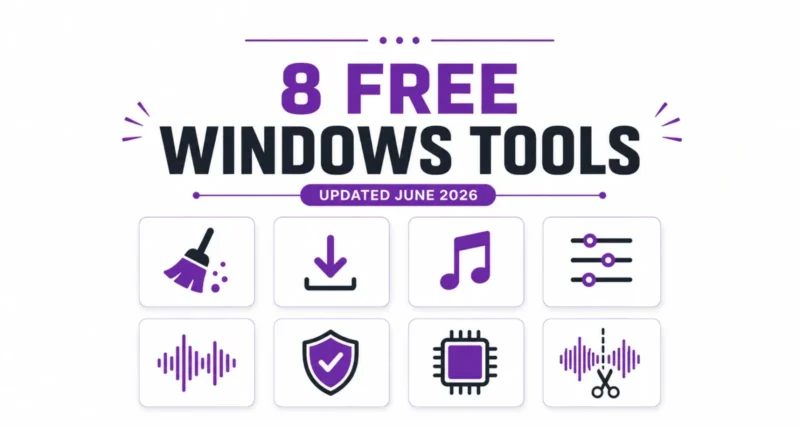
You do not need to spend a cent to clean, speed up, and get more out of your PC. These eight tools cover the jobs most people actually need, and they are all actively maintained with recent June 2026 updates. Pick the ones that fit your needs, grab them from the official links, and you are set.
The best free Windows tools are often the ones that cost nothing. This roundup gathers eight lightweight apps that just got fresh updates. Every one is free, and most are open source.
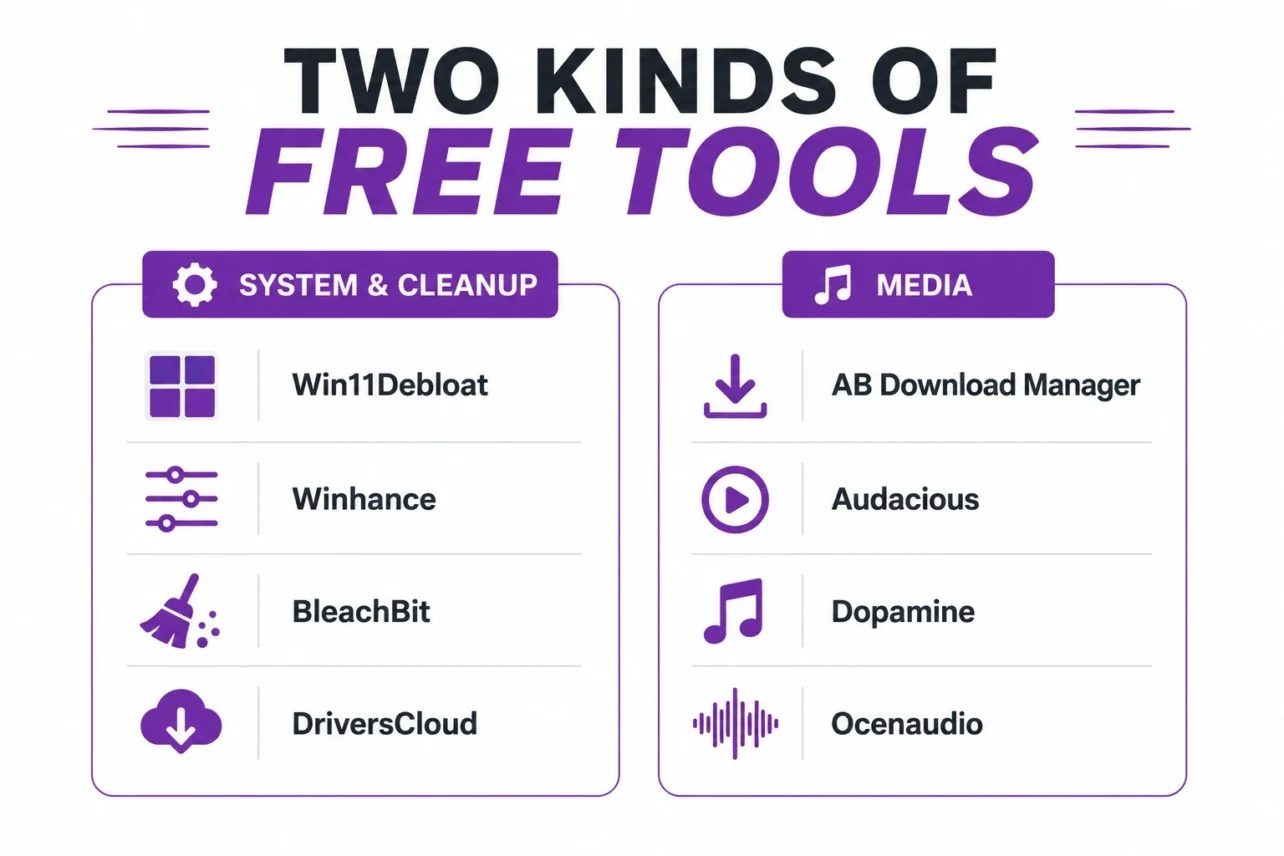
| Quick Answer These eight free tools cover Windows cleanup (Win11Debloat, Winhance, BleachBit, DriversCloud), downloads (AB Download Manager), audio playback (Audacious, Dopamine), and audio editing (Ocenaudio). All updated in June 2026. |
Quick Comparison of All 8 Tools
Here is the lineup at a glance before we dig into each one.
| Tool | Best For | Type |
| Win11Debloat | Removing Windows bloatware | Free, open source |
| Winhance | Optimizing and customizing Windows | Free, open source |
| BleachBit | Cleaning disk and privacy | Free, open source |
| DriversCloud | Finding hardware drivers | Freeware |
| AB Download Manager | Faster downloads | Free, open source |
| Audacious | Lightweight music playback | Free, open source |
| Dopamine | A polished music library | Free, open source |
| Ocenaudio | Easy audio editing | Freeware |
Win11Debloat: Strip the Bloat From Windows
Win11Debloat is a one-run PowerShell script that removes preinstalled apps, disables telemetry, and clears ads from Windows 10 and 11. It does not install anything, and every change is reversible. The latest 2026.06.14 build fixes antivirus false positives that had blocked some downloads.
Best for: a fast, no-fuss cleanup right after a fresh Windows install.
Download Win11Debloat 2026.06.14 (official GitHub release)
Winhance: Tune Windows With Simple Toggles
Winhance does what Win11Debloat does, but through a friendly graphical app instead of a script. You debloat, optimize, and customize Windows from clearly labeled tabs, and you can even build custom install ISOs. The 26.06.12 release adds a Builder Mode and brings the app to 29 languages.
Best for: people who want visual toggles and deeper customization.
Download Winhance 26.06.12 (official GitHub release)
| Quick Tip Win11Debloat and Winhance overlap, so you usually do not need both. Pick Win11Debloat for the fastest script-based clean, or Winhance if you prefer a visual app with more customization. |
BleachBit: Free Up Space and Wipe Traces
BleachBit clears caches, logs, and browser junk to reclaim disk space, and it can securely shred files beyond recovery. It supports thousands of apps across Windows and Linux. The new 6.0.1 beta patches a Windows security issue and adds fresh cleaners, including one for DNS cache.
Best for: reclaiming space and scrubbing privacy traces.
Download BleachBit (official site, stable and beta)
DriversCloud: Find the Right Drivers Fast
DriversCloud scans your PC, identifies every hardware component, and points you to the correct drivers from official sources. It also analyzes BSODs and monitors temperatures and voltages in real time. Version 12.1.6 continues its long run as a trusted free hardware tool.
Best for: tracking down drivers and checking your hardware.
Get DriversCloud 12.1.6 (official site, free account required)
AB Download Manager: Supercharge Your Downloads
AB Download Manager is a free, open-source download accelerator with a clean, modern interface. It splits files across multiple connections for far faster speeds, and adds queues, scheduling, and browser integration. It runs on Windows, Linux, macOS, and Android.
Best for: anyone who downloads large files and wants browser limits gone.
Download AB Download Manager (official GitHub releases)
Audacious: A Lightweight Music Player
Audacious is a fast, no-frills music player that sips system resources. It plays nearly every audio format, includes an equalizer and internet radio, and offers classic Winamp skins alongside a modern interface. The 4.6.1 update is a bug-fix release with better Flatpak and Snap support.
Best for: older PCs or anyone who wants a simple, speedy player.
Download Audacious 4.6.1 (official site)
Dopamine: A Beautiful Music Library
Dopamine is a polished, open-source player built around a good-looking music library. It offers playlist folders, gapless playback, Last.fm scrobbling, lyrics, and Discord integration across Windows, Linux, and macOS. The 3.0.6 update fixes album cover and Linux AppImage issues.
Best for: a large library you want to browse and enjoy visually.
Download Dopamine 3.0.6 (official GitHub releases)
Ocenaudio: Easy Audio Editing
Ocenaudio is a fast, beginner-friendly audio editor that still packs pro features. It offers real-time effect previews, multi-selection editing, a full spectrogram, and VST plugin support, with the same interface on Windows, macOS, and Linux. Version 3.19.3 is the latest build.
Best for: quick edits and audio analysis without a steep learning curve.
Download Ocenaudio 3.19.3 (official site)
| Worth Knowing Almost every tool here is open source, which means the code is public and auditable. Always download from the official sites and repos linked above, since popular free tools often attract fake lookalike sites. |
You do not need to spend a cent to clean, speed up, and get more out of your PC. These eight tools cover the jobs most people actually need, and they are all actively maintained with recent June 2026 updates. Pick the ones that fit your needs, grab them from the official links, and you are set.
Frequently Asked Questions
Are These Windows Tools Really Free
Yes. All eight are free to use. Six are open source, and DriversCloud and Ocenaudio are freeware with no paid tier.
Which Tool Is Best for Cleaning Up Windows
For removing bloat, use Win11Debloat or Winhance. For freeing disk space and clearing junk files, use BleachBit.
Do I Need Both Win11Debloat and Winhance
Usually not. They overlap, so pick Win11Debloat for a quick script-based clean or Winhance for a visual app with more customization.
Are These Tools Safe to Download
Yes, when you use the official links. Always download from the developer site or official GitHub repo, never from random mirror sites.
Do These Work on Windows 10
Most do. The Windows tools support Windows 10 and 11, and several apps also run on macOS, Linux, or Android.

