
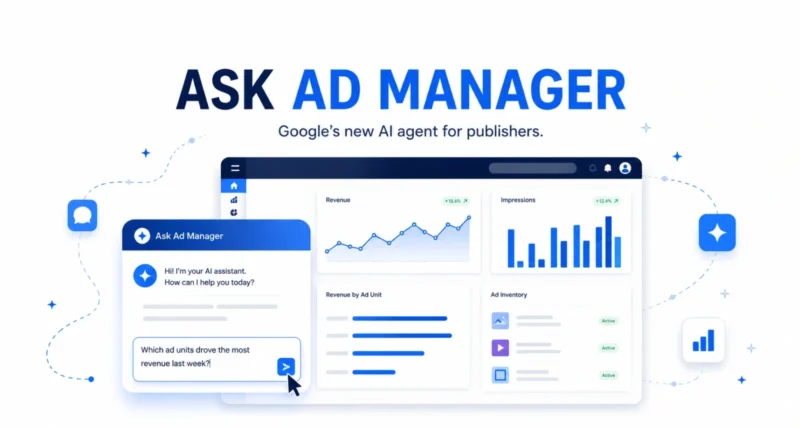
Managing digital ads can mean hours lost. You dig through reports and click around a complex platform. Google wants to change that. As Google announced, it is rolling out Ask Ad Manager, a new AI agent built with Gemini that lives inside Google Ad Manager and lets publishers simply chat to get answers, fix problems, and pull reports. Here is a clear, detailed look at what it does, who it is for, and what is coming next.
| The Quick Answer Ask Ad Manager is a conversational AI agent, built with Gemini, inside Google Ad Manager. It helps publishers troubleshoot ad issues, generate custom reports, and navigate the platform, all by typing questions in plain language. It uses only each publisher’s own data for personalized answers, keeps that data safe, and arrives in beta this month, with more features rolling out through the year. |
What Is Ask Ad Manager
Ask Ad Manager is a conversational AI assistant built into Google Ad Manager. That is the platform publishers use to manage and sell the ad space on their websites and apps. Built with Google’s Gemini AI, it is designed to take the manual grind out of common tasks.
The key word is conversational. Instead of building reports or hunting through menus, you simply ask it a question in plain language, and it answers. It is also multi-turn. That means you can ask follow-up questions and have a real back-and-forth, just like chatting with a knowledgeable colleague.
| The Big Picture Think of Ask Ad Manager as a smart assistant sitting inside your ad dashboard. You type what you need, and instead of you doing the digging, the AI does it for you and points you to the answer. |
How It Keeps Your Data Safe
This is an important detail for any publisher. Ask Ad Manager is specific to each publisher and uses only that publisher’s own data. That means the answers and recommendations are personalized to your business, not generic.
Google is clear that your data stays safe and that you remain in control throughout. The AI is there to guide and assist, but the decisions stay with you.
The 3 Things Ask Ad Manager Can Do
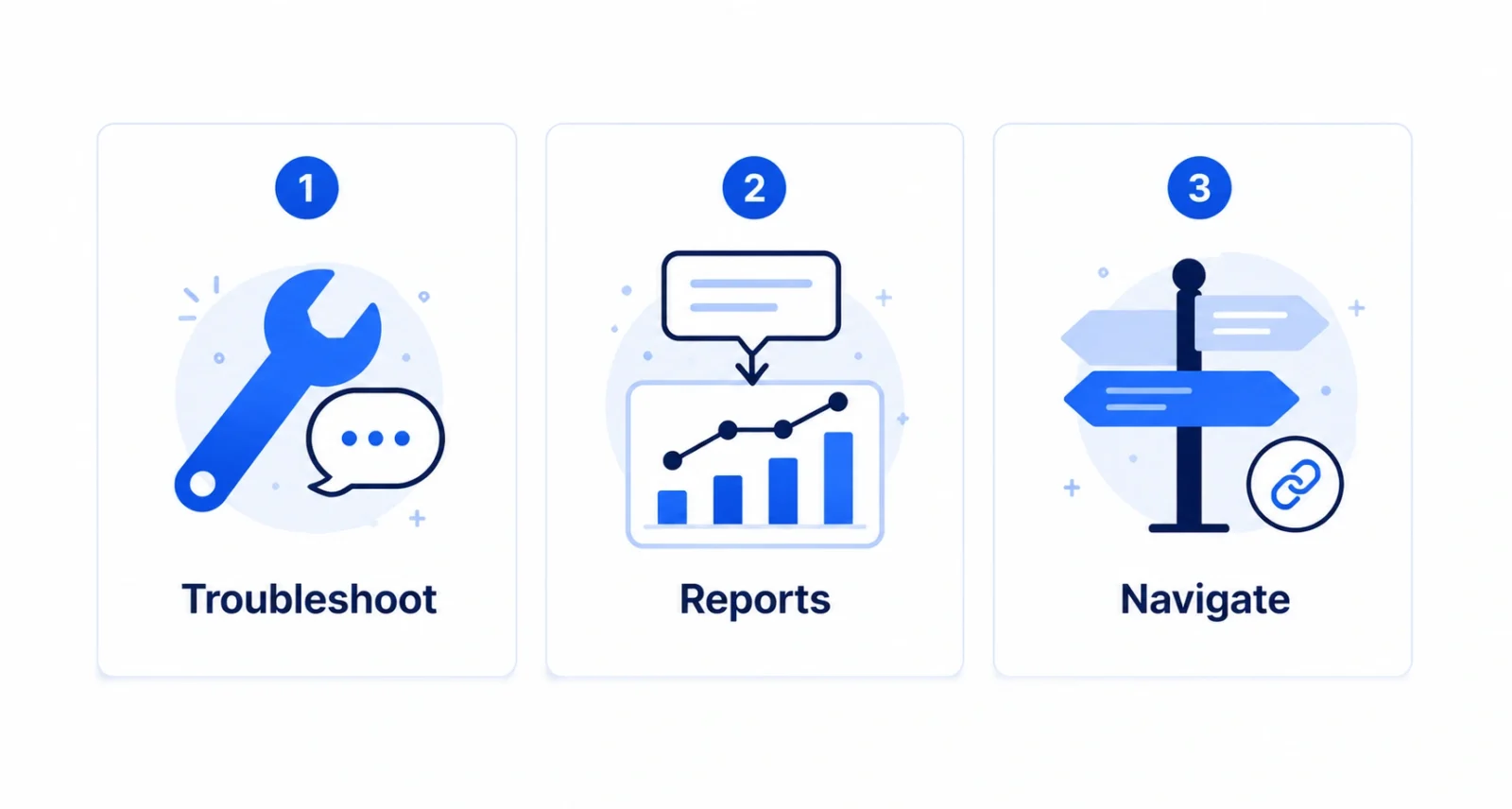
Google has highlighted three core capabilities at launch. These are the heart of what the tool offers today. Each one targets a task that used to eat up a publisher’s time.
| 1 | Troubleshoot in real time Something wrong with a line item? Instead of manually generating reports and sifting through data to find the problem, you just ask. Ask Ad Manager gives you insights and guidance, answers your follow-up questions, and helps you identify and fix the issue, so you can unblock revenue faster. |
| 2 | Monitor performance with a prompt Need a specific metric or a complex report? Instead of building and stitching together multiple reports by hand, you give it a single prompt. It generates the report, table, or comparative benchmark for you, surfacing deeper insights in seconds. |
| 3 | Navigate with ease Tired of clicking around to find the right setting? Ask Ad Manager gives you smart links straight to the right place in the platform. It even loads the correct filters and settings based on your conversation, so the details you wanted are ready when you arrive. |
| Why It Matters Each of these moves you from asking to doing. By handling the busywork of common workflows, Ask Ad Manager frees up publishers to focus on bigger, more strategic decisions instead of manual data wrangling. |
Who Is It For
Ask Ad Manager targets publishers squarely. Those are the websites, apps, and media companies that earn money by selling ad space through Google Ad Manager. Does your job involve checking ad performance, troubleshooting an underdelivering campaign, or pulling reports for your team? Then this tool is built for you.
In short, it suits anyone who spends time inside Ad Manager and would rather spend less of it on repetitive, manual tasks.
When Can You Use It
| Detail | Info |
| What | Ask Ad Manager, an AI agent built with Gemini |
| Where | Inside Google Ad Manager |
| Who | Publishers using Google Ad Manager |
| Availability | Beta this month (June 2026) |
| What’s next | New skills rolling out throughout the year |
| Heads Up Ask Ad Manager launches in beta, which means it is an early version. Expect it to grow more capable over the year as Google adds new skills, so it is worth revisiting even if the first version does not yet do everything you want. |
The Bigger Picture: A More Agentic Ad Manager
Ask Ad Manager is just the first step in a much larger plan. Google is reshaping it around AI agents. These are software helpers that carry out multi-step tasks on your behalf, across the whole advertising workflow.
A few things Google says are coming as part of this push:
- Real publishers are already on board: Yahoo is integrating it into custom agents to streamline ad operations, from forecasting and line-item creation to reporting and optimization.
- New developer tools: later this year, Google will release REST APIs and an MCP server to support key ad-trafficking workflows, making custom integrations easier to build.
- Specialized agents: dedicated agents for publishers and agencies to discover, negotiate, and execute ad campaigns directly from the platform.
- Agents that work together: infrastructure to let first-party and third-party agents interact at scale.
| The Standout The mention of an MCP server is a big signal. It points to a future where outside AI tools and agents can plug directly into Ad Manager, a sign of just how seriously Google is building toward an agent-driven ad ecosystem. |
Ask Ad Manager shows how AI is changing everyday work. It turns hours of manual reporting and troubleshooting into a quick conversation. For publishers, it promises to cut the busywork and free up time for strategy. And as the first step toward a fully agentic Ad Manager, it points to a future where AI handles much of the campaign workflow for you. If you use it, the beta is worth a look this month. You can read the full announcement on the official Google blog.
Frequently Asked Questions
What Is Ask Ad Manager
It is a conversational AI agent built with Google’s Gemini, inside Google Ad Manager. It helps publishers troubleshoot ad issues, generate custom reports, and navigate the platform by simply typing questions in plain language.
What Can Ask Ad Manager Do
It has three main capabilities at launch. It troubleshoots ad problems in real time, generates custom metrics and reports from a single prompt, and gives smart links that take you to the right place in Ad Manager with the correct settings already loaded.
Is My Data Safe With Ask Ad Manager
Google says yes. It uses only your own data to give personalized answers. Your data stays safe, and you remain in control of all decisions.
When Is Ask Ad Manager Available
It launches in beta in June 2026. New skills and features will roll out throughout the rest of the year.
Who Can Use Ask Ad Manager
It is built for publishers. Those are the websites, apps, and media companies that use Google Ad Manager to manage and sell their advertising inventory.
What Is Coming Next for Ad Manager
Google plans new developer tools later this year, namely REST APIs and an MCP server. It is also building specialized agents for publishers and agencies, plus infrastructure that lets first-party and third-party AI agents work together.
What Does Built With Gemini Mean
It means the AI agent runs on Gemini, Google’s family of advanced AI models. That is what lets Ask Ad Manager understand your plain-language questions and generate useful, personalized answers.

