
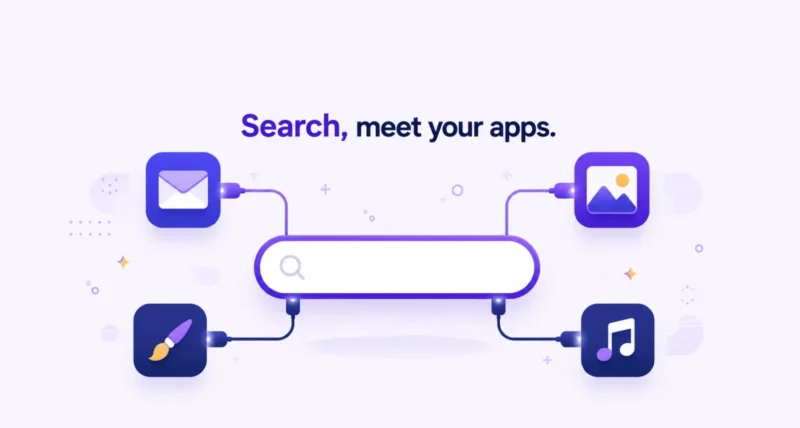
Google Search just quietly became something bigger than a search box. You can now connect apps to Google Search so that its AI Mode does not only find answers, it uses your personal context to tailor them and can even take action inside other services. Connect Gmail and Google Photos, and Search starts giving recommendations built around your real life. Connect partners like Canva or YouTube Music, and you can design a flyer or build a playlist without leaving the page. Here is exactly what the new connected apps do, how to switch them on, and the honest answer to the privacy question everyone is asking.
| The Short Answer Google’s AI Mode in Search now lets you connect apps for more personal and more useful results. Connecting Google’s own apps, Gmail and Google Photos, lets AI Mode tailor answers to your life, like suggesting a trip based on past bookings and photos, or recommending products from brands you already buy. Connecting partner apps, such as Canva and YouTube Music, lets you do things right inside Search, like generating design templates or building and saving a playlist. It runs on Gemini 3, it is strictly opt-in, and Google says it does not train on your Gmail or Photos content. It is rolling out in the US, and you can switch it on or off anytime in your Search settings. |
What Are Connected Apps in Google Search?
Connected apps are a new part of AI Mode, the AI-powered version of Google Search. In short, they let Search plug into the apps you already use so it can understand your context and act on your behalf.
There are two flavors. The first connects Google’s own apps, Gmail and Google Photos, through a feature called Personal Intelligence, so your answers reflect your real life. The second, and newest, connects third-party partner apps like Canva and YouTube Music, so you can actually get things done inside Search. All of it runs on Google’s Gemini 3 model. As Google puts it, the goal is to let you securely link and interact with your go-to services directly in AI Mode. Put simply, Search is shifting from “look it up” to “know me, and do it.”
What You Can Actually Do With It
This is where it clicks. Here are the kinds of tasks connected apps unlock, split by what they draw on.
| What You Ask | What Connected Apps Do |
| Shop for something new | Sees brands you already buy and suggests fresh styles from them |
| Plan a getaway | Uses a hotel booking in Gmail and trip photos to suggest an itinerary |
| Fix a device | Reads the model from a purchase receipt to give the right steps |
| Design a flyer | Asks Canva to show you template options, right in AI Mode |
| Set a party mood | Builds a playlist and saves it to YouTube Music to press play |
The first three lean on your own Gmail and Photos for context. The last two show the bigger shift. Instead of sending you off to another website, Search hands the task to a partner app and brings the result back to you. Google says more partner apps are on the way.
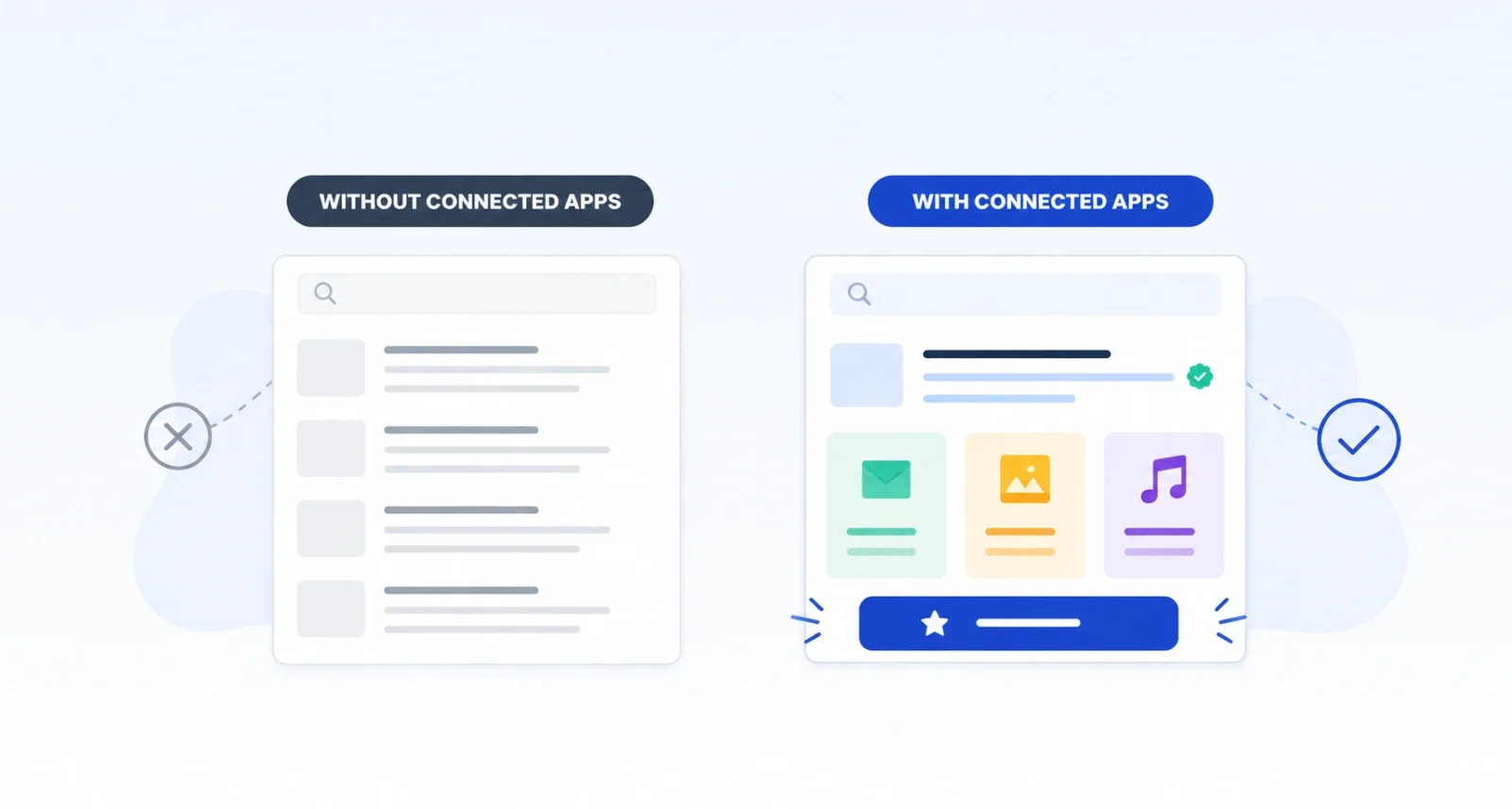
How to Connect Apps to Google Search
Turning it on takes less than a minute, and nothing connects until you say so. Here is the path.
- Open Google Search on the web or in the app, then tap your profile picture in the corner.
- Choose Search personalization from the menu.
- Select Connected Content Apps, sometimes shown under Personal Intelligence.
- Connect the apps you want, such as Workspace for Gmail, Google Photos, and any available partners.
- Head to AI Mode and start asking. You can return to these settings and disconnect anything at any time.
Which Apps Can You Connect?
The list is short today but growing. These are the connections available or announced so far.
| App | What It Adds |
| Gmail (Workspace) | Context from your emails, like bookings, receipts, and plans |
| Google Photos | Context from your photos, like trips, styles, and memories |
| Canva | Generate design templates without leaving AI Mode |
| YouTube Music | Build a playlist from a search and save it to play |
| More partners | Google says additional apps are launching soon |
Who Can Use It Right Now?
This is an early rollout, so not everyone can get it yet. Personal Intelligence and connected apps are launching in the US, in English, for people with a personal Google account. They are available to Google AI Pro and AI Ultra subscribers, and also through Google’s experimental Labs program. Access is widening to free accounts over time.
One clear exclusion to note: this initial launch does not cover Google Workspace business, enterprise, or education accounts. If an employer or school manages your Google account, you likely cannot connect it yet.
Is It Safe? The Privacy Question
This is the part worth reading closely, because connecting your email and photos to an AI is a big step. The reassuring news comes with a real trade-off, so here is the fair picture.
On the reassuring side, the feature is strictly opt-in. Nothing connects unless you choose it, you pick exactly which apps to link, and you can disconnect them at any time. And according to reporting from GSMArena on Google’s statements, the Gemini 3 model does not train directly on your Gmail inbox or Google Photos library. Google says it limits training to narrow data, such as specific AI Mode prompts and the model’s responses, to improve the feature over time.
| Worth Knowing Here is the honest trade-off. Turning this on still means granting Google’s AI access to read your personal emails and photos to generate its answers, which is a level of access many people will want to think about. It is a trust decision, not a technical one, so weigh the convenience against your own comfort. It also will not always get things right. Google’s own Search leaders have said as much, and you can steer it by rephrasing or using the thumbs-down button when an answer misses. |
Should You Turn It On?
It comes down to how you already use Google. If your life runs through Gmail, Photos, and Calendar, connected apps can make Search feel genuinely personal. They save you real steps, especially for travel, shopping, and quick creative tasks. The payoff is highest for people deep in the Google ecosystem.
If you are privacy-cautious, or you do not keep much in Gmail and Photos, there is no rush. The feature is reversible. A reasonable approach is to try it, notice which results feel useful rather than uncomfortable, and disconnect anything that does not earn its place. You stay in control either way.
The ability to connect apps to Google Search marks a real shift in what search is for. With Gmail and Photos linked, AI Mode stops giving generic answers and starts giving ones shaped by your life. With partners like Canva and YouTube Music, it stops just pointing you elsewhere and starts helping you finish the task. It is a genuine step toward Search as an assistant.
Frequently Asked Questions
What are connected apps in Google Search?
Connected apps let Google’s AI Mode in Search link to services you use. Connecting Gmail and Google Photos lets Search personalize answers using your context. Connecting partner apps like Canva and YouTube Music lets you complete tasks right inside Search, such as making a design or a playlist. Gemini 3 powers the feature, and it stays opt-in.
How do I connect Gmail and Photos to AI Mode?
Open Google Search, tap your profile picture, and choose Search personalization. Then select Connected Content Apps, sometimes listed under Personal Intelligence, and connect Workspace for Gmail and Google Photos. Once connected, AI Mode can use that context, and you can disconnect the apps anytime from the same settings.
Does Google train its AI on my emails and photos?
According to Google, no. The company says its Gemini 3 model does not train directly on the contents of your Gmail inbox or Google Photos library. The company says it limits training to narrow data, like the prompts you type in AI Mode and the responses it gives. It uses that to improve the feature. Connecting apps is still opt-in and reversible.
Which apps can I connect to Google Search?
At launch you can connect Google’s own Gmail and Google Photos for personalized context. Partner apps include Canva for design templates and YouTube Music for playlists. Google has said more partner apps are on the way, so the list should grow over time.
Is connecting apps to Google Search free?
It is rolling out first to Google AI Pro and AI Ultra subscribers in the US, and also through Google’s experimental Labs program for personal accounts. Access is expanding to free users over time. It is not available for Workspace business, enterprise, or education accounts in this initial launch.
Can I disconnect my apps later?
Yes. Google built the feature to be fully reversible. You choose which apps to connect, and you can remove any of them whenever you want from Search personalization settings. Disconnecting an app stops AI Mode from using that app’s data going forward.

