
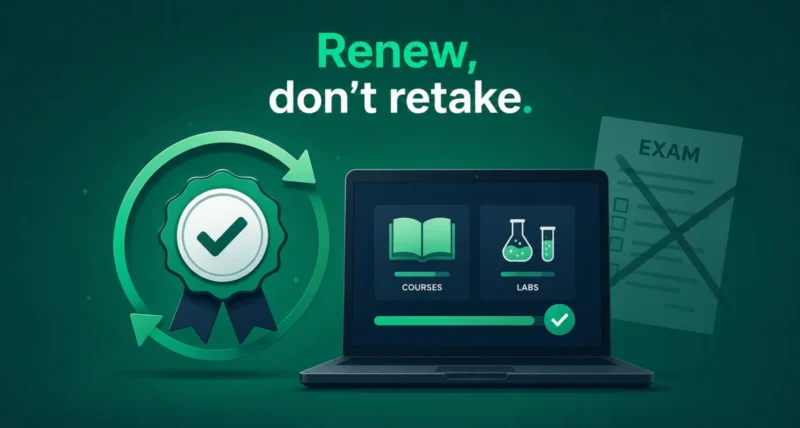
Dreading the thought of sitting another multi-hour proctored exam? Good news. Google Cloud certification renewal has just changed, and you may never need to take that exam again. Google now lets you keep your credential current by completing courses and hands-on skill badges instead, at your own pace, on your own schedule. Here is exactly how the new process works, which certifications qualify, and the one catch you need to know about.
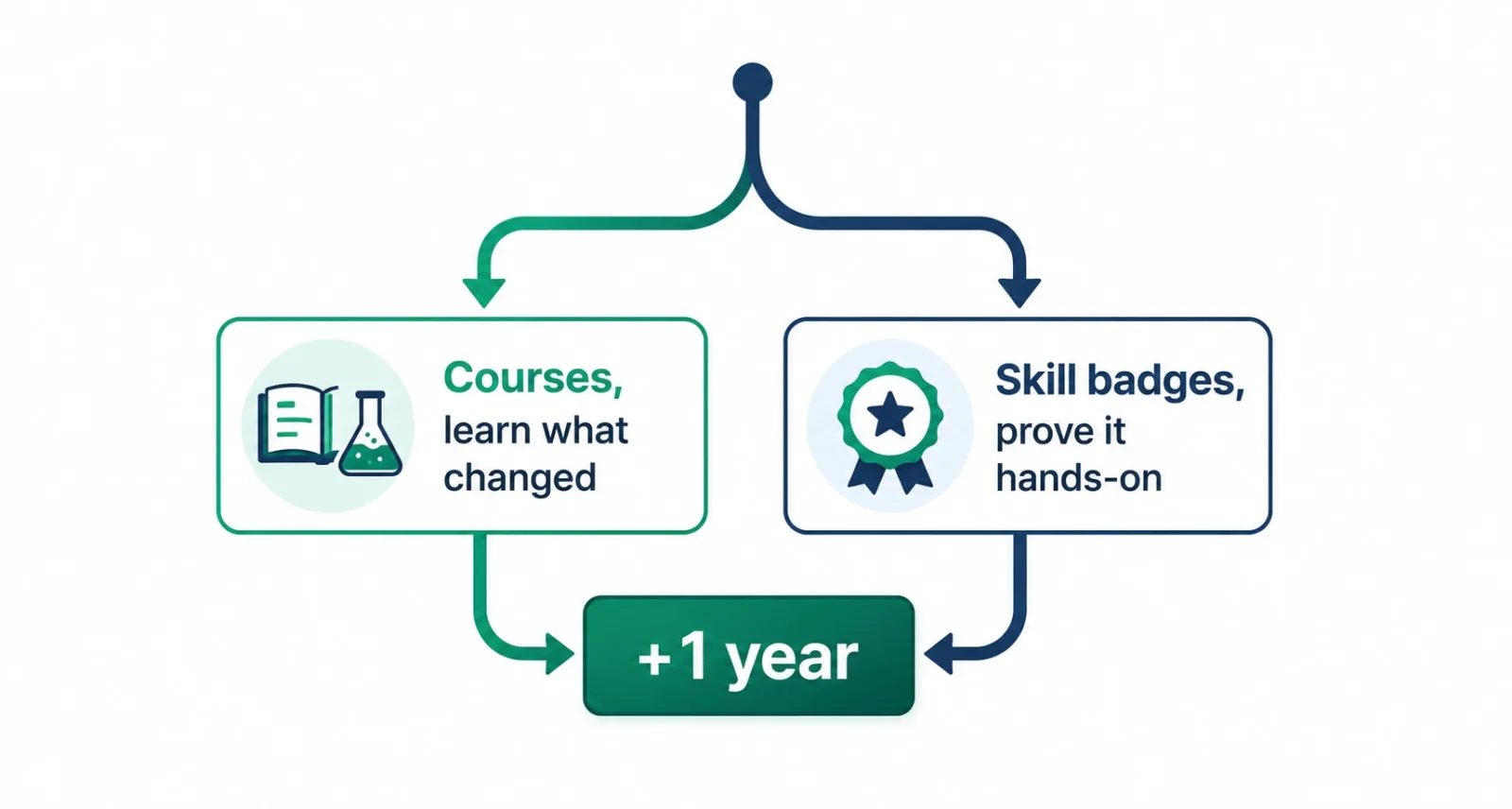
| The Short Answer Google Cloud now lets you renew your certification through Google Skills instead of retaking the exam. You complete either up-to-date courses or hands-on skill badges, and your certification is automatically extended by one year. It applies to four credentials: Cloud Digital Leader, Associate Cloud Engineer, Professional Cloud Architect, and Professional Data Engineer. The catch: you must finish the activities while your certification is still active, and this route extends you by one year rather than the two years a full exam gives. |
What Changed With Google Cloud Certification Renewal
Until now, keeping a Google Cloud credential meant one thing: booking another proctored exam every couple of years, then studying hard for a long, stressful sitting. Google has now opened a second door. As announced on the Google Cloud blog, you can renew through Google Skills by taking current courses or earning skill badges. Complete the required activities while your certification is active, and Google extends it automatically. No exam, no test centre, no fixed date.
Gary Eimerman, Managing Director of Google Cloud Learning, frames an active certification as a “living credential.” The idea is simple. Rather than proving what you knew two years ago, you show that your skills are current right now.
Which Certifications Are Eligible
The new renewal route is not open to every credential yet. Right now it covers four.
| Certification | Level |
| Cloud Digital Leader | Foundational |
| Associate Cloud Engineer | Associate |
| Professional Cloud Architect | Professional |
| Professional Data Engineer | Professional |
Hold something else, such as a Professional Cloud Security Engineer or Machine Learning Engineer credential? For now, the traditional exam remains your path, though the list may well expand over time.
Two Paths to Renewal: Courses or Skill Badges
Once you are in Google Skills, you choose how to renew. The two routes suit very different people, so pick the one that matches how you actually work.
| Select Courses | Skill Badges | |
| Best for | Catching up on what has changed | People already using the tech daily |
| Format | Up-to-date courses and labs | Interactive, hands-on labs |
| Speed | Slower and more thorough | The faster route to renewal |
| The point | Filling in knowledge gaps | Proving real-world skills |
Already spend your days building on Google Cloud? Skill badges are the quicker option. They ask you to solve a real problem in a live lab, rather than sit through lessons on things you already know.
How to Renew Your Google Cloud Certification
Here is the process, step by step.
- Check that your certification is still active. This is the big one. You must complete the activities before your credential expires, so do not leave it until the last week.
- Confirm your credential is eligible. It needs to be one of the four listed above.
- Head to Google Skills. This is where all the renewal courses and skill badges now live.
- Choose your path. Take courses if you want to learn what has changed, or go straight to skill badges if you are already hands-on.
- Pick the content that fits your role. Google lets you select the courses and badges tied to your certification, so you can focus on the products you actually use.
- Complete the required activities. Skill badges involve working through interactive labs to solve a real-world problem.
- Get your extension automatically. Once you finish, your certification is extended by one year. There is nothing else to book or submit.
If you want the fine print, the official Google Cloud certification support page lists the exact requirements.
Why Staying Certified Matters More Than Ever
Here is the uncomfortable truth behind this change. Skills go stale fast. Research cited by Harvard Business Review found that the average half-life of a skill has fallen from around six years to roughly two and a half. In cloud and AI, where products change every few months, that decay is even quicker. The same AI wave reshaping tools like Microsoft Copilot is rewriting what a cloud engineer needs to know.
The payoff for keeping up is real, though. Google reports that certified professionals see more recruiter interest, quicker promotions, and better pay. It also says 81 percent of organisations report that a Google Cloud certification raises their confidence in a candidate’s ability. An expired credential quietly stops doing that work for you.
The Catch You Should Know About
This is genuinely good news, but read the small print before you celebrate. Three things are worth flagging.
| Watch Out For | What It Means |
| It adds one year, not two | A full exam typically buys you two years. This route gives you one, so you will renew more often |
| Your credential must be active | Finish the activities before it expires. Once it lapses, you are back to the exam |
| Only four certifications qualify | Other credentials still require the traditional exam for now |
None of that undoes the benefit. Swapping one dreaded exam day for a few hands-on labs you can do on a quiet evening is a clear win, even if you do it a little more often.
Google Cloud certification renewal has finally caught up with how people actually learn. Instead of cramming for one high-stakes exam every two years, you can now keep your credential alive through practical work you would benefit from doing anyway.
If you hold one of the four eligible certifications, check your expiry date today and head to Google Skills. The hardest part of staying certified just got a lot easier.
Frequently Asked Questions
How do I renew my Google Cloud certification without an exam?
Go to Google Skills and complete either the selected courses or the hands-on skill badges linked to your certification. Finish them while your credential is still active, and Google extends it by one year automatically.
Which Google Cloud certifications can be renewed this way?
Four of them: Cloud Digital Leader, Associate Cloud Engineer, Professional Cloud Architect, and Professional Data Engineer. Other credentials still need the traditional proctored exam for now.
How long does the new renewal extend my certification?
One year. That is shorter than the two years a full recertification exam usually provides, so you will go through the renewal process more frequently, though each round is far less demanding.
What is a Google Cloud skill badge?
A skill badge is earned by completing interactive, hands-on labs where you solve a real problem on Google Cloud. Because it tests applied ability rather than recall, it is the faster renewal route for people already working with the technology.
What happens if my certification expires first?
You lose the renewal option. The activities must be completed while your certification is still active, so an expired credential means going back to the full proctored exam. Diarise your expiry date.
Is Google Cloud certification still worth it?
Google says certified professionals report more recruiter responses, faster promotions, and higher salaries, and that 81 percent of organisations say the certification increases their confidence in a candidate. Keeping it active is what preserves that signal.

