

Apple just pushed an update you should not ignore. On June 29, 2026, the company released the macOS Tahoe 26.5.2 update, a security patch that fixes more than 30 flaws, including several deep in the heart of macOS, the kernel itself. There are no new features and nothing to see, but the protection is real. Here is what it patches, why the kernel fixes matter, and how to install it in under a minute.
| Quick Answer The macOS Tahoe 26.5.2 update, released June 29, 2026, is a security-only patch for Macs running macOS Tahoe. It fixes more than 30 vulnerabilities, including serious flaws in the kernel and graphics driver that could let an app crash your Mac or tamper with protected memory, plus many WebKit issues that a malicious website could abuse. There are no new features. To install it, open System Settings, go to General, then Software Update, and apply the update as soon as you can. |
Key Takeaways
- The macOS Tahoe 26.5.2 update is a security-only release from June 29, 2026, with no new features.
- It patches more than 30 vulnerabilities, including several in the kernel, the core of macOS.
- Kernel fixes are the headline, since those flaws sit at the deepest, most sensitive level.
- It also fixes many WebKit and web flaws, the same ones in the Safari 26.5.2 update.
- Installing takes under a minute through Software Update, and you should not delay it.
What Is the macOS Tahoe 26.5.2 Update?
macOS Tahoe 26.5.2 is a small, security-only update for Mac computers running Apple’s latest system, macOS Tahoe. It changes nothing you will see and adds no new features. Its single purpose is to close security holes before anyone can take advantage of them.
Apple says the fixes first appeared in the macOS Tahoe 26.6 beta, and the company is now rolling them out to everyone. As detailed in Apple’s official security notes, the update covers macOS Tahoe specifically. Following its usual practice, Apple kept the details quiet until the patch was ready to ship.
| Worth Knowing This is the full system update. Apple released a matching Safari 26.5.2 update the same day for older systems, but the Tahoe release goes further, because it also patches the operating system’s core, not just the browser. |
The Kernel Fixes Are the Big Deal
Most Apple browser patches stay inside WebKit, the engine behind Safari. This one goes deeper. The standout fixes in the macOS Tahoe 26.5.2 update sit in the kernel, the central part of macOS that controls everything your Mac does.
Put simply, the kernel is the engine room of your computer. A flaw there is more serious than a browser bug, because it sits closer to the heart of the system. Apple’s notes describe kernel issues that an app could have used to crash your Mac, tamper with protected memory, or leak sensitive internal information. There is also a fix in the graphics driver that could otherwise cause a sudden shutdown.
| The Standout Kernel-level patches are the ones security professionals watch most closely. They protect the deepest layer of your Mac, which is exactly why this update deserves a prompt install rather than a someday-later one. |
What Else It Patches
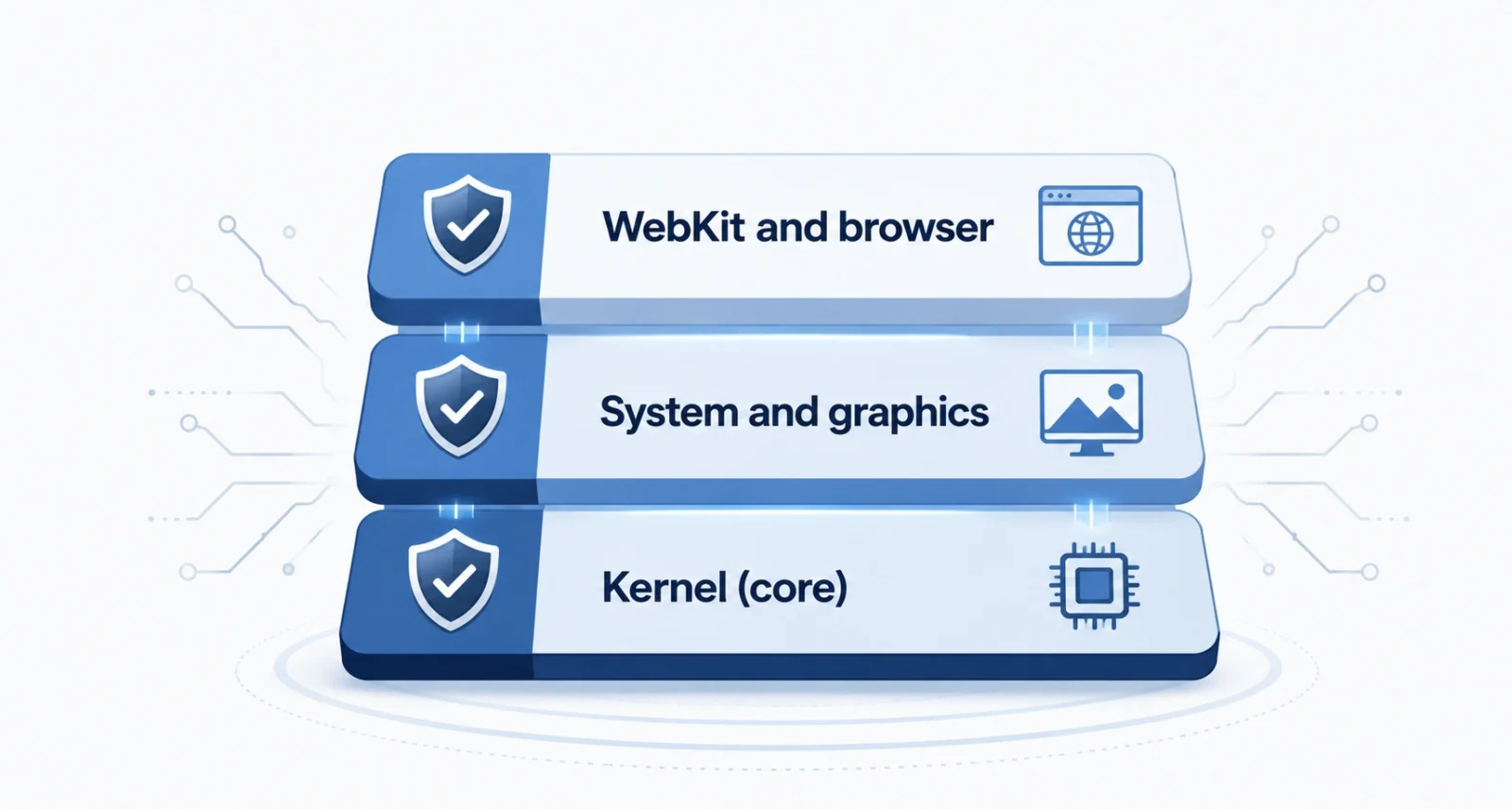
Beyond the kernel, the update clears out a long list of web and system flaws. You do not need the technical detail, so here is the plain-language summary of what these fixes protect you from.
| Area Fixed | What the Flaw Could Have Allowed |
| Kernel | An app crashing your Mac or tampering with protected memory |
| Graphics driver | An app causing a sudden, unexpected shutdown |
| WebKit (Safari engine) | A bad website crashing Safari or leaking data across sites |
| Sandbox protections | Web content escaping Safari’s safety bubble |
| Clipboard handling | A website silently grabbing what you copied |
| Web extensions and media | A malicious extension or stream crashing a process |
Nearly every one of these protects you from a maliciously built app, website, or extension. None require you to make a mistake. That is the whole point of patching: it closes the door before anyone tries it.
Why You Should Install It Now
Security updates feel skippable. This one is not. Here is the simple reasoning behind acting quickly.
- The fixes are now public. Once Apple ships a patch, the flaws it fixes become known, so updating promptly keeps you ahead.
- Kernel risks are serious. Flaws this deep can affect the whole system, not just one app or website.
- It costs you nothing. The update is free, quick, and changes nothing about how your Mac works.
- Protection is passive. Once installed, it guards you automatically while you browse and work, with no extra effort.
| Important Caution Apple does not say these flaws were used in real attacks, so there is no need to panic. The smart move is simply to install promptly, since waiting only leaves a known gap open longer than it needs to be. |
The AI Angle You Might Have Missed
Here is the detail most coverage skips. Read Apple’s list of who found these bugs, and you will notice something new about modern security work.
Alongside human researchers, Apple credits several flaws to teams working with AI systems, including Anthropic’s Claude, OpenAI’s Codex security effort, and an NVIDIA AI red team. It is a quiet but real milestone: AI is now helping find and fix the security holes in the software millions of people use every day. The technology often framed as a risk is also busy making your Mac safer.
| The Cool Part This is one of the clearest signs yet that AI-assisted security research has gone mainstream. People still lead the work, but AI is becoming a powerful extra set of eyes, spotting subtle flaws faster than ever before. |
How to Update, Step by Step
Installing the macOS Tahoe 26.5.2 update takes under a minute. Here is the simple path from start to finish.
- Open System Settings. Click the Apple menu in the top-left corner of your screen, then choose System Settings.
- Go to Software Update. Select General in the sidebar, then click Software Update.
- Let it check. Wait a moment while your Mac looks for available updates, including macOS Tahoe 26.5.2.
- Click Update Now. Start the install, enter your password if asked, and let it download and prepare.
- Restart to finish. System updates usually need a restart. Save your work first, then let your Mac reboot to apply it.
| Quick Tip Turn on automatic updates so the next fix installs on its own. In Software Update, open the Automatic Updates settings and switch on security responses and system files. |
Who Needs the macOS Tahoe 26.5.2 Update?
You need the macOS Tahoe 26.5.2 update if your Mac runs macOS Tahoe, Apple’s current system. Because it fixes kernel and web flaws that affect everyday use, every Tahoe user should install it promptly. If you are on an older system like macOS Sonoma or Sequoia, you will instead get the matching Safari 26.5.2 update, which covers the browser-side fixes for those versions.
This release is for the Mac, but Apple often ships parallel fixes for iPhone and iPad, so keep those current too. For more on Apple’s recent moves, our roundup of the Apple Mac and iPad price increase covers what else is happening across the lineup.
The macOS Tahoe 26.5.2 update is the kind of release that is easy to skip and unwise to ignore. It brings nothing new to look at, yet it closes more than 30 ways an app or website could have caused trouble, including several at the sensitive kernel level.
Take the minute to install it, and switch on automatic updates so the next patch arrives on its own. In security, the quiet updates are often the ones doing the most to protect you.
| Your Move Want more clear, no-nonsense tech news and security guides? Browse our Technology section to stay safe and up to date. |
Frequently Asked Questions
What is the macOS Tahoe 26.5.2 update?
It is a security-only update for Macs running macOS Tahoe, released June 29, 2026. It adds no new features and fixes more than 30 vulnerabilities, including serious kernel flaws and many WebKit issues behind Safari.
Is the macOS Tahoe 26.5.2 update important?
Yes. It patches kernel-level flaws that sit at the core of macOS, plus web flaws a malicious site could abuse. Since these become public once fixed, installing promptly is the safe and sensible choice.
What does the kernel fix actually protect?
The kernel is the core of macOS that controls the whole system. The fixes stop an app from crashing your Mac, tampering with protected memory, or leaking sensitive internal information, which is why they matter more than a browser-only bug.
Does the update add new features?
No. It is a security-only release. Nothing about how your Mac looks or works will change. Its only job is to close security holes, which is why it is worth installing even though you will not notice a difference.
How do I install the macOS Tahoe 26.5.2 update?
Open System Settings, click General, then Software Update. Let your Mac check, click Update Now, and restart when prompted. The update arrives through Software Update, so there is no separate installer to download.
What if my Mac is not on macOS Tahoe?
If you run an older system such as macOS Sonoma or Sequoia, you will get the Safari 26.5.2 update instead, which delivers the browser-side fixes. Check Software Update to see what is available for your Mac.

