
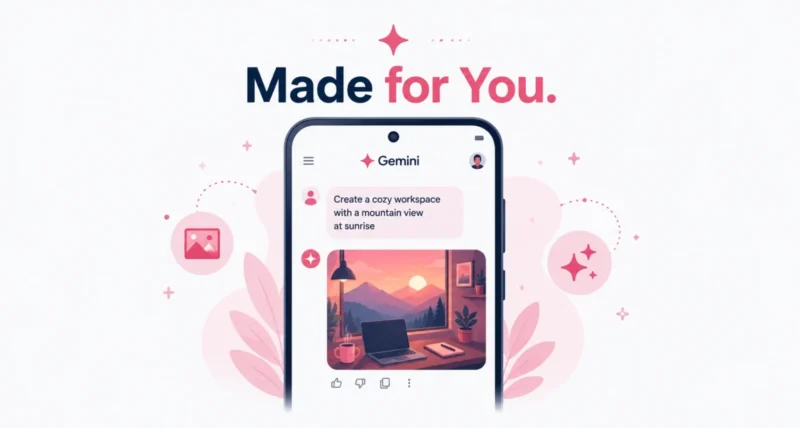
Imagine typing “design my dream house” and getting an image that actually fits your taste, no long description needed. That is the promise of personalized image creation in Gemini, which Google just made free for all eligible users in the US. By linking its Personal Intelligence feature with the Nano Banana image model and Google Photos, Gemini can now create pictures that reflect who you are. Here is what it does and how to try it.
| Quick Answer On June 29, 2026, Google rolled out free personalized image creation in Gemini to all eligible US users. It connects Personal Intelligence, the Nano Banana image model, and Google Photos, so with your permission Gemini pulls context from your Google apps to make images that match your taste and even include you. You can prompt simply, like “create an illustration of me and my favorite things,” without uploading photos. It is opt-in and you can turn it off in settings anytime. |
Key Takeaways
- Free personalized image creation in Gemini is now live for eligible US users.
- It links Personal Intelligence, Nano Banana, and Google Photos for tailored results.
- Simple prompts work, since Gemini pulls context from your connected Google apps.
- It can use real photos of you, so no manual uploads are needed.
- It is opt-in, and you stay in control through your settings.
What Is Personalized Image Creation in Gemini?
Personalized image creation in Gemini is a new, free feature that makes the images you generate feel tailored to your life. Instead of typing out every detail, you give a short prompt, and Gemini fills in the rest using context from your connected Google apps. As Google announced on its blog, the feature is rolling out to all eligible users in the US at no cost.
| Worth Knowing This is part of a wider push to make the Gemini app feel like an assistant that knows you. With your permission, it draws on Google tools like Gmail, Google Photos, YouTube, and Search to give more relevant, personal results. |
What Is Nano Banana and Personal Intelligence?
Two pieces work together here, and the names are worth knowing. Each plays a clear role.
- Nano Banana. This is the image model that actually creates your pictures, the engine behind the visuals.
- Personal Intelligence. This is the part that makes Gemini feel tailored to you, pulling context from your Google apps with your permission.
- Google Photos. By connecting it, Gemini can use real images of you, so your creations can include you without any upload.
Put them together and the result is simple to use. You bring a short idea, and Gemini brings the context and the artwork.
What You Can Make With Simple Prompts
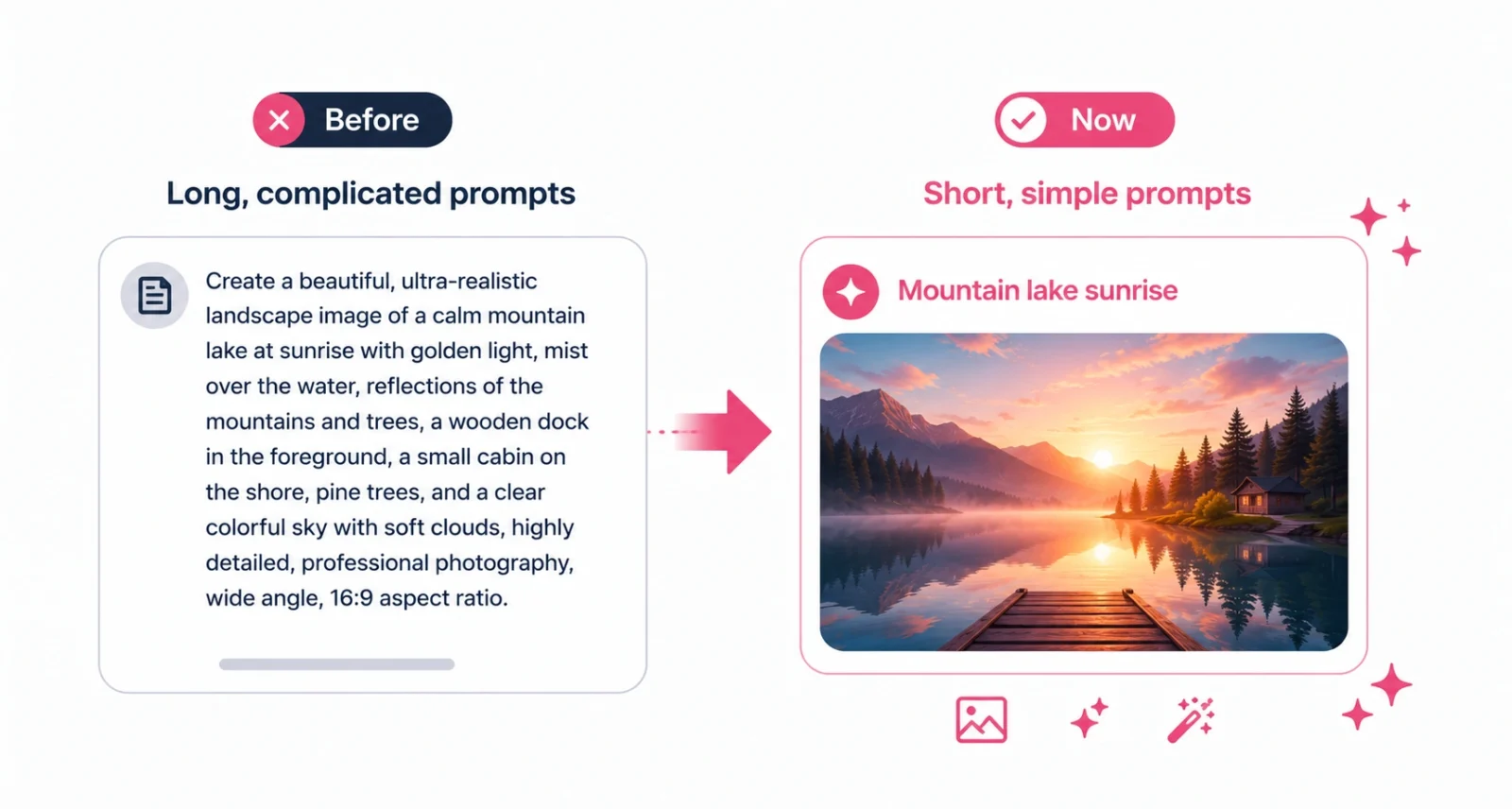
The big shift is how little you need to type. Because Gemini already has context, your prompts can be short and still produce something personal. Here are a few examples.
| You Type | Gemini Creates |
| Design my dream house | A home that reflects your taste and style |
| Create an illustration of me and my favorite things | A picture that includes you and what you love |
| Make a fun avatar of me | A personal avatar using real photos of you |
| Imagine my ideal weekend | A scene built around your interests and lifestyle |
The point is to spend less time explaining and more time creating. Gemini handles the details you would normally have to spell out, which makes the whole thing faster and more fun.
How to Try It, Step by Step
Getting started takes only a moment if you are an eligible US user. Here is the simple path.
- Open the Gemini app. Install or open Gemini on your phone and sign in with your Google account.
- Turn on Personal Intelligence. In settings, opt in and connect the Google apps you want, such as Google Photos.
- Type a short prompt. Try something like create an illustration of me and my favorite things.
- Let Gemini personalize it. It pulls the right context and generates an image tailored to you.
- Refine if you like. Ask for changes in plain language until the picture feels right.
| Quick Tip Not in the US, or not seeing it yet? Eligibility and rollout vary. Check Google’s eligibility details, and make sure your Gemini app is updated to the latest version. |
Your Privacy and Control
Letting an app pull from your Gmail, Photos, and Search is powerful, and it is fair to think about privacy. The good news is that it is entirely opt-in. Gemini only uses your connected apps if you choose to connect them, and you can change or turn off those connections in your settings at any time.
| Good to Know Personalization is a tradeoff. Connecting more apps gives richer, more personal results, but it also shares more of your data with Gemini. Connect only what you are comfortable with, and review your settings now and then. |
Personalized image creation in Gemini takes the friction out of AI art. By combining Nano Banana, Personal Intelligence, and Google Photos, it turns a few words into images that genuinely feel like yours, and it is free for eligible US users.
If you enjoy creating, it is well worth a try. Just connect only what you are comfortable sharing, and let a short prompt do the rest. To see how the same smart approach shows up elsewhere, our guide to how to use Google AI Mode is a good next read.
Frequently Asked Questions
What is personalized image creation in Gemini?
It is a free feature that creates images tailored to you. By linking Personal Intelligence, the Nano Banana image model, and Google Photos, Gemini uses context from your connected Google apps to make pictures that match your taste and can include you.
Is personalized image creation in Gemini free?
Yes. Google rolled it out at no cost to all eligible users in the US, starting June 29, 2026. You need the Gemini app and an eligible Google account, with Personal Intelligence turned on.
What is Nano Banana?
Nano Banana is the image model that generates the pictures in Gemini. Combined with Personal Intelligence and Google Photos, it produces personalized images from short, simple prompts.
Do I need to upload my photos?
No. If you connect Google Photos, Gemini can pull real images of you automatically, so you can prompt things like create an illustration of me without uploading anything manually.
Is it available outside the US?
For now, this free personalized rollout is for eligible US users. Availability can expand over time, so check Google’s eligibility page and keep your Gemini app updated to see when it reaches your region.
Can I control what Gemini accesses?
Yes. The feature is opt-in. You choose which Google apps to connect, and you can adjust or remove those connections in your Gemini settings at any time, so you stay in control of your data.

