
Good software keeps getting better in the background. This week brought a fresh wave of updates worth your attention, from a browser milestone and a free design suite to security sandboxes, remote desktop tools, and download managers. Here is a quick, no-nonsense rundown of what changed and where to get each one.
| Quick Answer This week’s notable updates include Firefox 152, Affinity by Canva, Sandboxie-Plus, NirLauncher, AnyDesk, Malwarebytes, HopToDesk, PDF4QT, UniGetUI, Internet Download Manager, and qBittorrent. Most are free, and several are open source. Pick what fits and grab it from the official links below. |
Quick Look at Every Update
Short on time? This table sums up all the software updates this week before the details.
| Software | Type | Best For |
| Firefox 152 | Free, open source | Private, modern web browsing |
| Affinity by Canva | Free (account needed) | Photo, vector, and layout design |
| Sandboxie-Plus | Free, open source | Running risky apps safely |
| NirLauncher | Freeware | A portable PC toolkit |
| AnyDesk | Free for personal use | Remote desktop access |
| Malwarebytes | Free, with paid tier | Cleaning malware |
| HopToDesk | Free, open source | Free remote support |
| PDF4QT | Free, open source | Editing and viewing PDFs |
| UniGetUI | Free, open source | Managing all your apps |
| Internet Download Manager | Paid, trial | Faster downloads |
| qBittorrent | Free, open source | Torrent downloads, no ads |
Firefox 152: A Big Browser Milestone
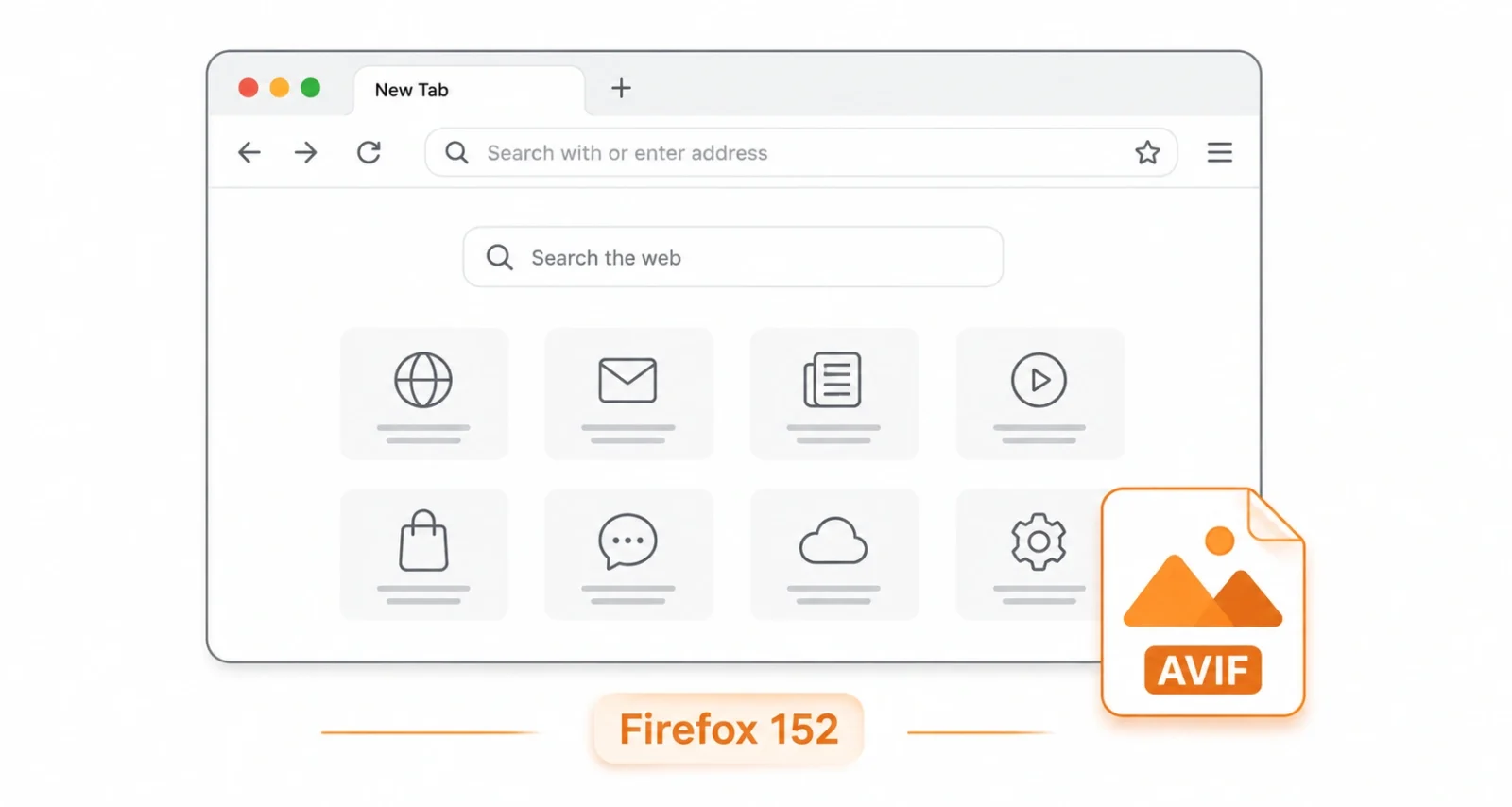
Mozilla’s flagship browser hit version 152 on June 16, 2026. The headline additions include experimental JPEG XL image support in Firefox Labs, widgets on the New Tab page, and a modernized settings layout that is easier to navigate. Windows users also get HDR video support and a handy option to copy multiple tab links at once.
Best for: anyone who wants a fast, private, and steadily improving browser.
Get Firefox 152 (free and open source, official Mozilla site)
Affinity by Canva: Pro Design, Now Free
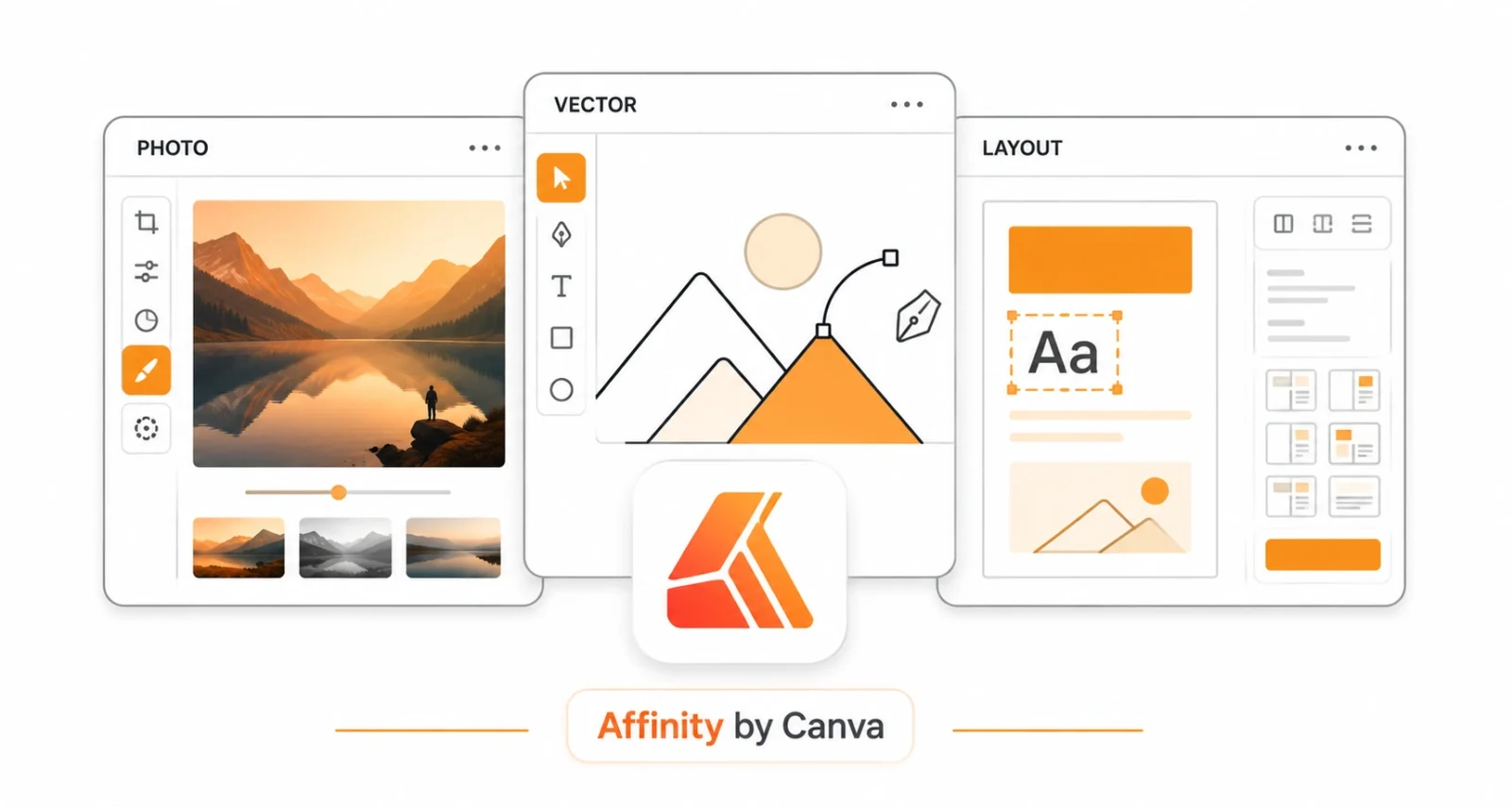
Affinity is the reborn, unified design app from Canva that merges the old Affinity Photo, Designer, and Publisher into one tool, and it is now free for everyone. You switch between photo editing, vector design, and page layout inside a single workspace. It is a genuine alternative to costly Adobe subscriptions, with advanced AI features available only on a paid Canva plan.
| Heads Up Affinity is free but requires a Canva account to use. The core design tools cost nothing, while AI extras like generative fill need a paid Canva plan. |
Best for: designers and photographers who want pro tools without a subscription.
Get Affinity by Canva (free with a Canva account, Windows and macOS)
Sandboxie-Plus: Run Risky Apps Safely
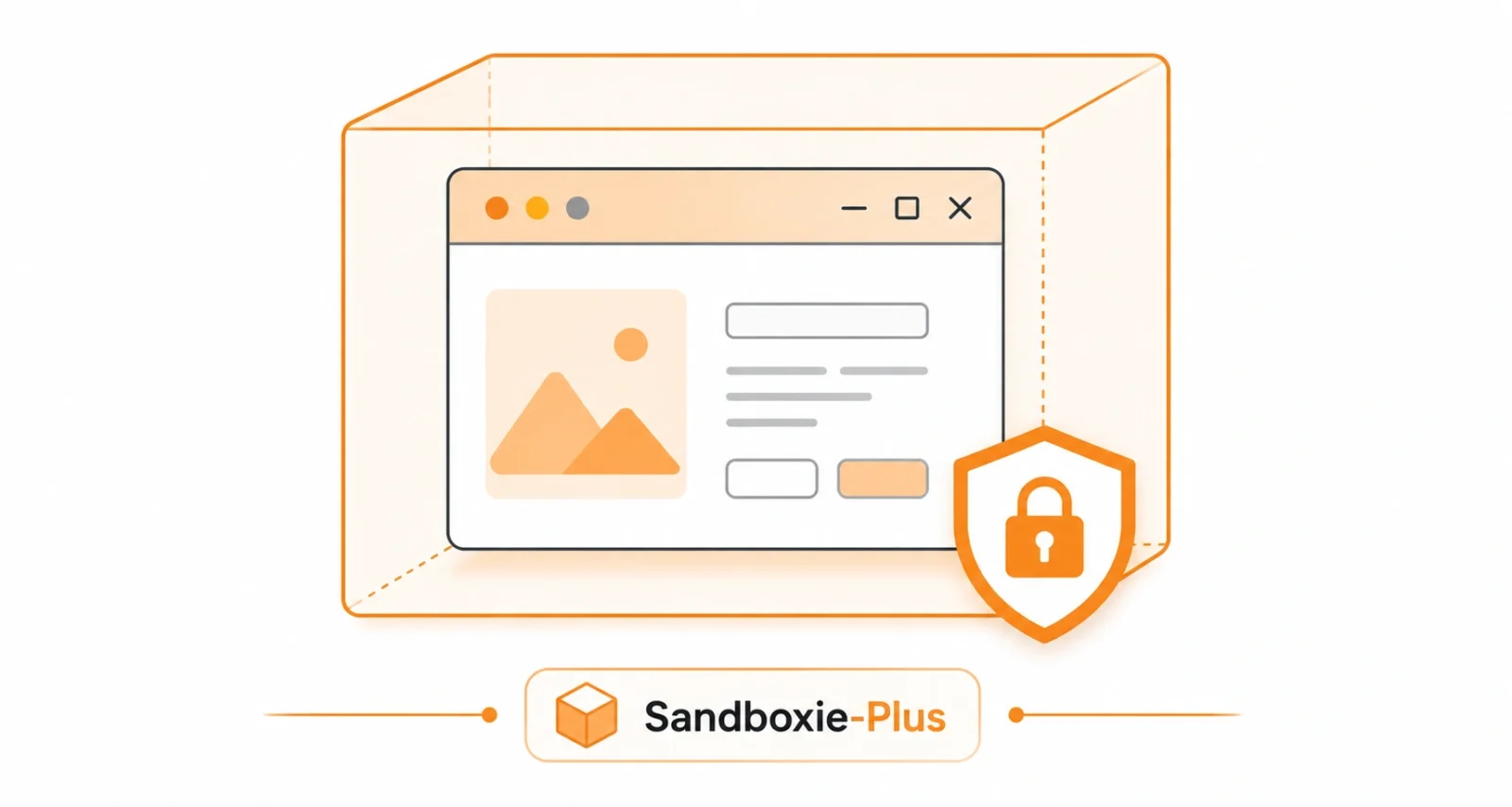
Sandboxie-Plus runs any program inside an isolated sandbox, so changes never touch your real system. It is perfect for testing unknown software or browsing safely. You can simply delete the sandbox afterward. The latest 1.17.8 Plus and 5.72.8 Classic builds bring compatibility fixes and refinements. The modern Plus interface gets all new features, while Classic keeps the lightweight old-style UI.
Best for: testing untrusted programs without risking your PC.
Get Sandboxie-Plus (free and open source)
NirLauncher: 200+ Portable Tools in One Pack
NirLauncher bundles more than 200 of NirSoft’s portable utilities into one searchable launcher. You get password recovery, network monitoring, browser data viewers, disk health checks, and far more. None of it needs installing. The 1.30.24 release refreshes the collection, and the whole pack runs straight from a USB stick.
| Worth Knowing Some NirSoft tools, like password viewers, can trip antivirus alerts because of what they do, not because they are unsafe. The pack is a long-trusted, clean toolkit. Download it only from the official NirSoft site. |
Best for: a portable troubleshooting and recovery kit.
Get NirLauncher (freeware, official NirSoft site)
AnyDesk: Fast Remote Desktop Access
AnyDesk is a lightweight remote desktop tool for connecting to another computer to work or give support. It is known for low latency and smooth performance even on slower connections. File transfer and session recording are built in. The latest update brings the usual performance and stability improvements. It is free for personal use.
Best for: quick remote access and helping family or clients.
Get AnyDesk (free for personal use)
Malwarebytes: Clean Up an Infected PC
Malwarebytes is one of the most trusted tools for finding and removing malware that regular antivirus misses. The free version is excellent for on-demand cleaning, while the paid tier adds real-time protection against ransomware and malicious sites. This refreshed build updates detection and the threat database.
Best for: a second-opinion scan and clearing stubborn infections.
Get Malwarebytes (free, with an optional paid upgrade)
HopToDesk: Free and Open-Source Remote Support
HopToDesk is a free, open-source remote desktop tool and a strong alternative to paid options. It offers secure, encrypted connections, file transfer, and even built-in chat. No account is required to get started. It runs on Windows, macOS, Linux, and Android, which makes it handy for cross-device support.
Best for: free remote support across different devices.
Get HopToDesk (free and open source)
PDF4QT: A Free PDF Viewer and Editor
PDF4QT is a free, open-source application for viewing, editing, and working with PDF files. It handles annotations, form filling, digital signatures, and document conversion without the cost of premium PDF suites. The 1.6.0.0 release continues to round out its toolset for everyday PDF tasks.
Best for: free PDF editing without a subscription.
Get PDF4QT (free and open source)
UniGetUI: Manage All Your Apps in One Place
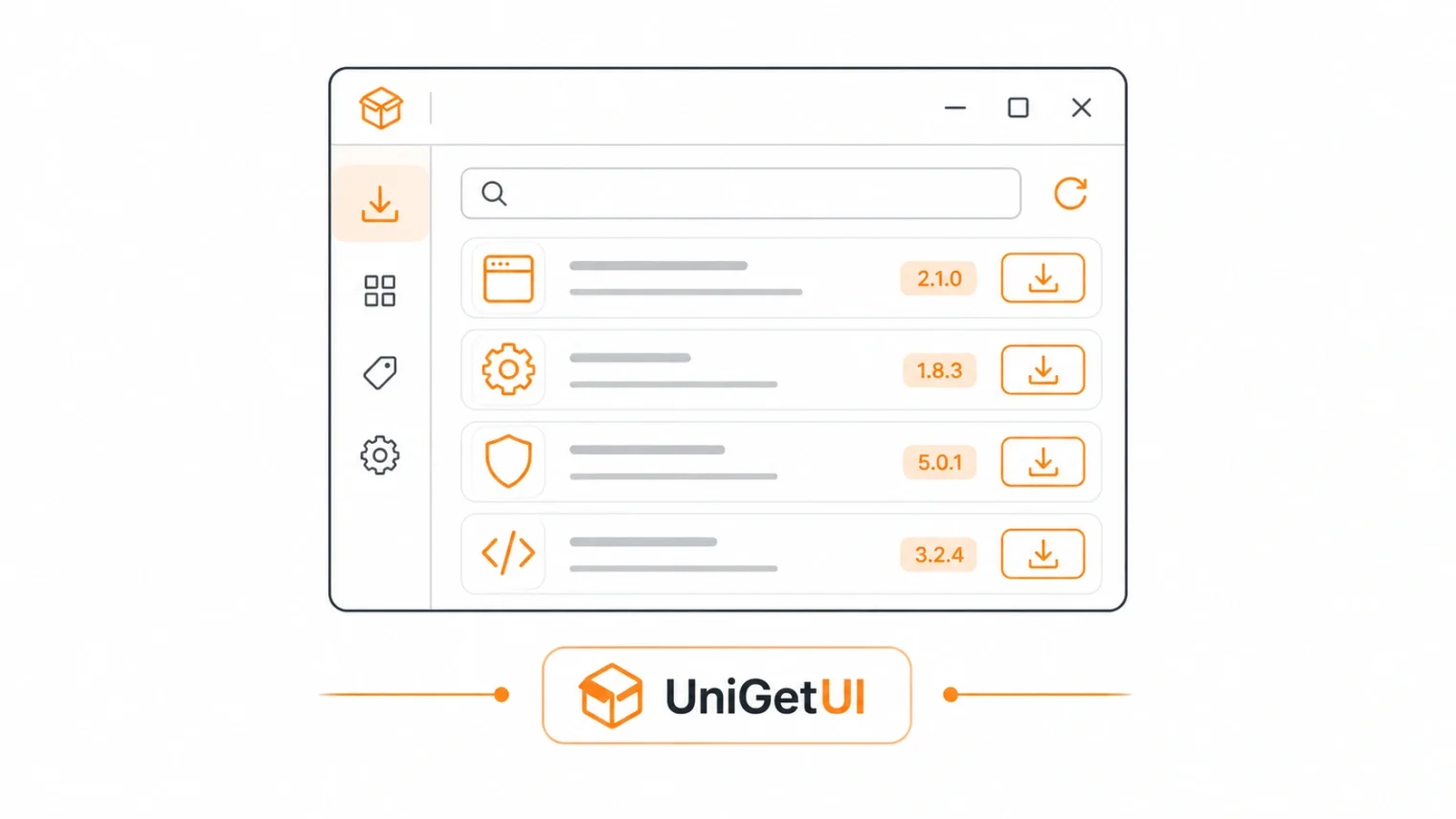
UniGetUI gives you one clean interface for the major Windows package managers, including WinGet, Scoop, and Chocolatey. You can install, update, and remove software in bulk without touching the command line. Updating every app on your PC takes a few clicks. It is free, open source, and a real time-saver when setting up a machine.
Best for: updating and installing many apps at once.
Get UniGetUI (free and open source)
Internet Download Manager: Faster Downloads
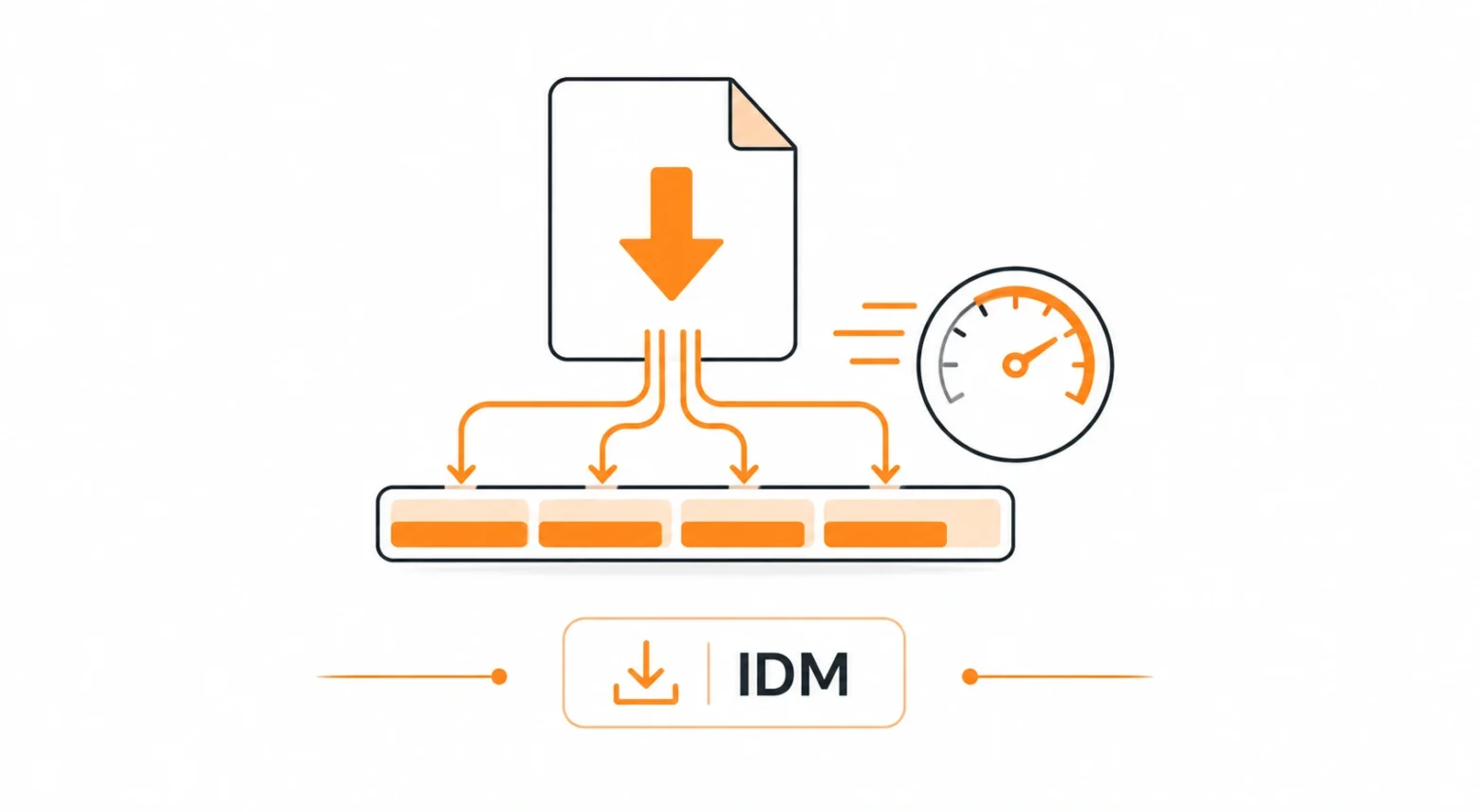
Internet Download Manager, or IDM, is a long-running download accelerator that splits files to boost speeds and resume broken downloads. It integrates with all major browsers to capture links automatically. It also handles video grabbing from many sites. The latest 6.43 build adds compatibility fixes and browser support updates. Note that IDM is paid software with a free trial.
Best for: heavy downloaders who want maximum speed.
Get Internet Download Manager (paid, free trial available)
qBittorrent: A Clean, Ad-Free Torrent Client
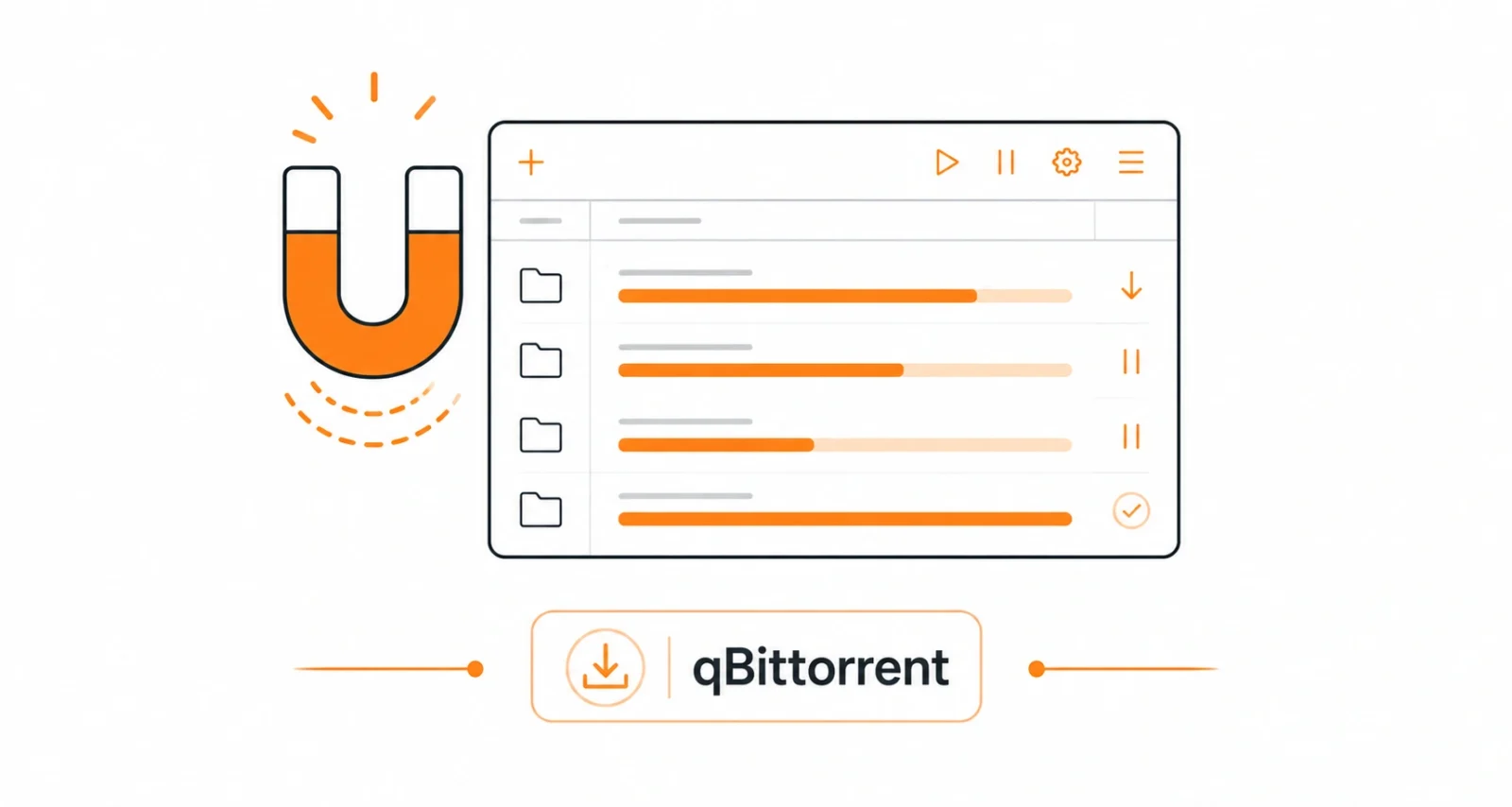
qBittorrent is the go-to free, open-source torrent client and a clean alternative to ad-filled options. It packs a built-in search engine, sequential downloading, RSS feed support, and a web interface for remote control. The 5.2.2 release brings bug fixes and refinements on top of the recent 5.2 feature update.
Best for: torrent downloads without ads or bloat.
Get qBittorrent (free and open source)
| Worth Knowing Most of these tools are open source, so the code is public and auditable. Always download from the official sites linked here, since popular software often attracts fake lookalike pages that bundle unwanted extras. |
Missed yesterday’s roundup? Catch up with our guide to the best free Windows tools in 2026, which covers debloaters, cleaners, and media apps.
The software updates this week cover almost every corner of daily computing, from browsing and design to security, remote access, and downloads. The best part is that most of them cost nothing. Pick the ones that match what you do, grab them from the official links above, and keep your toolkit current and safe.
Frequently Asked Questions
Are These Software Updates Free
Most are. Firefox, Sandboxie-Plus, HopToDesk, PDF4QT, UniGetUI, and qBittorrent are free and open source. Affinity is free with a Canva account, AnyDesk is free for personal use, Malwarebytes has a free tier, and IDM is paid with a trial.
Is It Safe to Update These Apps
Yes, when you download from the official sites linked here. Avoid third-party mirror sites, which can bundle unwanted software with the installer.
Which Is the Biggest Update This Week
Firefox 152 is the headline release, with JPEG XL image support, New Tab widgets, and a modernized settings page. Affinity going free is the biggest news for designers.
What Is the Best Free Design App Here
Affinity by Canva is the standout, combining photo editing, vector design, and page layout in one free app, though it needs a Canva account.
Do I Need to Update Right Away
Security tools like Malwarebytes and browsers like Firefox are worth updating quickly. The rest you can update whenever it suits you.

