
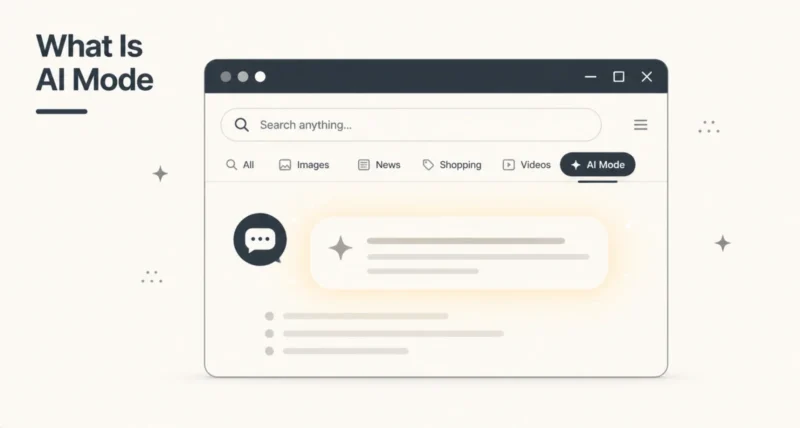
Open Google Search in 2026 and you may have spotted a new tab labelled AI Mode sitting next to All, Images, Videos, and News. It is the biggest change to Google Search in over a decade.
AI Mode turns Google Search into a conversation with Gemini, capable of running multiple searches in parallel and weaving the results into one fully cited answer. This guide covers what it is, how to use it on desktop and mobile, what it does well, and how it differs from AI Overviews.
Here is the short version. AI Mode is the new AI tab inside Google Search. Type a complex question, get a conversational multi-source answer, ask follow-ups, and let it carry the context. Now to the full guide.
1. What Is AI Mode in Google Search?
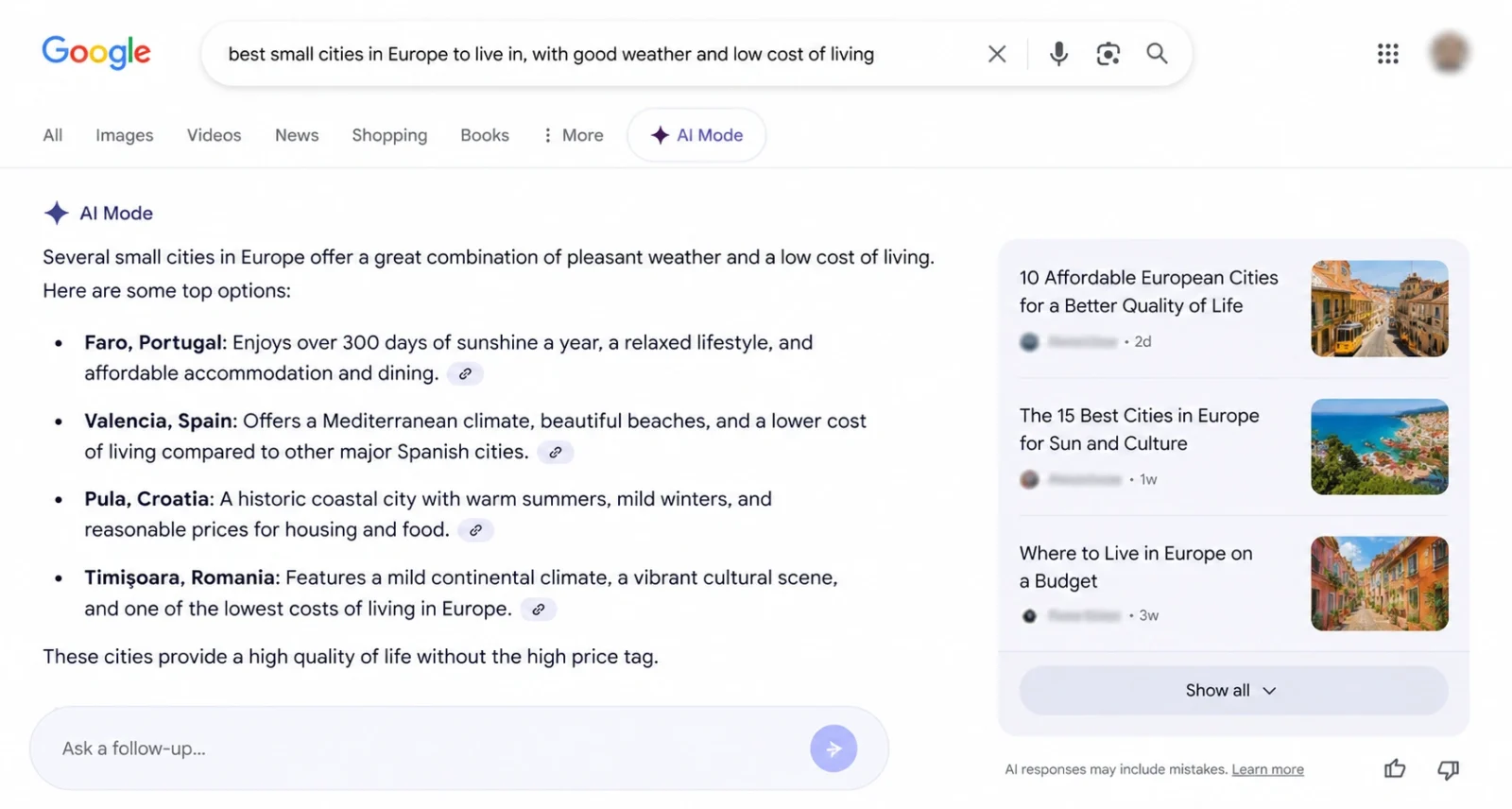
AI Mode is Google’s dedicated AI-powered search experience inside Google Search itself. It sits as a tab alongside All, Images, Videos, and News, and it fundamentally changes how Search works.
Instead of returning a list of blue links, AI Mode runs multiple related searches in parallel (Google calls this query fan-out), then weaves the results into a single, fully cited answer. The response is conversational, which means you can ask follow-up questions and AI Mode carries the context of the session forward.
It is powered by Gemini, currently a custom version of Gemini 3.5 Flash, which Google switched to at I/O 2026.
Google launched AI Mode as a Search Labs experiment in March 2025, then rolled it out to all US users in May 2025 with no Labs sign-up needed. By Google I/O in May 2026, AI Mode had crossed one billion monthly users and was live in nearly 200 countries and 98 languages.
2. AI Mode vs AI Overviews: The Real Difference
These two AI features inside Google Search look similar at a glance, and they are often confused. Both use Gemini, both cite sources, both can appear in your search results. But they work very differently, and knowing when to use each is half the value.
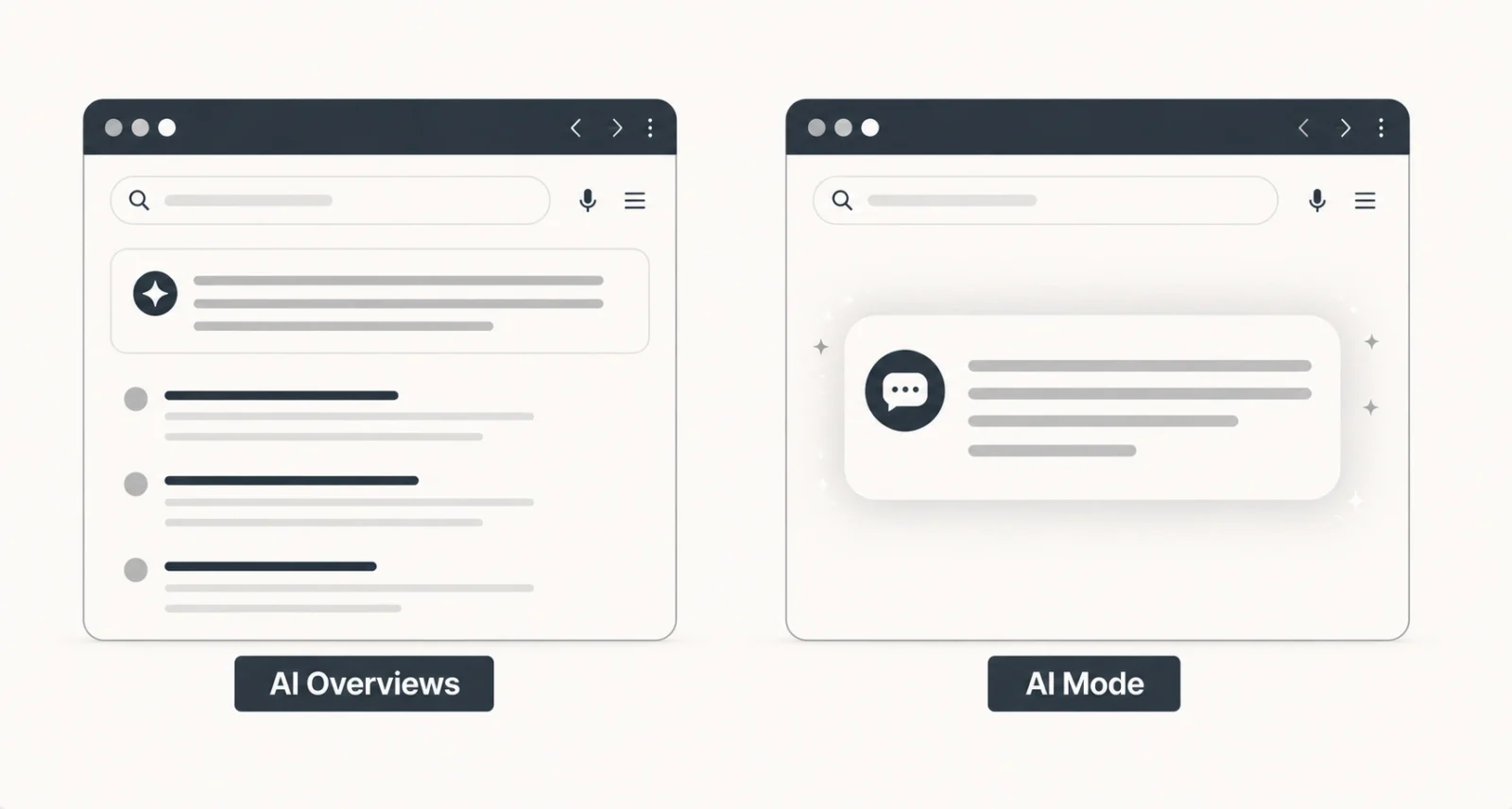
AI Overviews are the small AI-generated summary boxes that appear at the top of a regular search results page. They are push. Google shows them automatically when it thinks the query benefits from one. The answer is short, one to three short paragraphs, with the regular blue link results sitting below.
AI Mode is a separate tab that replaces the results page entirely. It is pull. You choose to enter it. The answer is longer, can be back and forth, and is designed for complex multi-step questions.
Here is the side-by-side breakdown.
| Feature | AI Overviews | AI Mode |
| Where it appears | Above regular results | Its own dedicated tab |
| Triggered by | Google, automatically | You, by clicking the tab |
| Response length | 1 to 3 short paragraphs | Long, detailed, often with sections |
| Conversational? | No follow-ups | Yes, full follow-up support |
| Best for | Quick factual answers | Complex research, comparisons |
| Replaces blue links? | No, sits above them | Yes, the tab is its own world |
3. How to Use AI Mode on Desktop
Using AI Mode on a desktop browser takes about ten seconds the first time. Here are the steps.
- Open google.com in any modern browser.
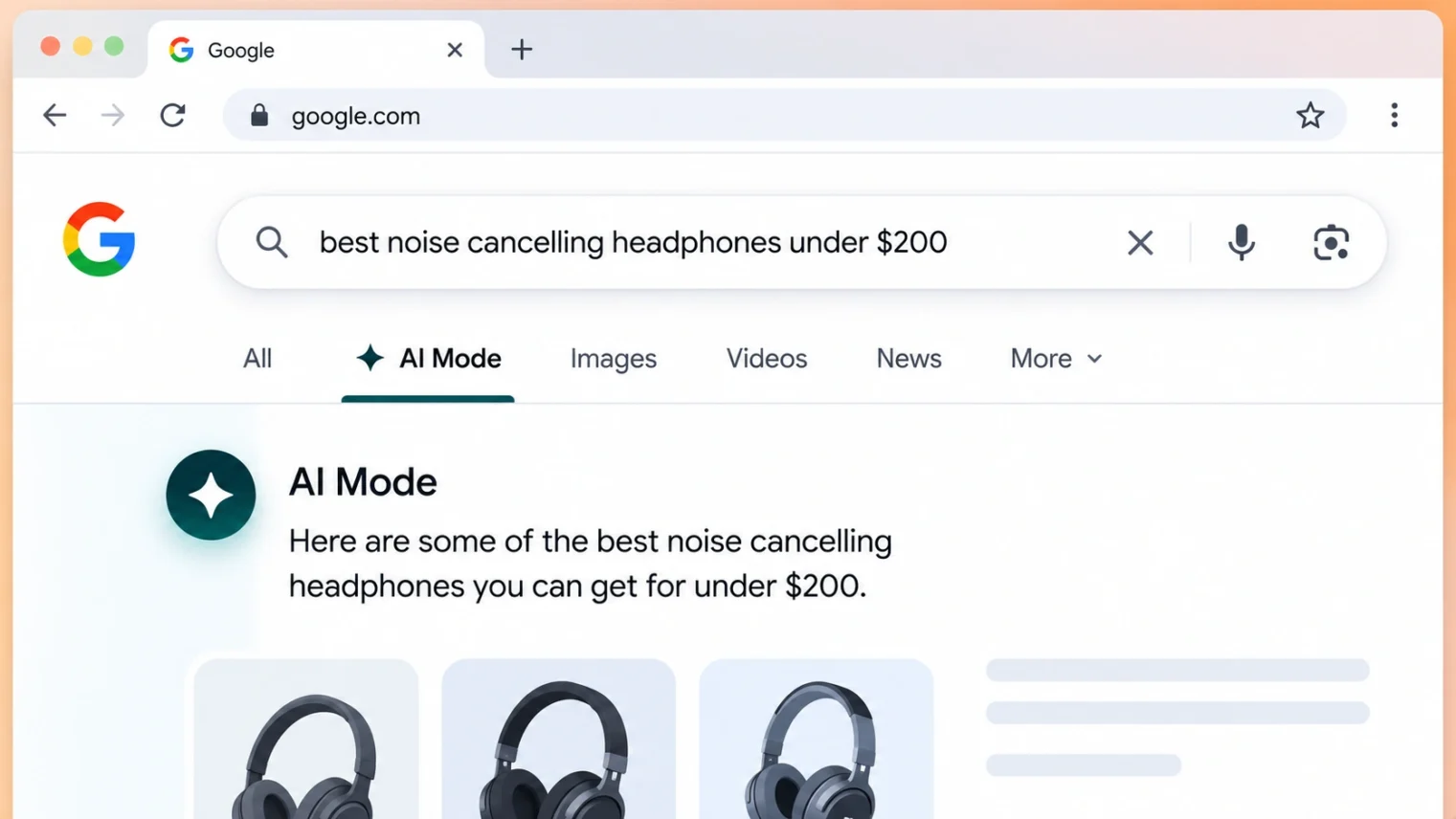
- Look for the AI Mode tab next to All, Images, Videos, and News at the top of the results.
- Click AI Mode and type your question. Complex, multi-part questions work best here.
- AI Mode runs multiple related searches in the background and returns a single answer with citations on the side.
- Ask a follow-up. AI Mode remembers the context, so you can refine without restarting.
If you do not see AI Mode yet: Google rolls features out gradually. Open Search Labs in your Google account and opt into the AI Mode experiment to enable it early.
4. How to Use AI Mode on Mobile
The mobile experience is nearly identical, plus one bonus: better multimodal input.
- Open the Google app on your phone, or open google.com in your mobile browser.
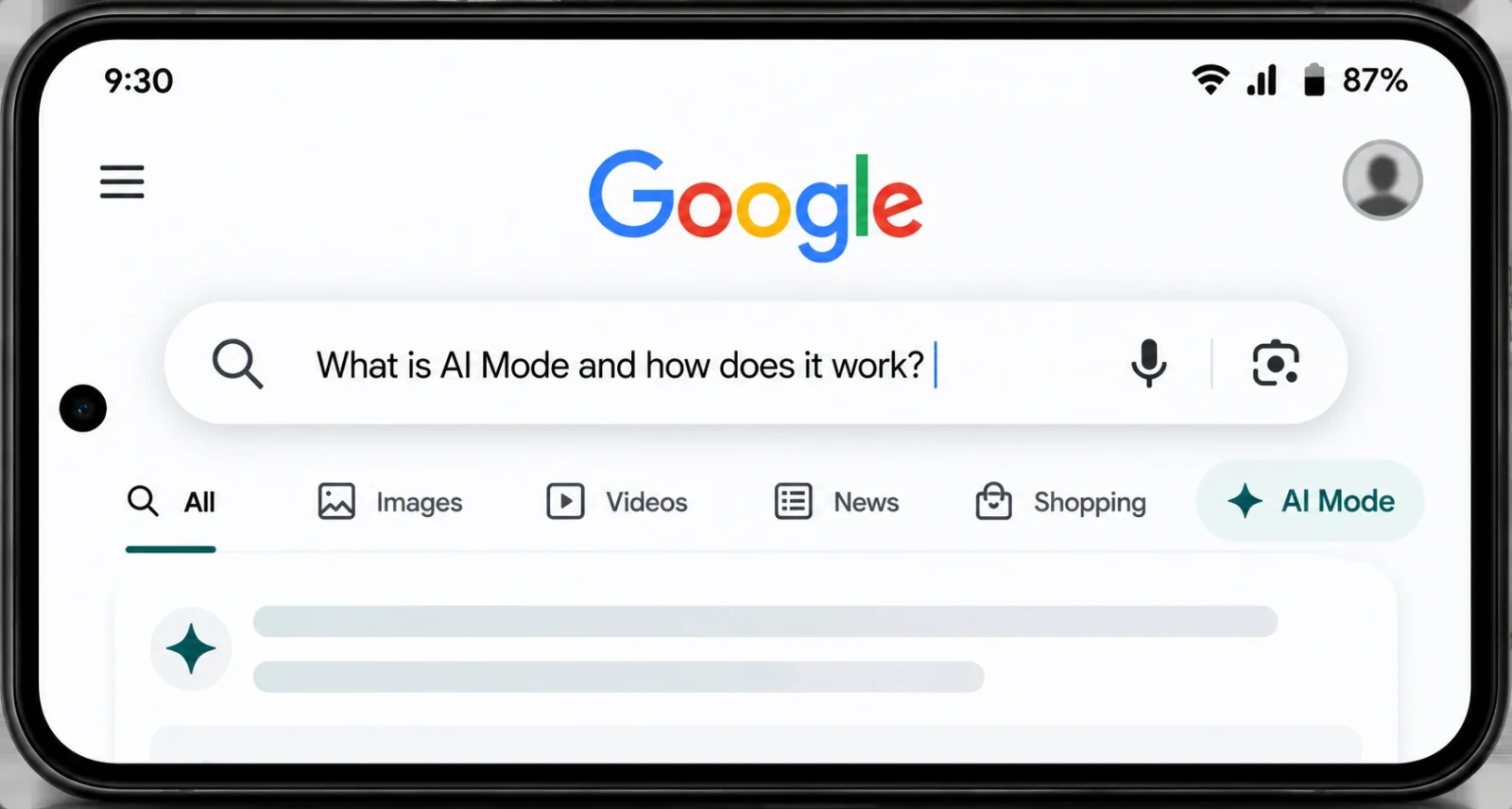
- Tap the AI Mode tab near the top. On Android, you can also access it directly from the search bar in some regions.
- Type or use voice to ask your question. You can also tap the camera icon to ask using an image, for example, snap a recipe and ask AI Mode to scale it.
- Browse the conversational answer. Citations link straight to the source pages so you can verify anything important.
- To return later, AI Mode keeps a history under your Google account, so you can pick up the session right where you left it.
5. What AI Mode Is Best For
AI Mode shines in a few specific situations that traditional Search has always struggled with. These are the queries worth saving for AI Mode.
Complex comparisons
Try a query like: compare these three laptops for video editing under $1500, focused on battery life and screen accuracy. AI Mode handles multi-criteria comparisons in one shot, where regular Search would need three separate trips.
Multi-step research
Ask: what is the best way to learn French in six months while working full time? Follow up with: what free apps work for daily practice? Then: how do I stay motivated past month two? AI Mode threads the conversation, so each follow-up builds on the last.
Hard-to-articulate questions
That movie where the kid gets trapped in a video game from the 1990s. Vague queries that would die in keyword search often work fine in AI Mode, because the model handles ambiguity better than keyword matching.
Planning tasks
Trip itineraries, project plans, study schedules, recipe scaling. Anything where you need synthesised advice from multiple sources, AI Mode wraps it into one usable answer.
6. AI Mode’s Newest Features in 2026
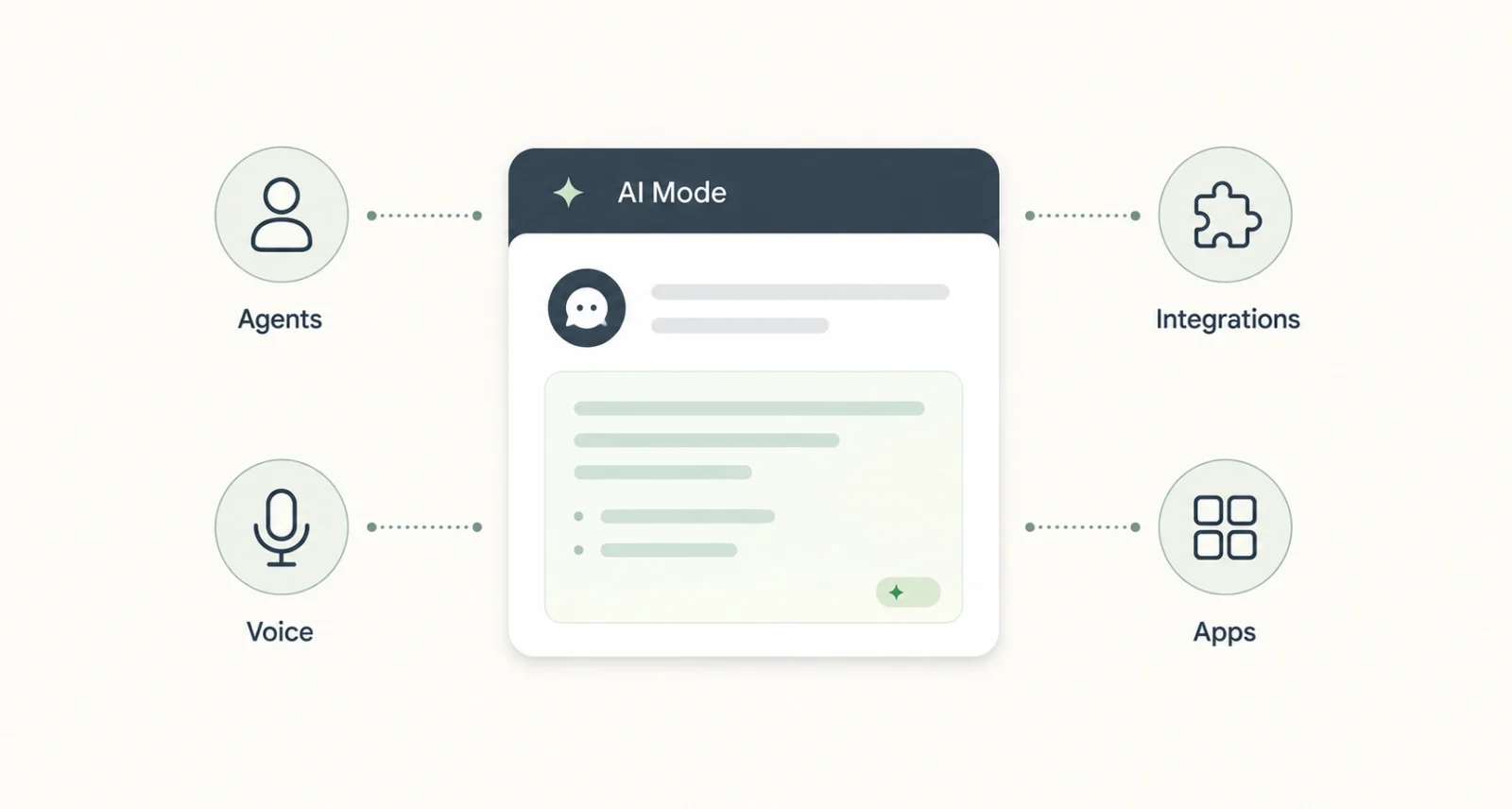
At Google I/O 2026 in May, Google announced major upgrades that turn AI Mode into much more than a smarter search box. Most of these are rolling out in waves to Google AI Pro and Ultra subscribers in the US first, then to other regions.
Agentic capabilities
AI Mode can now take initiative on multi-step tasks. Ask it to plan a wedding or research a house move, and it builds a persistent dashboard inside Search (Google calls the underlying system Antigravity) that tracks updates over time.
Information agents
Tell AI Mode to keep an eye on a topic, like local movie ticket prices, sneaker drops, or conference dates, and it runs in the background, pushing notifications when something relevant happens. This is the natural evolution of agentic AI applied to everyday search.
Gmail and Photos integration
Connect your Workspace account and Google Photos, and AI Mode can answer questions using your own context. Try: when was the last email I sent to Priya about the project, or show me photos from my Tokyo trip last spring.
Search Live
A voice and video conversational mode. Point your camera at something, talk to AI Mode, and have it answer questions about what it sees in real time.
Mini apps
You can now ask AI Mode to build small interactive tools inside Search itself, including calculators, comparison widgets, and custom dashboards. Useful for one-off tasks where a full app is overkill.
7. Tips to Get Better Results from AI Mode
A handful of habits make AI Mode answers significantly better.
- Be specific. Best running shoes gets a generic answer. Best running shoes for flat feet under $150 with cushioning for long distances gets a useful one.
- Use follow-ups instead of new searches. AI Mode remembers context, so now show me the ones available in size 12 works without restating everything.
- Try voice and images. The multimodal input often gets sharper results for visual or spoken questions, especially product recognition and recipe scaling.
- Connect your Workspace. With Gmail and Photos linked, AI Mode can use your personal context for tailored answers. Useful, though worth thinking about for privacy.
- Check your AI Mode history. Old sessions live under your Google account, so you can pick up a long research thread days later.
8. The Downsides Worth Knowing
AI Mode is impressive, but it is not perfect. A few honest caveats.
- AI can still make mistakes. Google itself warns that AI responses may include mistakes. Always verify anything legal, medical, or financial before acting on it.
- Citations are not always high quality. Research in 2026 found AI search engines sometimes cite AI-generated or low-quality sources. Click through to the source before trusting anything important.
- Privacy considerations. Connecting Gmail and Photos gives AI Mode access to a lot of your personal content. Useful, but worth weighing.
- Some features are paywalled. Information Agents and the more advanced agentic features launch first for Google AI Pro and Ultra subscribers in the US.
- It changes constantly. The features in this guide are accurate as of May 2026. Google ships changes monthly, so check the official help pages for the latest.
Frequently Asked Questions
Is AI Mode free?
Yes. The basic AI Mode tab is free for all Google users across nearly 200 countries. Some advanced features like Information Agents are launching first for Google AI Pro and Ultra subscribers in the US.
Does AI Mode replace traditional Google Search?
No. AI Mode is one tab alongside All, Images, Videos, and News. Traditional Search still works exactly the same way. You choose when to use AI Mode.
Which Gemini model powers AI Mode?
As of Google I/O 2026, AI Mode runs on a custom version of Gemini 3.5 Flash. Google may upgrade this over time, so check the official help pages for the latest.
Is AI Mode the same as AI Overviews?
No. AI Overviews are short AI-generated summaries at the top of regular search results. AI Mode is a separate conversational tab that replaces the results page when you click into it.
Can I use AI Mode on a phone?
Yes. AI Mode works on iOS and Android, both in the Google app and at google.com in a mobile browser. The mobile version also supports voice and camera input.
Does AI Mode use my personal data?
By default, no personal data beyond your search history. If you opt in to connect Gmail and Google Photos, AI Mode can use that personal context for tailored answers. You can disconnect at any time.
Can I see my previous AI Mode searches?
Yes. AI Mode keeps a history under your Google account. You can revisit, refine, or turn off sessions, as long as Search history is enabled in your account.
If you found this useful, you may also like our beginner’s guide to Claude Code, another AI tool worth knowing in 2026.

