
Cleaning up Windows usually means hunting through settings or running scary PowerShell commands. Winhance skips all of that. It gives you one friendly window where you can remove bloat, speed up your PC, and reshape the look of Windows, all with simple toggles.
| Quick Answer Winhance is a free, open-source tool that lets you debloat, optimize, and customize Windows 10 and 11 through a clean interface. No scripting needed, and every change is clearly explained and reversible. |
What Is Winhance
Winhance is an open-source Windows enhancement utility built by developer memstechtips. It bundles the most useful debloating and tuning tweaks into a single graphical app, so you get the power of a script without touching a command line.
Think of it as a friendlier control panel. Where other debloat tools throw raw scripts at you, Winhance lays everything out in tabs with plain-language descriptions for each option.
What Winhance Can Do
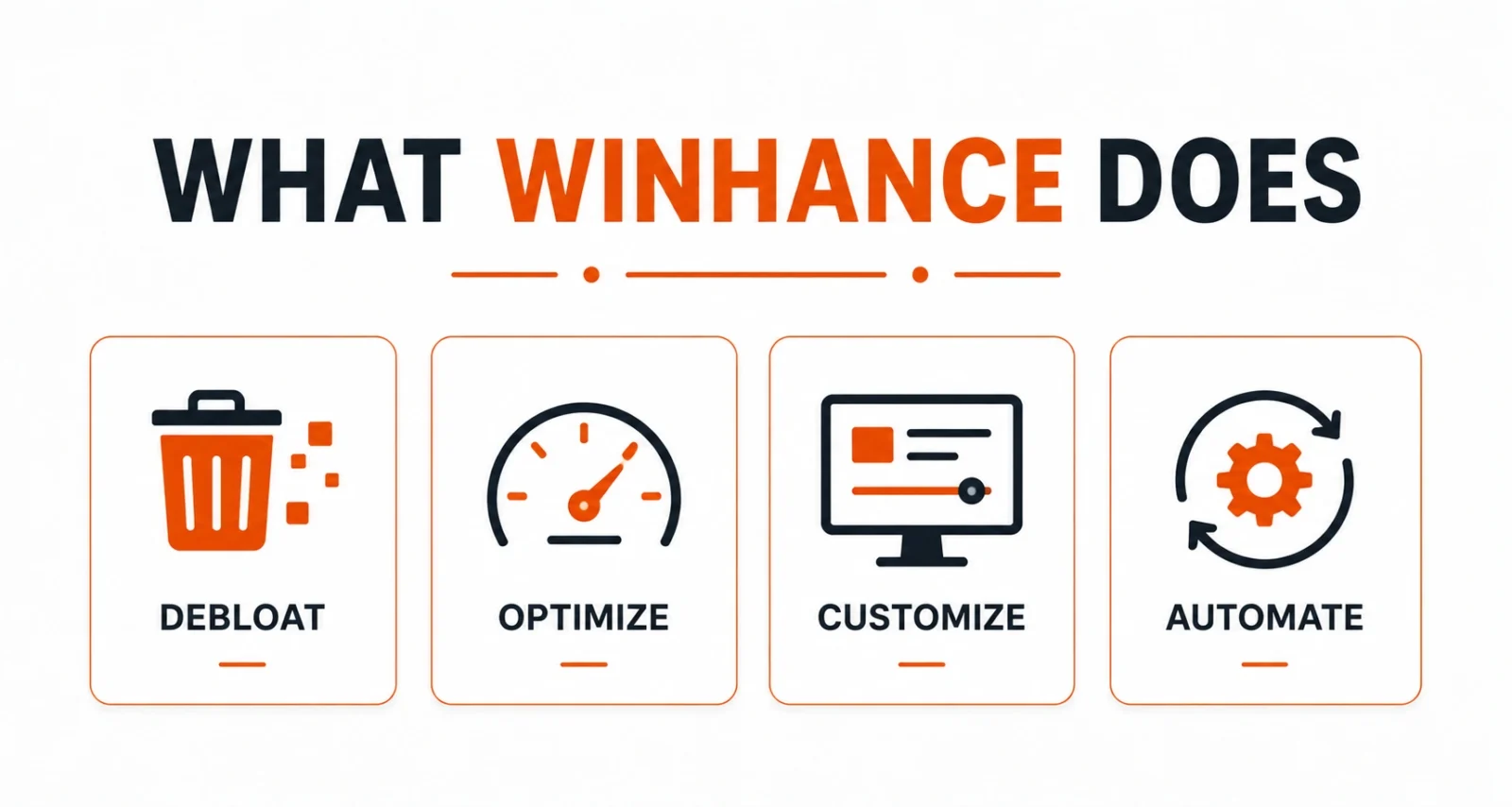
Winhance organizes its tools into four clear jobs. Here is what each one covers.
- Removes unwanted apps, legacy components, and optional features safely.
- Tunes power, gaming, privacy, and performance settings from one tab.
- Adjusts the taskbar, Start menu, Explorer, and Windows themes to your taste.
- Builds custom Windows install media with preconfigured settings using WIMUtil.
| Worth Knowing Winhance makes non-destructive changes with clear explanations in the interface, so you always know what a toggle does before you flip it. That transparency is what sets it apart from blind one-click debloaters. |
How to Use Winhance
Getting started takes just a few clicks. Here is the flow.
- Install and open Winhance from the official download below.
- Choose a tab: Debloat, Optimize, or Customize, depending on what you want to change.
- Toggle the settings you want, reading the description for each one.
- Apply the changes, and revert later from the same place if you change your mind.
What Is New in Winhance 26.06.12
This release, also called Winhance Release 27, adds a new Builder Mode and a Sponsors and Supporters page. Winhance is now available in 29 languages, widening its reach. The update also rolls in new AI privacy groups so you can lock down Windows AI features in one place.
| Quick Tip Winhance can pre-modify a Windows ISO before you even install. If you set up PCs often, building a debloated install image once saves you from repeating the same cleanup on every machine. |
Winhance vs Win11Debloat
Both tools clean up Windows, but they suit different people. Here is a quick comparison.
| Feature | Winhance | Win11Debloat |
| Interface | Graphical app with tabs | PowerShell script with menu |
| Best for | Visual users who want toggles | Users comfortable running a script |
| Customization | Taskbar, themes, Explorer, more | Mainly removal and core tweaks |
| ISO building | Yes, via WIMUtil | No |
If you prefer clicking toggles and want deeper customization, Winhance is the better fit. If you want the fastest possible one-run cleanup, Win11Debloat does that well.
Is Winhance Safe
Yes. Winhance is open source, its changes are reversible, and each option is explained in plain language before you apply it. As always, create a restore point first and download only from the official site or GitHub repo.
Winhance makes Windows tuning approachable. It turns scattered settings and risky scripts into a single, clearly labeled app where every change is reversible. Whether you want to debloat a fresh install, squeeze out more performance, or just make Windows look the way you want, it is one of the easiest tools to recommend.
Download Winhance
Download Winhance 26.06.12 (Open Source, official GitHub release)
Winhance website (official home and one-click install)
Winhance GitHub repository (source code and documentation)
Frequently Asked Questions
Is Winhance Free
Yes. Winhance is free and open source, with no paid tier required to use its features.
Does Winhance Need PowerShell Knowledge
No. Winhance gives you a graphical interface with toggles, so you never have to write or run commands yourself.
Can I Undo Winhance Changes
Yes. Changes are non-destructive and reversible, with clear explanations in the app so you know what each one does.
Does Winhance Work on Windows 10
Yes. Winhance supports both Windows 10 and Windows 11.
Where Should I Download Winhance
Download it from the official Winhance website or the memstechtips GitHub repo. Both serve the same verified installer.

