
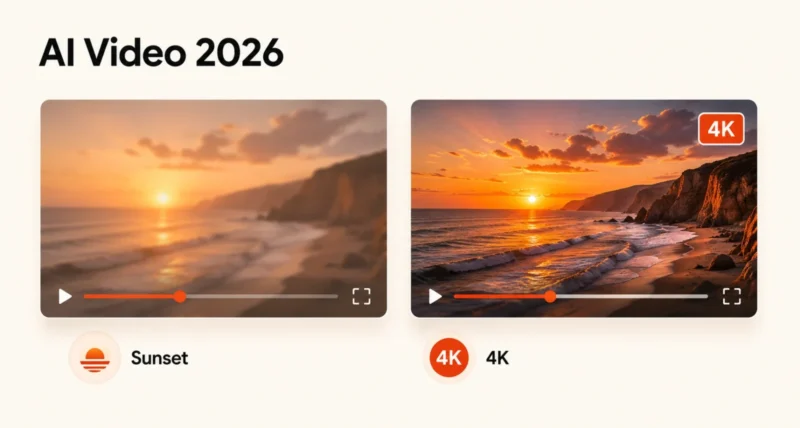
Sora is OpenAI’s AI video model. It can turn a sentence into a short video, complete with synchronised audio, and for most of 2025 it was the most talked-about creative AI tool on the internet.
In 2026, the story flipped. OpenAI quietly killed the Sora consumer app, the API is winding down, and Google’s Veo 3 has stepped in as the most production-stable AI video tool. This guide explains what Sora was, what Veo 3 is, how the two compare, and what to actually use right now.
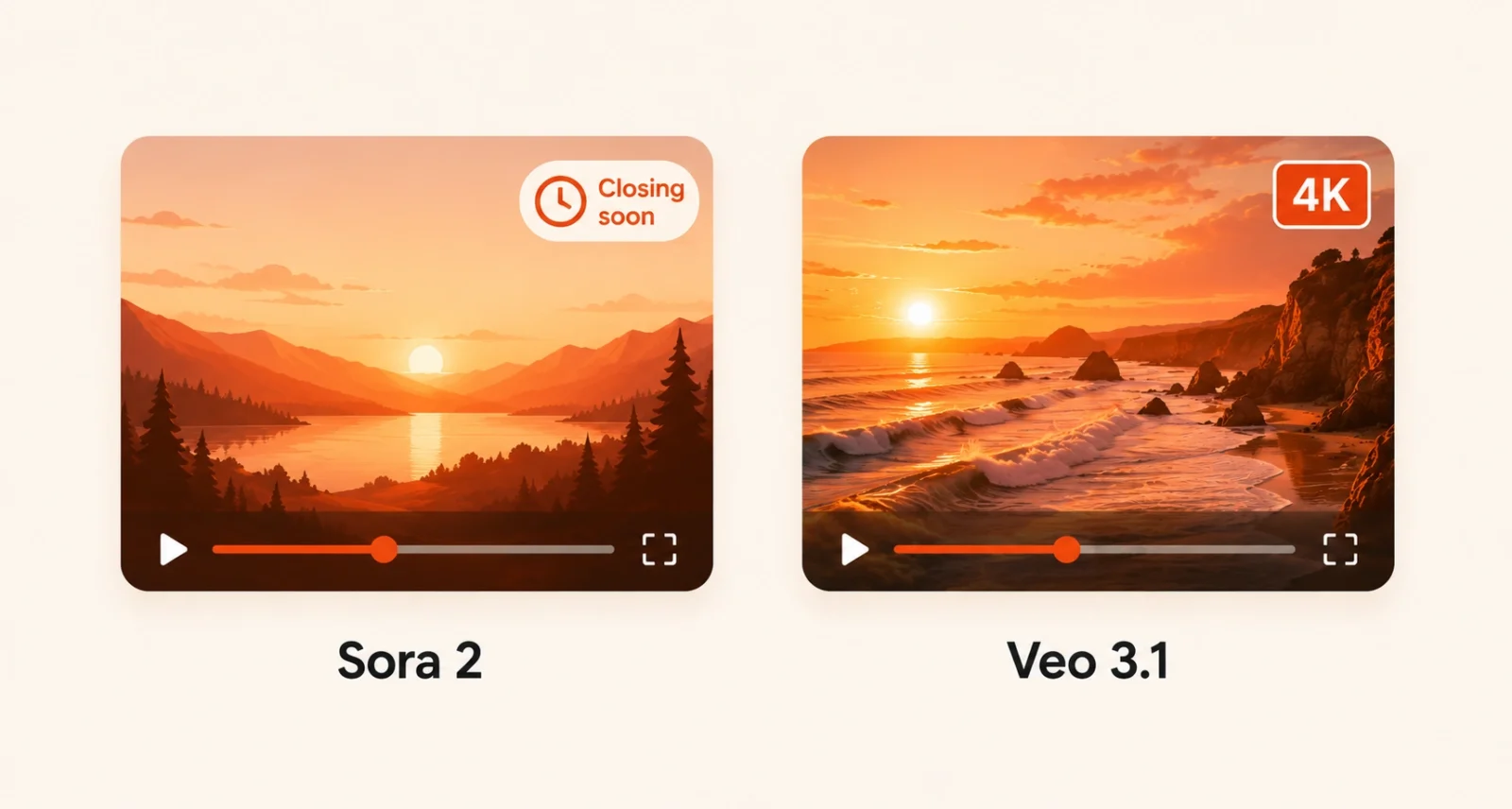
Here is the short version. Sora 2 is now developer-only and shutting down in September 2026. Veo 3.1, Google’s rival, generates 4K video with native audio and is available inside the Gemini app today. If you want to make AI videos in 2026, Veo 3.1 is the answer for most people.
1. What Is Sora? A Brief History
Sora is OpenAI’s AI video generation model. It takes a written prompt and produces a short video clip, with motion, physics, and (in the newer version) synchronised audio.
OpenAI launched the original Sora in December 2024, calling it the GPT-1 moment for video. That language was deliberate. OpenAI did not want anyone treating the first version as the finished product. It was the proof of concept.
Sora 2 followed on September 30, 2025. It was a major upgrade: more physically accurate, with native dialogue, lip-synced character speech, sound effects, and ambient audio all generated in a single pass. It became the model people meant when they said Sora.
Inside the Sora app you could type a prompt, generate a clip, remix it, share it, and chain shots together. Sora 2 supported up to 1080p resolution and up to roughly 25 seconds of generated video on the Pro tier.
2. What Sora 2 Can Do
Three capabilities define Sora 2.
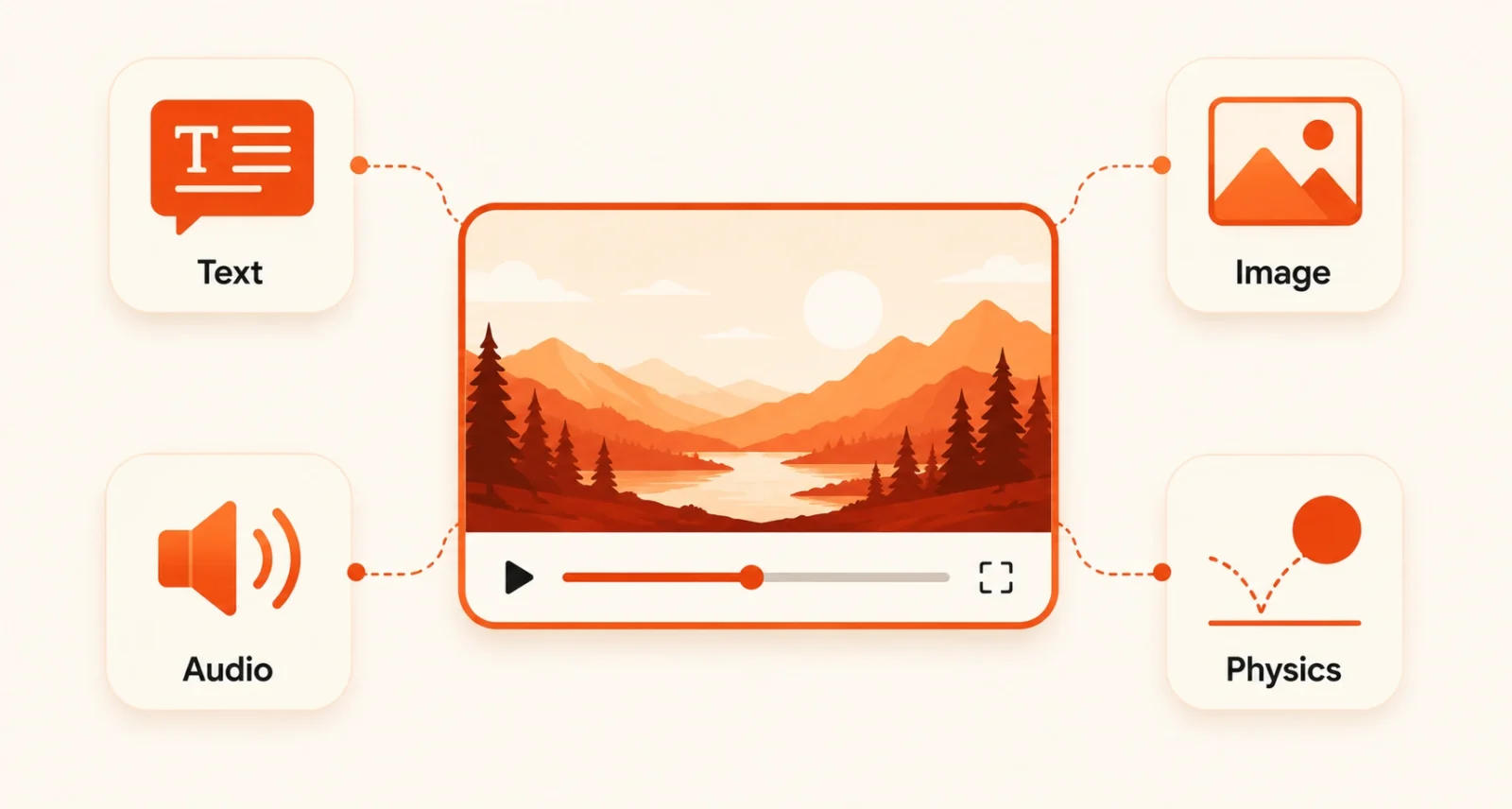
Text-to-video and image-to-video
Type a detailed prompt and Sora 2 turns it into a clip. Or upload a still image and have the model animate it into a moving scene. Both modes produce HD output with reasonable temporal consistency, meaning the same character or object holds its appearance across the clip.
Native synchronised audio
This is the headline feature of Sora 2. Dialogue, ambient sound, music, and sound effects are generated in the same pass as the video, with lip-synced character speech that lines up with the visual. Before Sora 2, AI video tools generated silent clips and you bolted audio on separately.
Disney-licensed characters
In late 2025, OpenAI signed a $1 billion partnership with Disney, unlocking properly licensed generation of Disney characters inside Sora. That makes Sora unusual: it is one of the few AI video tools where using a famous IP is legally clean, within the partnership’s usage terms.
3. The Big Change: Sora Is Now Developer-Only
If you are reading older articles about Sora, this is the part that has changed underneath them.
On January 10, 2026, OpenAI ended the free tier for Sora 2. Image and video generation became limited to ChatGPT Plus ($20 a month) and ChatGPT Pro ($200 a month) subscribers.
April 26, 2026: OpenAI discontinued the Sora consumer app entirely. The web and iOS apps stopped accepting new generations. Existing users could still download their old videos, but the front-door product was gone.
Sora 2 still exists, but only through the API, where developers pay $0.10 to $0.70 per second of generated video depending on the model and resolution. And the API itself is scheduled to sunset on September 24, 2026, after which all Sora endpoints will close.
In plain English: if you want to use Sora to make a video today as a regular user, you cannot. If you build software, you can call it through the API for a few more months, then it will be gone. This is why the rest of the AI video industry suddenly mattered a lot more in 2026.
4. Meet Veo 3: Google’s AI Video Rival
Veo is Google DeepMind’s AI video model. The two names you will see in 2026 are Veo 3 and Veo 3.1, which are the same family with the .1 release adding meaningful upgrades.
Google launched Veo 3 at Google I/O in May 2025. It was the first major AI video model to generate native audio in a single pass, which is the feature Sora 2 then matched four months later. Veo 3.1 followed in October 2025, with quality and prompt-adherence improvements, and Google added 4K output plus an Ingredients to Video feature in January 2026.
By April 2026, with Sora’s consumer app retired, Veo 3.1 had become the most production-stable AI video tool on the market. It is also the one regular users can actually open and try today.
Veo 3.1 in three tiers
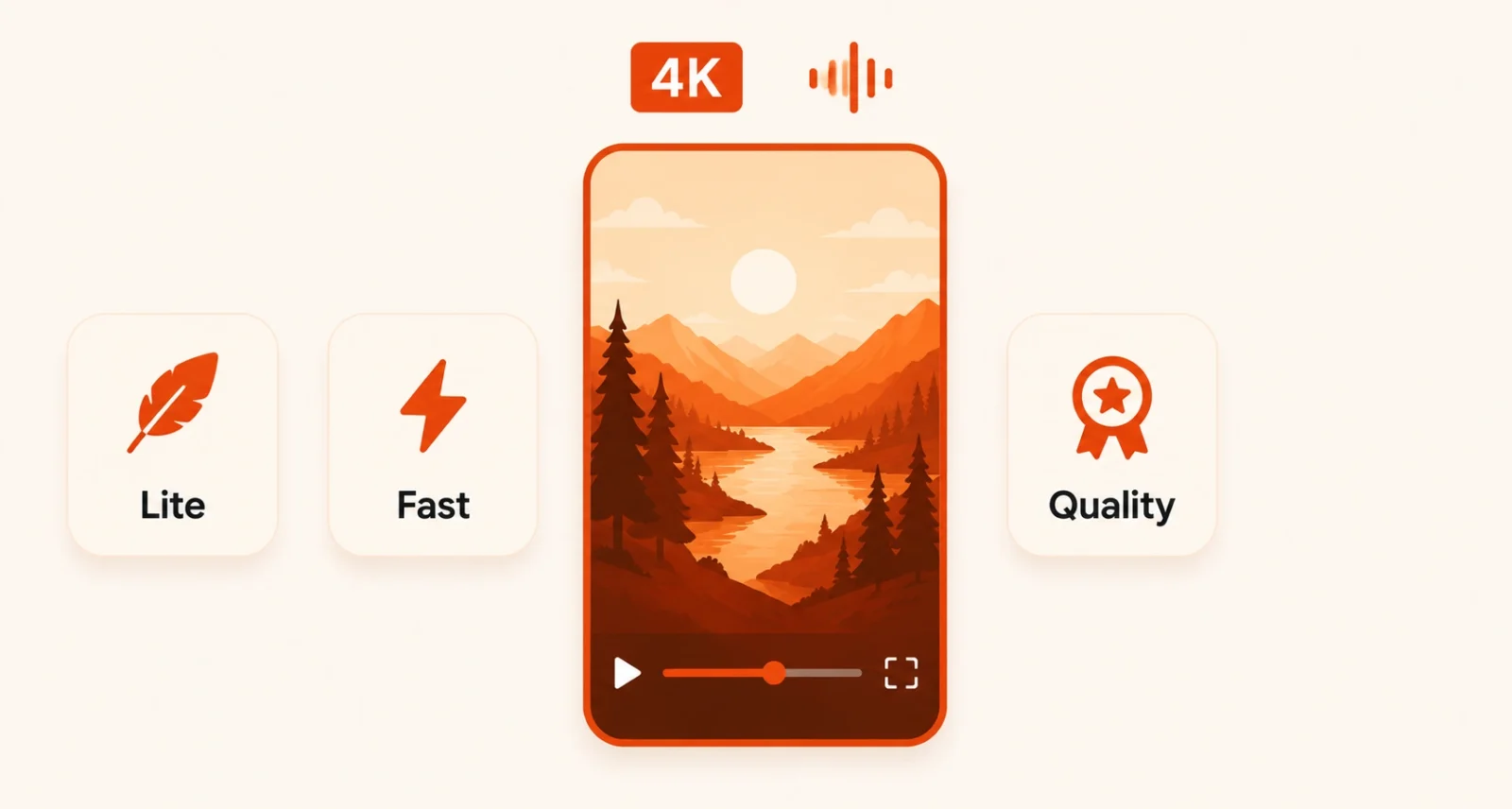
Veo 3.1 comes in three tiers, which lets you trade cost for quality:
- Veo 3.1 Lite. Cost-optimised. 720p or 1080p, smaller models, faster generations. From around $0.03 per second on the Gemini API without audio.
- Veo 3.1 Fast. Balanced speed and quality, useful for iteration and most everyday work.
- Veo 3.1 (Standard / Quality). Top-tier output, 4K capable on Vertex AI, native audio at the highest fidelity. Around $0.40 per second with audio on the Gemini API.
What Veo 3.1 generates
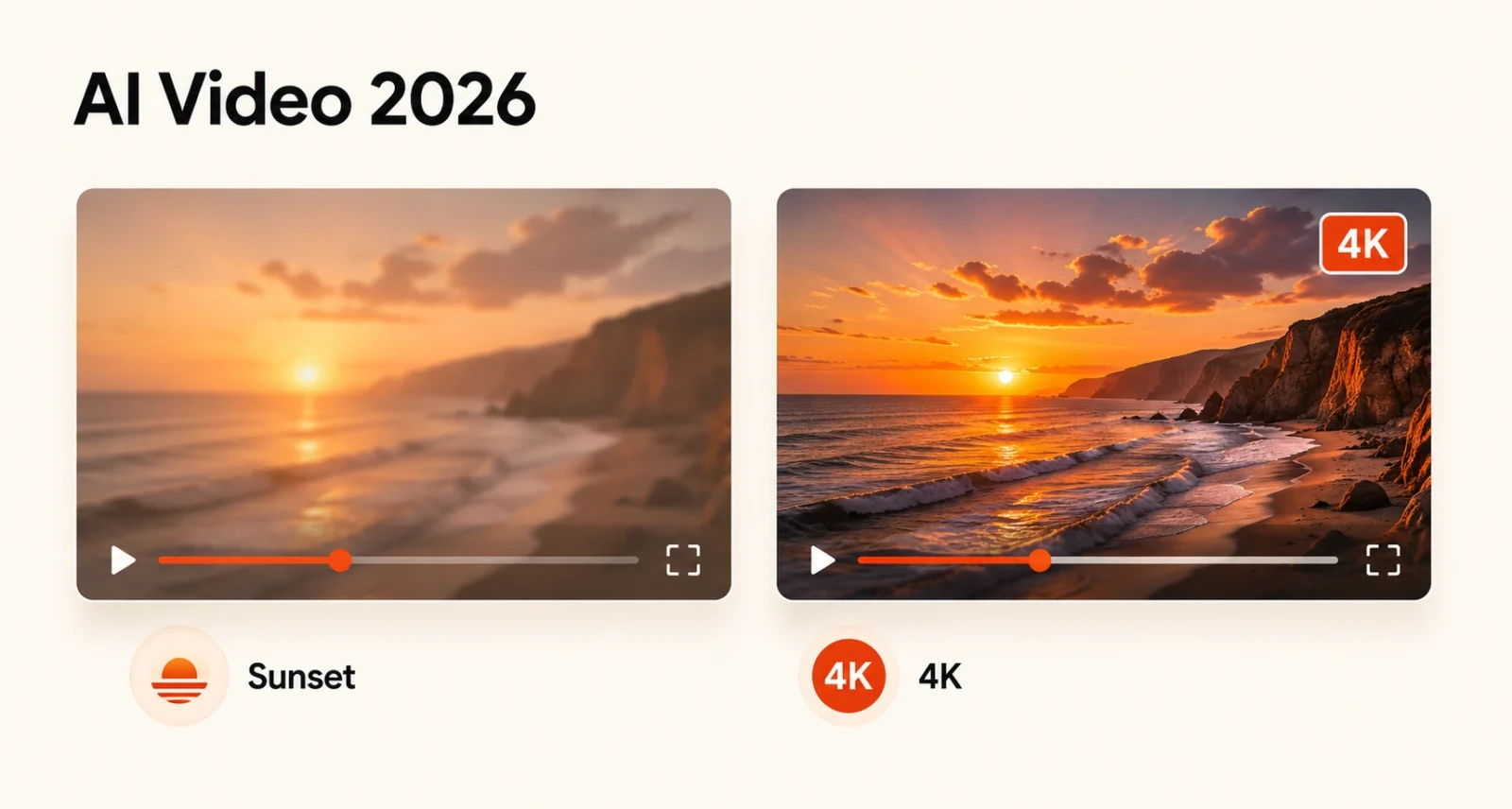
In a single generation, Veo 3.1 can produce up to 8 seconds of video at 720p, 1080p, or 4K, with optional synchronised audio (dialogue, sound effects, music, ambient sound), in 16:9 or native vertical 9:16 for Shorts, TikTok, and Reels. You can input text only, or text plus up to four reference images for character and object consistency.
5. Sora vs Veo 3: Side-by-Side Comparison
Both models can generate short videos with audio from a text prompt. Here is where they actually differ in 2026.
| Feature | Sora 2 (OpenAI) | Veo 3.1 (Google) |
| Consumer access | Discontinued April 26, 2026 | Live in Gemini app and Flow |
| API access | Live, sunsets Sept 24, 2026 | Live on Gemini API and Vertex AI |
| Native audio | Yes, lip-synced | Yes, ambient and lip-synced |
| Max resolution | Up to 1080p (Sora 2 Pro) | Up to true 4K (Vertex AI) |
| Max clip length | Up to ~25s (Sora 2 Pro) | Up to 8s per generation |
| Vertical 9:16 video | Available | Native, optimised for Shorts and Reels |
| Subscription path | ChatGPT Plus $20 or Pro $200 | Google AI Pro $19.99 or Ultra $249.99 |
| API price (with audio) | $0.10 to $0.70 per second | $0.40 to $0.75 per second |
| Reference images | Image-to-video supported | Up to 4 images for consistency |
| Licensed content | Disney partnership in place | No comparable IP partnership |
6. How to Use Veo 3 (Step-by-Step)
Since Veo 3.1 is the practical choice for almost everyone right now, here is how to actually make a video with it. The Gemini app path is the easiest.
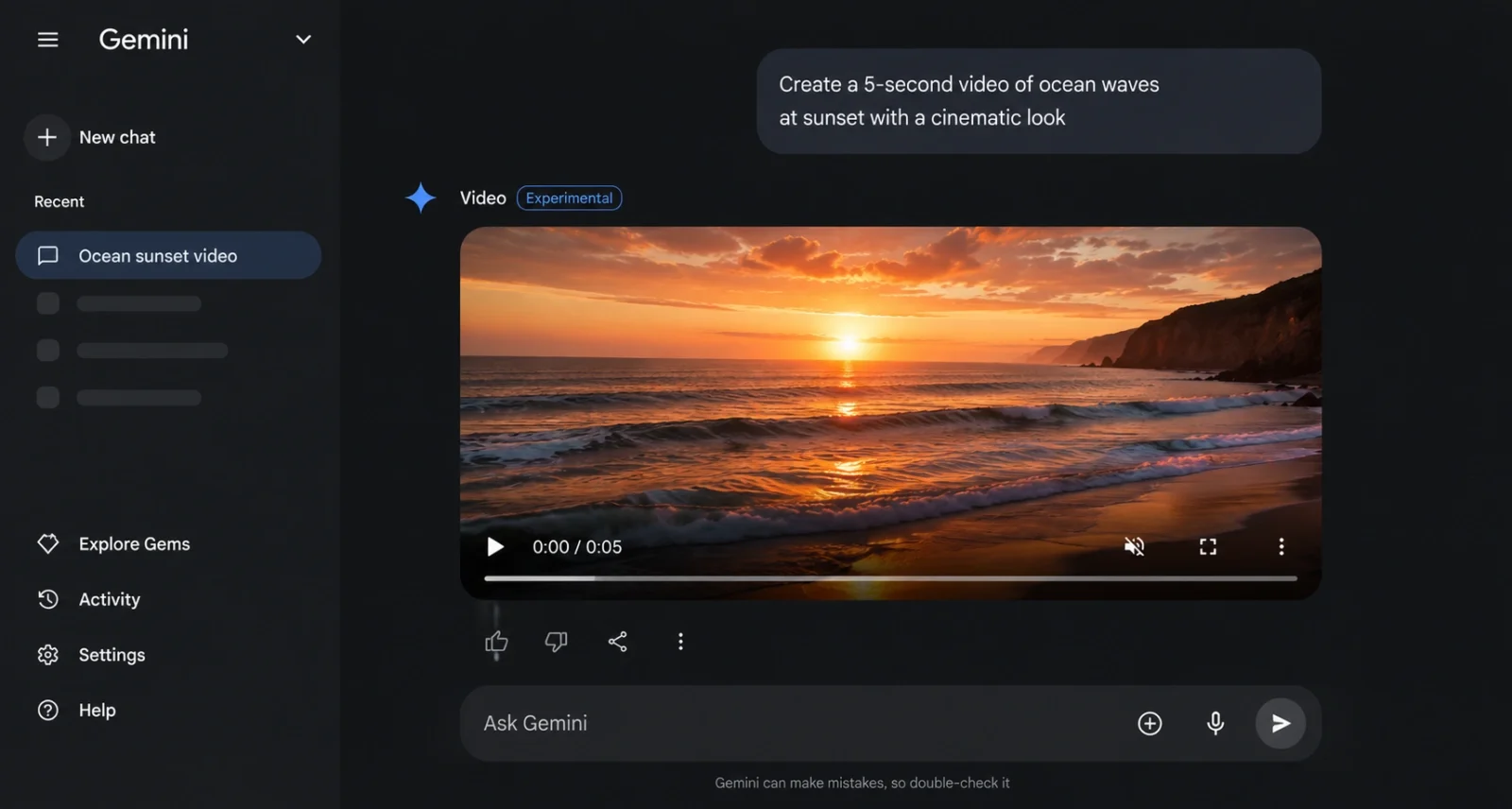
- Open the Gemini app on your phone, or gemini.google.com on a desktop, and sign in with a Google account on a Google AI Pro ($19.99 a month) or Ultra plan.
- Look for the video generation button (a small video icon in the prompt bar) or just type a prompt that asks Gemini to make a video.
- Write a clear prompt. Describe the subject, the style (cinematic, documentary, animated), the camera movement, and any specific sounds you want. Example: A golden retriever puppy chasing a red ball across a green park at sunset, cinematic shallow depth of field, ambient park sounds.
- Submit and wait. Veo 3.1 typically takes 30 seconds to two minutes per clip. The video appears in your chat with playback controls and a download option.
- To iterate, type changes naturally: make the puppy a labrador, switch to night, add a barking sound. Veo edits based on your follow-up.
If you are new to the Gemini ecosystem, our guide on how to use Google AI Mode covers the broader Search side. For image generation inside Gemini, our Nano Banana prompt guide pairs nicely with this one.
7. Other AI Video Tools Worth Knowing
Sora and Veo are not the only games in town. Five other models matter in 2026, each with a clear strength.
Runway Gen-3
Runway is the AI video tool with the most mature creative-control interface. Strong on art direction features, motion brushes, and director-style controls. Quality is solid, slightly behind Veo and Sora on benchmarks, but the user experience is the best in the category.
Kling 3.0
A Chinese AI video model that quietly became one of the strongest performers on multi-shot storytelling and speed. Often the cheapest of the high-end options, with a generous free tier. Worth a look if you need volume.
Pika
The friendliest option for casual creators. Less expensive, simpler interface, good for short social clips and quick experiments. Quality is a step below the leaders, but it is the easiest to start with.
Hailuo MiniMax
A fast-growing competitor with surprisingly good motion quality and impressive lip-sync. Often used as a budget alternative to Veo for talking-head style videos.
Seedance 2.0
A newer entrant with strong audio synchronisation and a focus on dance, music, and rhythmic content. Worth knowing if your use case lines up with what it specialises in.
8. Which AI Video Tool Should You Actually Use?
Honest, opinionated answer based on the May 2026 landscape:
If you are a regular user who wants to make AI videos today
Veo 3.1 in the Gemini app. It is the only top-tier model with proper consumer access right now, the audio is competitive with Sora 2, and the 4K output and vertical-video support cover most use cases.
If you are a developer building an AI video app
Use both Veo 3.1 and Sora 2 through their APIs while you can. Treat Sora 2 as a temporary option (it sunsets in September 2026) and plan your fallback to Veo 3.1 or Kling 3.0. Long-term, Google’s ecosystem looks safest.
If you want the most creative control
Runway Gen-3, despite slightly lower quality on benchmarks. The UI is genuinely better than anything else, and creative direction features beat raw output quality for many workflows.
If you are budget-conscious
Kling 3.0 for speed-and-volume, or Pika for casual experimentation. Both will get you 80 percent of the way for a fraction of the cost.
And keep an eye on the broader agentic AI trend. The next step for these tools is to turn video generation into a multi-shot, story-aware process that handles scenes, transitions, and edits on its own. The early signs of that are already in the latest Veo and Sora releases.
Frequently Asked Questions
Is Sora still available in 2026?
Not as a consumer product. OpenAI discontinued the Sora web and iOS apps on April 26, 2026. The Sora 2 API is still live for developers, but it is scheduled to sunset on September 24, 2026.
Can I use Sora for free?
No. The free tier for Sora ended on January 10, 2026, and the consumer app shut down entirely in April 2026. API usage is paid by the second. For free AI video, look at the free tiers of Pika, Kling, or Google AI Studio.
What is Veo 3?
Veo 3 is Google DeepMind’s AI video generation model, first launched at Google I/O in May 2025. The current version, Veo 3.1, generates up to 4K video with synchronised native audio in vertical 9:16 or standard 16:9 aspect ratios.
Sora vs Veo 3, which is better?
On benchmarks (early 2026 EvalVid and VBench), Sora 2 leads slightly on cinematic quality and prompt adherence, Veo 3.1 leads on audio-visual sync and is the only true 4K option. In practice, Veo 3.1 is the more useful tool right now because Sora’s consumer app is gone.
How much does Veo 3 cost?
Inside the Gemini app, it is included with Google AI Pro at $19.99 a month or Google AI Ultra at $249.99 a month. Via the API, prices range from about $0.03 per second (Veo 3.1 Lite, no audio) to about $0.75 per second (full quality with audio on Vertex AI).
Can I generate videos with celebrities or real people?
Both Sora and Veo have safety filters that block real public figures by default. Sora has a special $1 billion partnership with Disney that legally unlocks Disney characters within agreed terms. For most other recognisable people, the answer is no.
How long can AI-generated videos be?
Sora 2 Pro supported clips up to roughly 25 seconds. Veo 3.1 generates up to 8 seconds per call, but you can chain multiple generations for longer content. Runway and Kling sit in similar ranges. True long-form AI video is still on the roadmap, not the product.

