
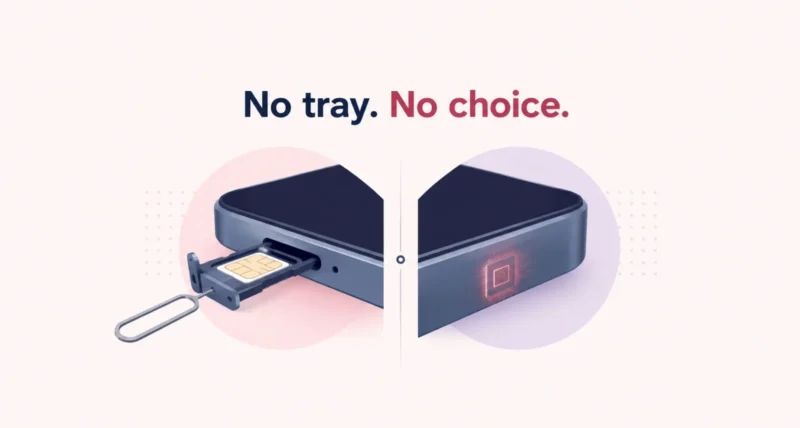
Here is the part most eSIM vs physical SIM articles forget to mention. If you bought an iPhone in the United States any time since 2022, you do not have a choice. Apple removed the SIM tray. Flip the phone over and look: there is nowhere to put a card. So the useful question is not which one wins, it is what changes for you now that the decision has been made. This guide covers the security advantage the FCC itself points out, the traps nobody warns you about, and how to move your number to a new phone without calling anyone.
| The Short Answer A physical SIM is a removable card. An eSIM is a chip built into your phone that downloads your carrier plan over the internet. Signal, speed and coverage are identical, because both use the same network. US models of the iPhone 14 and later have no SIM tray at all, so eSIM is the only option on those phones. eSIM is more secure, since a thief cannot pull it out, and it is far better for international travel. The catch: if your phone is locked to a carrier, third-party eSIMs including travel plans will be refused until you unlock it. |
eSIM vs Physical SIM: The Whole Thing in One Table
If you read nothing else, read this.
| Physical SIM | eSIM | |
| What it is | A removable nano card | A chip soldered to the motherboard |
| Getting it | Buy or collect a card | Download a plan over Wi-Fi |
| Signal and speed | Identical | Identical |
| Moving to a new phone | Ten seconds, pop it out | Quick Transfer, if the old phone still works |
| If your phone is stolen | Thief ejects it in seconds | Cannot be removed |
| Traveling abroad | Buy a local card at a kiosk | Add a local plan before you even land |
| Numbers on one phone | One per slot | Store 8 or more, run 2 at once |
| On a recent US iPhone | Not possible, there is no tray | The only option |
eSIM is not a different network. It is a different way of loading the same network onto your phone. The GSMA, the industry body of roughly 800 operators that wrote the standard, calls it remote SIM provisioning. Your phone downloads an encrypted carrier profile instead of you sliding in a card. That is the whole idea.
If You Own a Recent US iPhone, the Choice Is Already Made
This is the single most important thing for American readers, and most comparison articles skip it entirely. Apple started removing the SIM tray from US iPhones with the iPhone 14 in 2022, and it never put it back.
| Device | SIM Tray in the US? | What That Means | ||
| iPhone 13 and older | Yes | You can still choose either | ||
| iPhone 14, 15, 16, 16e | No | eSIM only, no card can be fitted | ||
| iPhone 17, 17 Pro, Pro Max | No | eSIM only, and now in 11 other countries too | ||
| iPhone 17 Air | No, anywhere | Apple’s first eSIM-only phone worldwide | ||
| iPad Pro (M4), iPad Air (M2+) | No | eSIM only | ||
| Most Samsung and Pixel | Yes | One card plus one eSIM, your call | ||
| Quick Take What matters is where the phone was bought, not where you live. A US-bought iPhone 16 has no tray even if you carry it around Europe, and a European-bought iPhone 16 has one even if you live in Ohio. To check yours in five seconds, look along the edge for a tray, or open Settings, General, About and see whether an EID is listed. An EID and no tray means eSIM only. | ||||
First, What Does Not Change
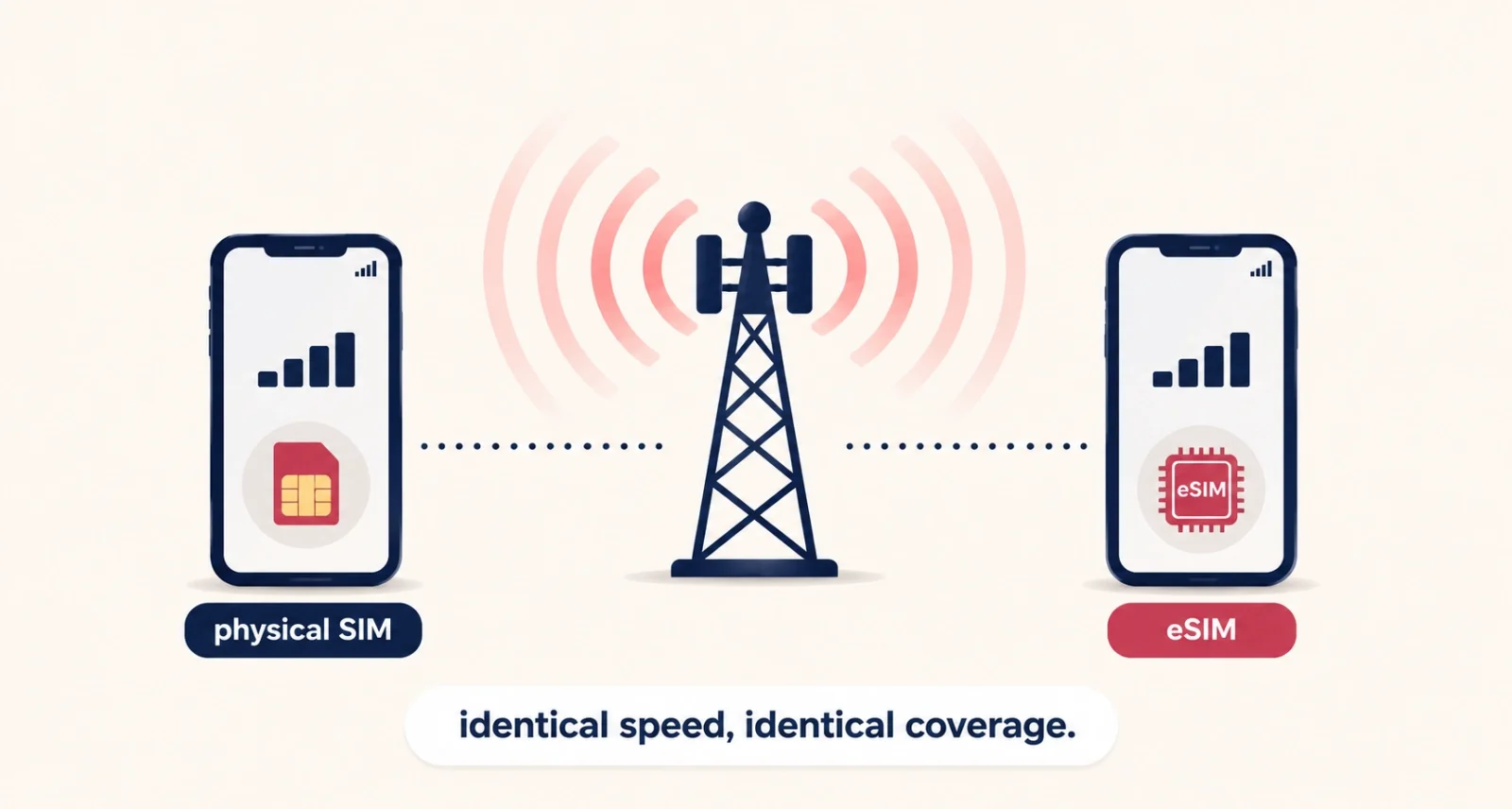
Clear this up before anything else, because it is the most common myth about eSIM. It does not give you better signal. It does not give you faster data, and it does not improve your coverage.
Same carrier, same tower, same spectrum, same speed. The SIM is only your identity on the network, not the network itself. Anyone selling you an eSIM on a promise of stronger bars is selling something that does not exist.
The Security Difference, and What the FCC Says About It
You do not have to take a blogger’s word for this one. The Federal Communications Commission has published its own position, and it is unusually direct.
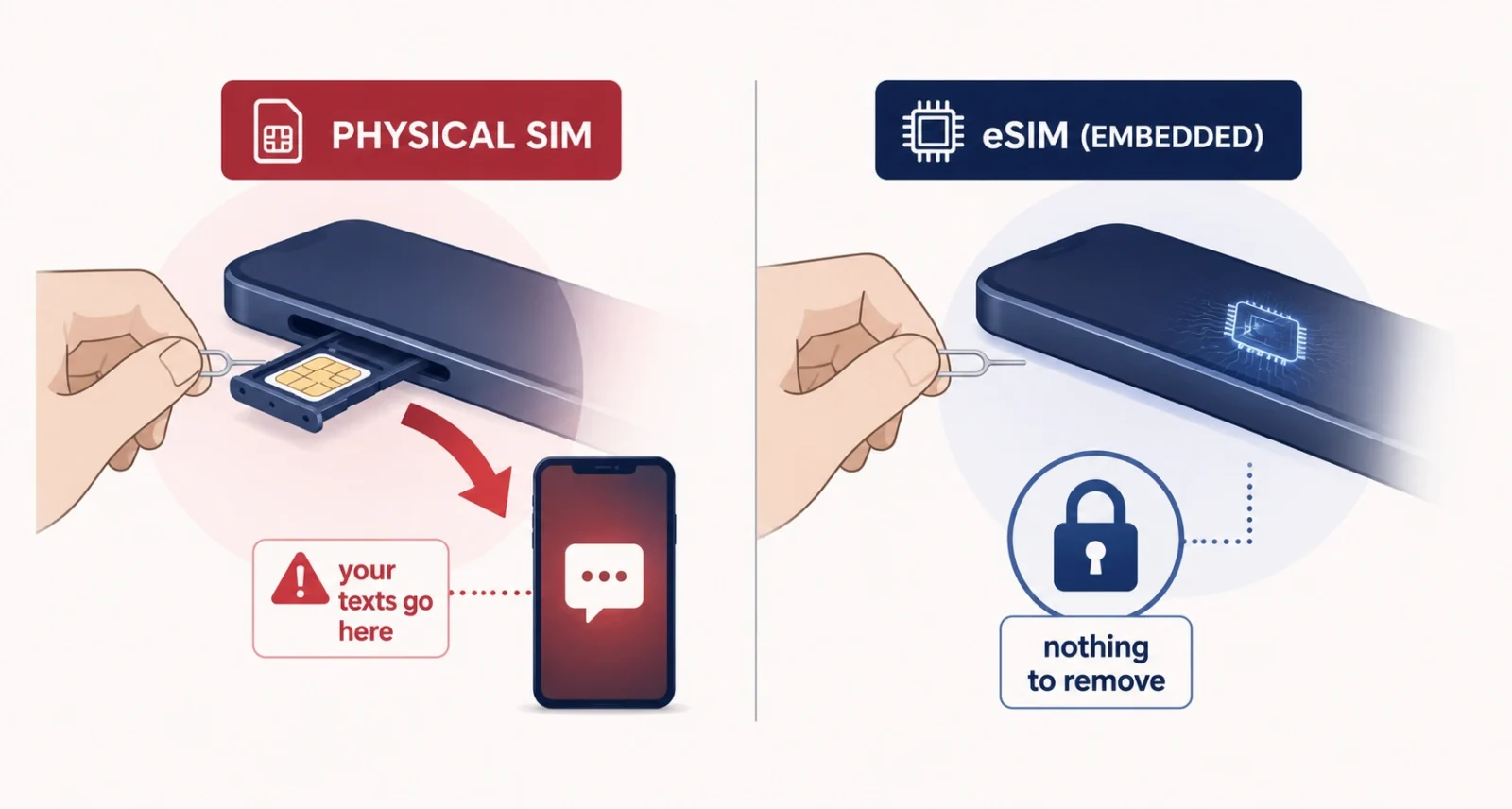
In its eSIM Cards FAQ, the FCC says an eSIM cannot be stolen without stealing the whole phone, while removable SIM cards are sometimes stolen and used in port-out scams. The agency’s cell phone fraud guidance spells out the attack: a thief takes your SIM card, drops it into their own phone, and now they receive your calls and texts. From there they start resetting the passwords on your bank and social accounts. An embedded chip removes that whole avenue, because there is nothing to pull out.
| Worth Knowing An eSIM does not stop SIM swapping. That scam works by fooling your carrier into moving your number, not by stealing a card, and it works just as well against an eSIM. It is exactly why the FCC now requires carriers to authenticate you properly before any SIM change, to alert you the moment one is requested, and to let you lock your account against changes altogether. Turn that lock on today. |
Three things worth doing this week, whichever SIM type you use:
- Turn on your carrier’s number lock. AT&T calls it Wireless Account Lock, Verizon calls it Number Lock, T-Mobile calls it SIM Protection. All are free.
- Set a unique account PIN with your carrier, six digits or more, and nothing guessable like a birth year.
- Move your important logins off SMS codes. An authenticator app is better, and a passkey is better still, because it cannot be phished at all.
The Traps Nobody Warns You About
Now the honest part. eSIM is genuinely better for most people, but it fails in specific ways that no carrier advertisement mentions.
| The Trap | What Actually Happens | ||
| Your phone is carrier locked | It will refuse third-party eSIMs, travel plans included, until you request an unlock | ||
| Your phone is dead, lost or stolen | Quick Transfer needs the old phone working, so you are back to calling support | ||
| You factory reset the phone | eSIM profiles are wiped permanently, though carriers can usually reissue for free | ||
| You are abroad with no tray | You physically cannot buy a local SIM card at a kiosk | ||
| “Free eSIM” | Means a free profile, not free service. Plan fees and taxes still apply | ||
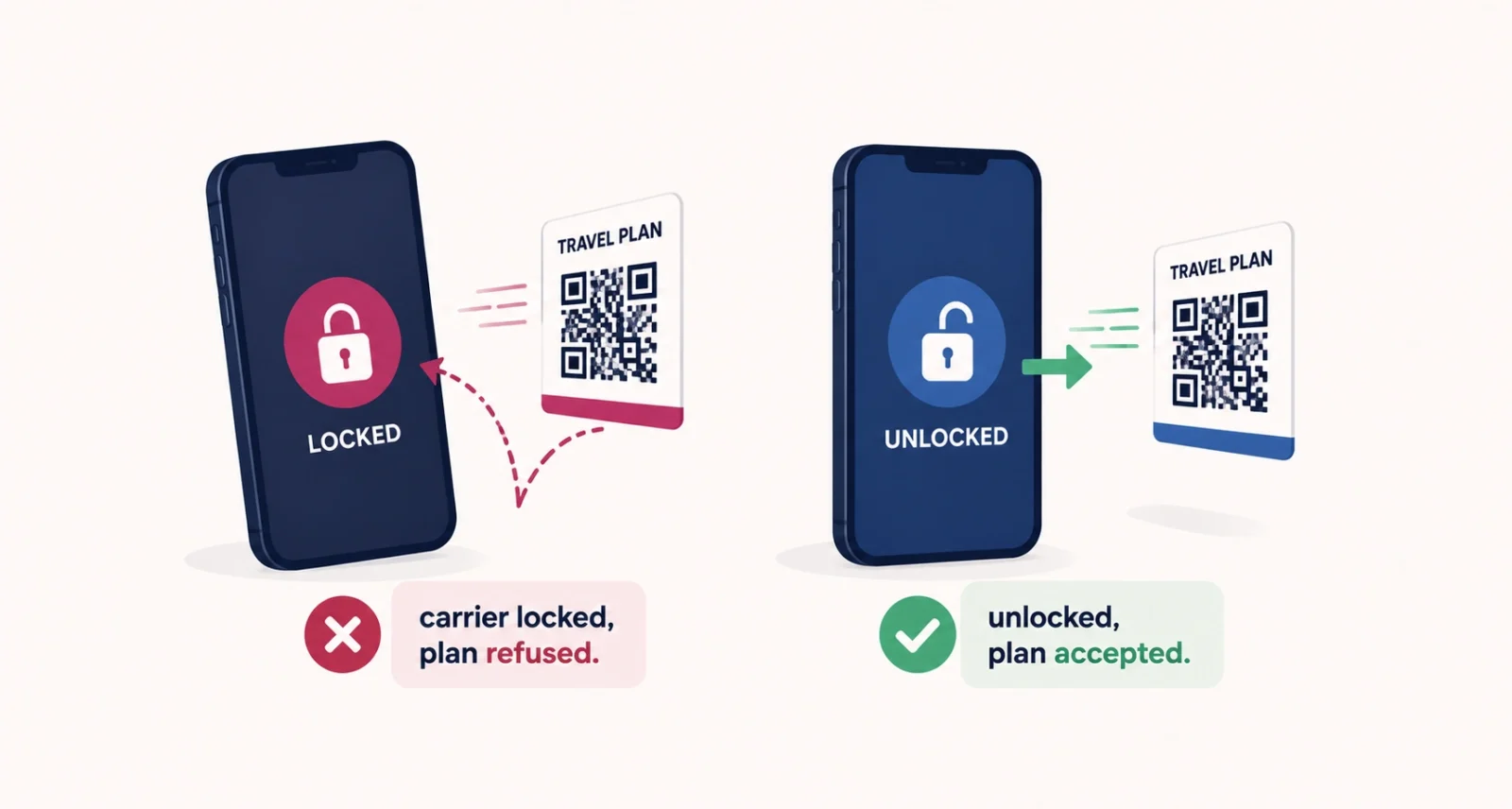
| Do Not Skip This The carrier lock is the one that catches Americans out most, because so many phones are bought on monthly installment plans and stay locked until they are paid off. You can spend $30 on a travel eSIM for Italy, land in Rome, and find your phone flatly refuses to install it. Check that your phone is unlocked before you buy any third-party plan, not after. | |||
How to Set Up an eSIM or Move It to a New Phone
The good news is that you rarely need to call anyone any more. Apple’s eSIM Quick Transfer moves your line from an old iPhone to a new one by itself, and every major US carrier supports it. With iOS 26 you can even carry more than one number across at once.
Moving from an old iPhone to a new one:
- Keep both phones nearby, on Wi-Fi, with Bluetooth on.
- On the new iPhone, open Settings, tap Cellular, then Add eSIM.
- Choose Transfer From Nearby iPhone and follow the prompt on the old one.
- Wait for the plan to activate. It deactivates the old phone’s line automatically.
- Test calls, texts, iMessage, FaceTime and data before you erase or trade in the old phone.
Switching from Android to iPhone now works too. Apple has an official flow for transferring an eSIM from Android, using iOS 26 and Android 16, over Wi-Fi and Bluetooth. If your carrier does not support it, they will send you a QR code instead.
Setting up fresh with a carrier, or converting a physical SIM you already have, runs through your carrier’s app or a QR code. Verizon, AT&T and T-Mobile all handle it digitally, and most of the big prepaid brands, including Mint Mobile, Visible, Cricket and Google Fi, support eSIM as well.
Traveling Abroad? Here eSIM Wins Outright
If your iPhone has no tray, this stops being a preference and becomes the plan. You cannot walk up to an airport kiosk and buy a local card, because there is nowhere to put it.
Fortunately the eSIM version is better anyway. Buy a data plan for your destination online, install it before you leave home, and switch it on when you land. Your US number stays active in the second slot. Calls, texts and verification codes still reach you, while the travel plan handles data. Roaming charges simply never enter the picture.
| Two Things That Catch People Out First, installing an eSIM profile needs an internet connection. Land in a foreign airport with no roaming and no Wi-Fi, and you cannot install the plan you already paid for. Always install it at home before you fly. Second, check your phone is carrier unlocked first. A locked phone will reject the travel plan outright, and finding that out at baggage claim is a miserable way to start a trip. |
So Which One Should You Pick?
Assuming your phone still gives you the option, find yourself in this table.
| If You Are | Pick | Why |
| Buying a recent US iPhone | eSIM | There is no tray, so the decision is made for you |
| A frequent international traveler | eSIM | Local data on landing, and your US number stays live |
| Worried about phone theft | eSIM | The FCC agrees: a thief cannot pull it out |
| Running work and personal lines | eSIM | Two active numbers, no second phone |
| Someone who swaps phones constantly | Physical SIM | Ten seconds, and no working phone required |
| On a locked, financed phone | Physical SIM | Third-party and travel eSIMs will be refused |
| Using an older or budget Android | Physical SIM | eSIM may not be supported at all |
For most Americans, eSIM has already won, and the transition is happening with or without your blessing. Apple has dropped the tray, the iPhone 17 Air has no tray anywhere on earth, and the rest of the industry is following. We looked at where that is heading in our piece on the iPhone 18 Pro.
The eSIM vs physical SIM argument is really a trade between two risks. A physical SIM moves easily for you, which means it moves just as easily for a thief. An eSIM defeats the thief completely, which means it can defeat you too on the day your phone stops working.
For most people in the US that trade is worth making, and Apple has already made it on your behalf. So work with it. Turn on your carrier’s number lock. Set a real account PIN. Keep an old phone in a drawer, and check that your handset is unlocked before your next trip abroad. Do those four things and the switch costs you nothing at all.
Frequently Asked Questions
Is eSIM better than a physical SIM?
For security and travel, yes. The FCC notes that an eSIM cannot be stolen without stealing the whole phone, and you can install a local data plan abroad in minutes. A physical SIM still wins in one situation. If your phone dies, you can move your number to another handset in seconds, without anyone’s help.
Does an eSIM give better signal or faster internet?
No, and this is the most common myth in the eSIM vs physical SIM debate. Both connect to the same carrier, the same tower and the same spectrum, so signal, data speed and call quality are identical. The differences are only in how the SIM gets loaded and managed.
Which iPhones have no SIM tray?
US models of the iPhone 14 and every model since ship without a SIM tray. That includes the 15, 16, 16e and the entire iPhone 17 line. The iPhone 17 Air has no tray in any country. Models sold in Europe and most other regions still include one, so what counts is where the phone was purchased.
What happens to my eSIM if my phone breaks?
You cannot move it yourself, because Apple’s Quick Transfer needs the old phone to be working. You will have to contact your carrier and ask them to reissue the profile on the new device. It is usually free, but it is a phone call rather than a ten-second card swap.
Can I use a travel eSIM on a carrier-locked phone?
No. A locked phone rejects third-party eSIM plans, travel plans included, and many US phones stay locked until an installment plan is paid off. Ask your carrier to unlock the device before you buy any travel plan, not after you have landed.
Can I have two numbers on one phone with an eSIM?
Yes. Recent US iPhones store eight or more eSIM profiles and run two of them at once. That is ideal for keeping work and personal lines on one device, or a home number and a travel plan while you are overseas.

