
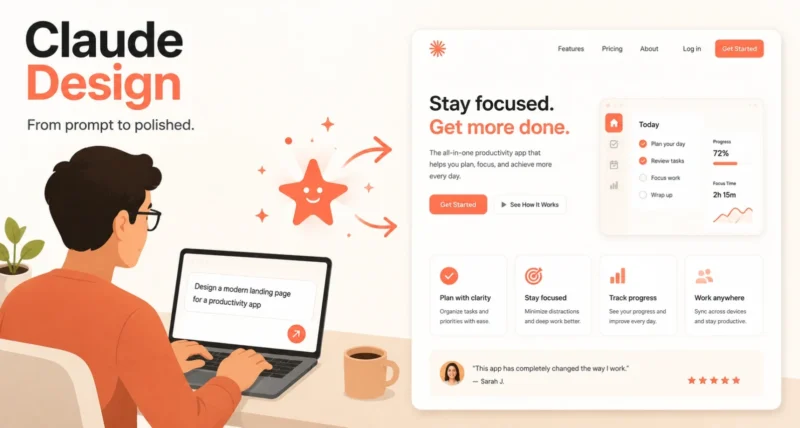
You have a clear idea in your head. A landing page, an app screen, or a pitch deck. The hard part is turning that idea into something you can actually show people. Usually that means hiring a designer, waiting in a queue, or wrestling with design software you barely know.
Claude Design, a new tool from Anthropic, changes that. You describe what you want in plain words, and Claude builds a real, working first version you can see and shape on the spot.
This guide explains how to use Claude Design in simple, clear steps. We will cover what it is, who it helps, exactly how to use it, tips for better results, and the honest limits to know about. No design background needed.
Here is the short version. Claude Design is an AI design workspace. You type what you want, Claude creates a live, editable design, and you refine it by chatting, leaving comments, or dragging sliders. It is built for people without design skills, and it needs a paid Claude plan.
1. What Is Claude Design?
Claude Design is a new product from Anthropic, launched in April 2026 alongside the Claude Opus 4.7 model that powers it. Think of it as giving Claude a visual canvas instead of only a chat box.
You describe what you want, and Claude produces a first version in seconds. The result is not a flat picture. It is a live, clickable design you can test and change right away.
You can use it to create things like:
- Prototypes and app mockups
- Landing pages
- Slides and pitch decks
- One-pagers
- Marketing and social visuals
One feature sets it apart. Claude Design can read your existing website code or your Figma files, learn your colours, fonts, and spacing, then apply that same style to whatever you build, so the results match your brand instead of looking generic. As VentureBeat noted at launch, it is Anthropic’s direct answer to design tools like Figma, v0, and Lovable.
2. Who Is Claude Design For, and How It Helps You
The whole point of Claude Design is to help people who are not designers turn ideas into something visual, fast. Here is how it helps different people.
| You are a… | How Claude Design helps you |
| Founder | Turn a rough outline into an on-brand pitch deck in minutes, with no designer needed |
| Product manager | Sketch feature flows and shareable wireframes before a design review |
| Marketer | Build landing pages, one-pagers, and campaign visuals without a design bottleneck |
| Designer | Explore ten directions in the time it would take to make one by hand |
In short, if you can describe what you want, you can use it. The hard design work happens behind the scenes.
3. What You Need to Get Started
A couple of things to check before you dive in.
- A paid Claude plan. Claude Design is available to Claude Pro, Max, Team, and Enterprise subscribers. It is not on the free plan.
- The Design area in Claude. You will find it inside Claude.ai. On Team and Enterprise plans, an admin may need to switch it on first.
- Patience for a preview. It launched as a research preview, so it is new and still changing. Expect it to improve, and to shift now and then.
4. How to Use Claude Design, Step by Step
Here is the full flow, from idea to finished file.
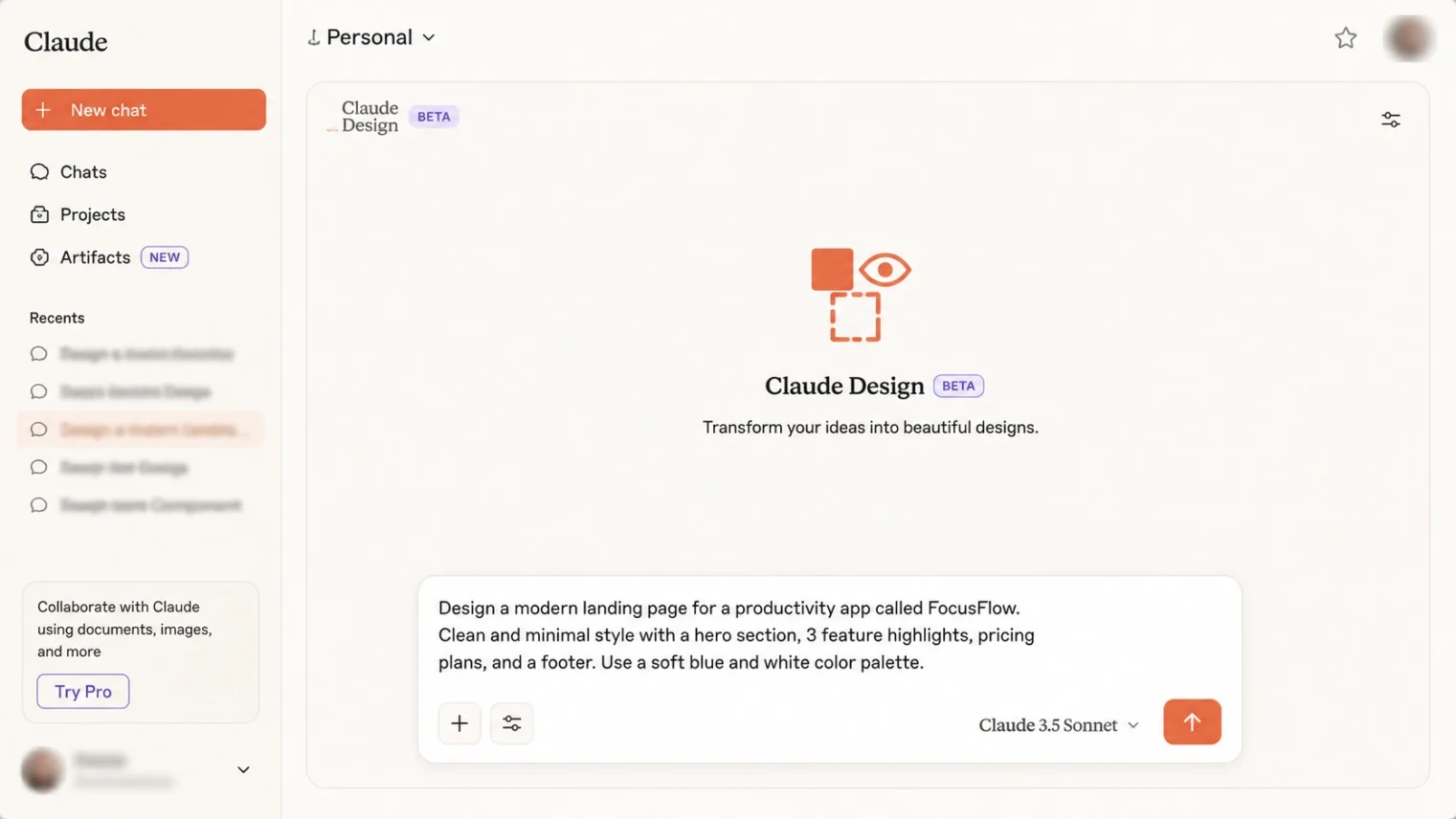
- Open Claude Design and describe your idea. Open Claude Design in Claude.ai, then type what you want in plain language. Be specific. Instead of make a website, try a clean landing page for a meditation app, with calm colours and one signup button.

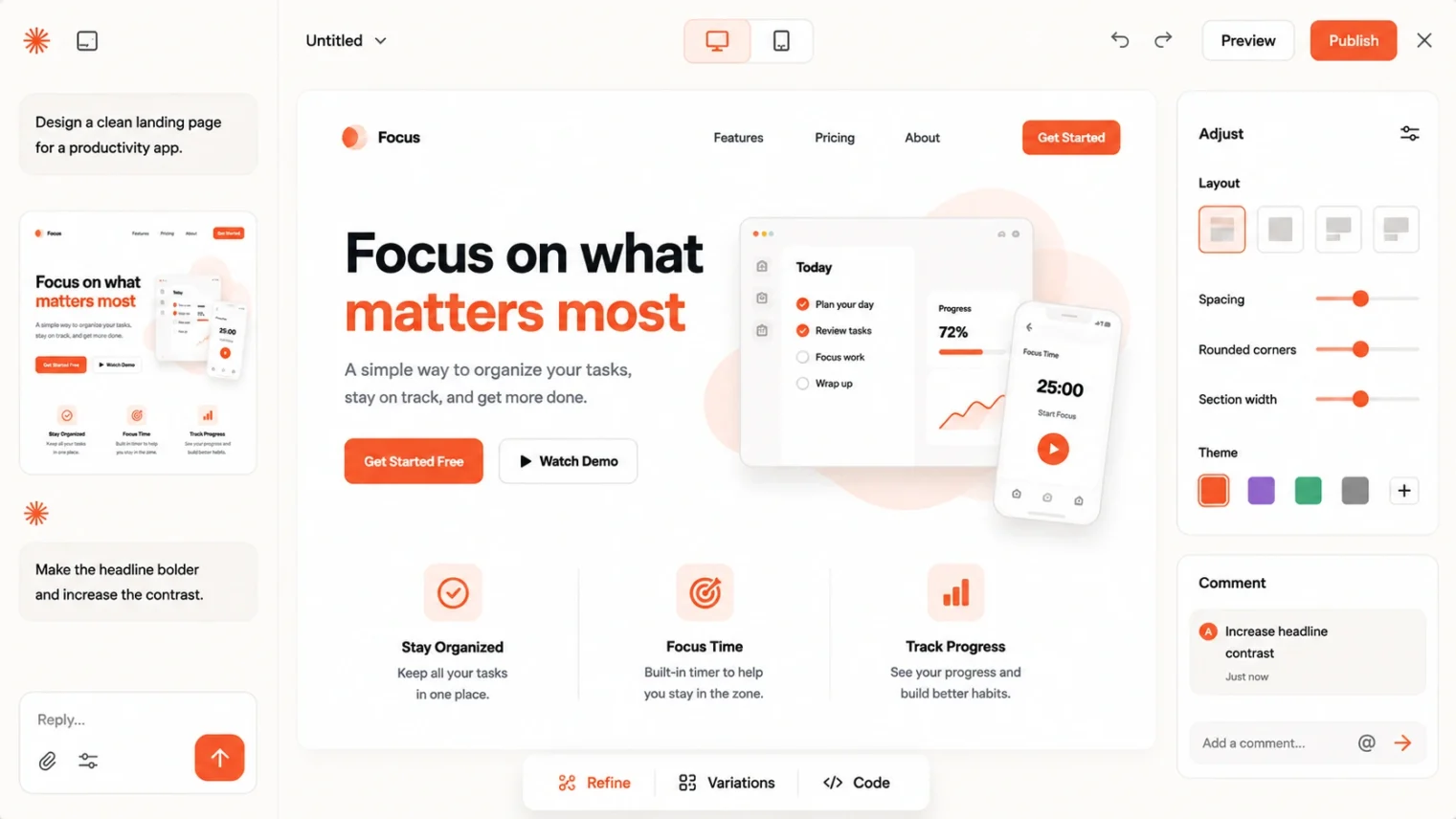
- Review the first version. Claude builds a live, interactive first draft on the canvas in seconds. Click around it like a real page or app to see how it feels.
- Refine it your way. Now shape it. Ask for changes in chat, such as make the header smaller, leave inline comments on a specific part, edit elements directly, or drag the sliders Claude offers to adjust things like spacing and size.
- Match your brand (optional but powerful). To make it look like yours, give Claude your existing website code or a Figma file. It picks up your colours, fonts, and spacing and applies them, so the design fits your brand automatically.
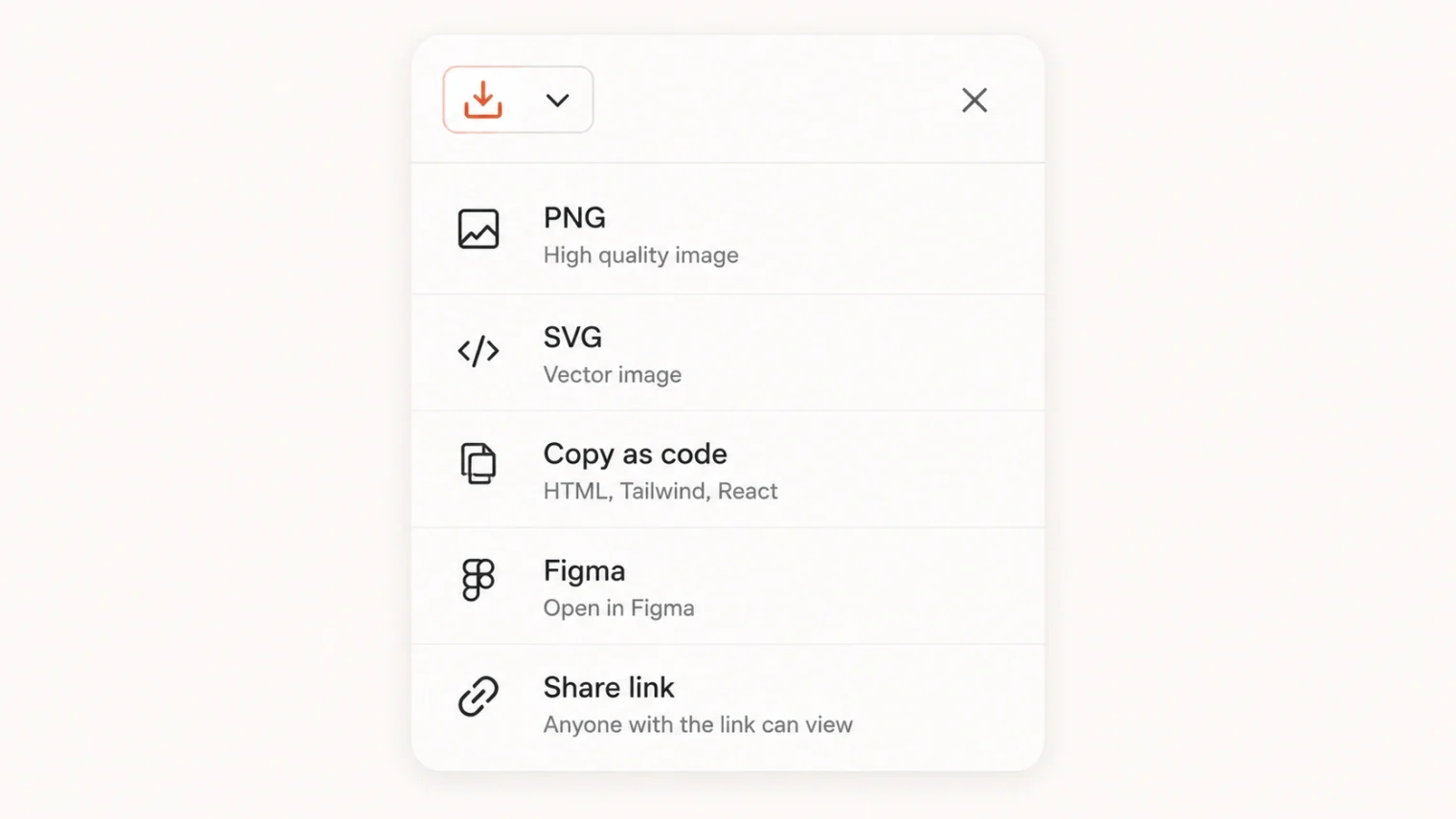
- Export or hand it off. When you are happy, export your work. Claude Design can save to formats like PDF, PowerPoint, and Canva, or bundle the project for a coding tool to turn into a real, shippable product.
If your focus is specifically marketing pages, our guide to designing landing pages with Claude pairs perfectly with this and goes deeper on that one use.
5. Tips for Getting Great Results
A few simple habits make a big difference to what you get back.
- Be specific. Describe the purpose, the mood, the colours, and the key parts you want. Vague prompts get vague results.
- Start simple, then layer. Get the basic layout right first, then refine the details one at a time.
- Feed it your brand early. Give it your site or Figma up front, so everything it makes matches your style from the start.
- Use comments for precise changes. Pointing at the exact element you mean is clearer than describing it in chat.
- Generate a few directions. Ask for two or three versions of a screen and pick the best, rather than perfecting the very first one.
6. What Claude Design Can and Cannot Do Yet
It is genuinely useful, but it is still a research preview, so it helps to know the limits before you rely on it.
- First drafts need a human eye. The first version often looks impressive but can get details wrong, especially with real data, so always review it.
- It is not fully production-ready. Prototypes may need real engineering before they go live, and things like accessibility are still maturing.
- It can change. As a preview, features and even pricing may shift over time.
For turning a finished design into working software, the natural next step is a coding tool. Our Claude Code beginner’s guide covers how that handoff works.
Used with those limits in mind, Claude Design is a fast, friendly way to get from an idea to something real, without opening a single traditional design tool.

